Compare Scheduling Models
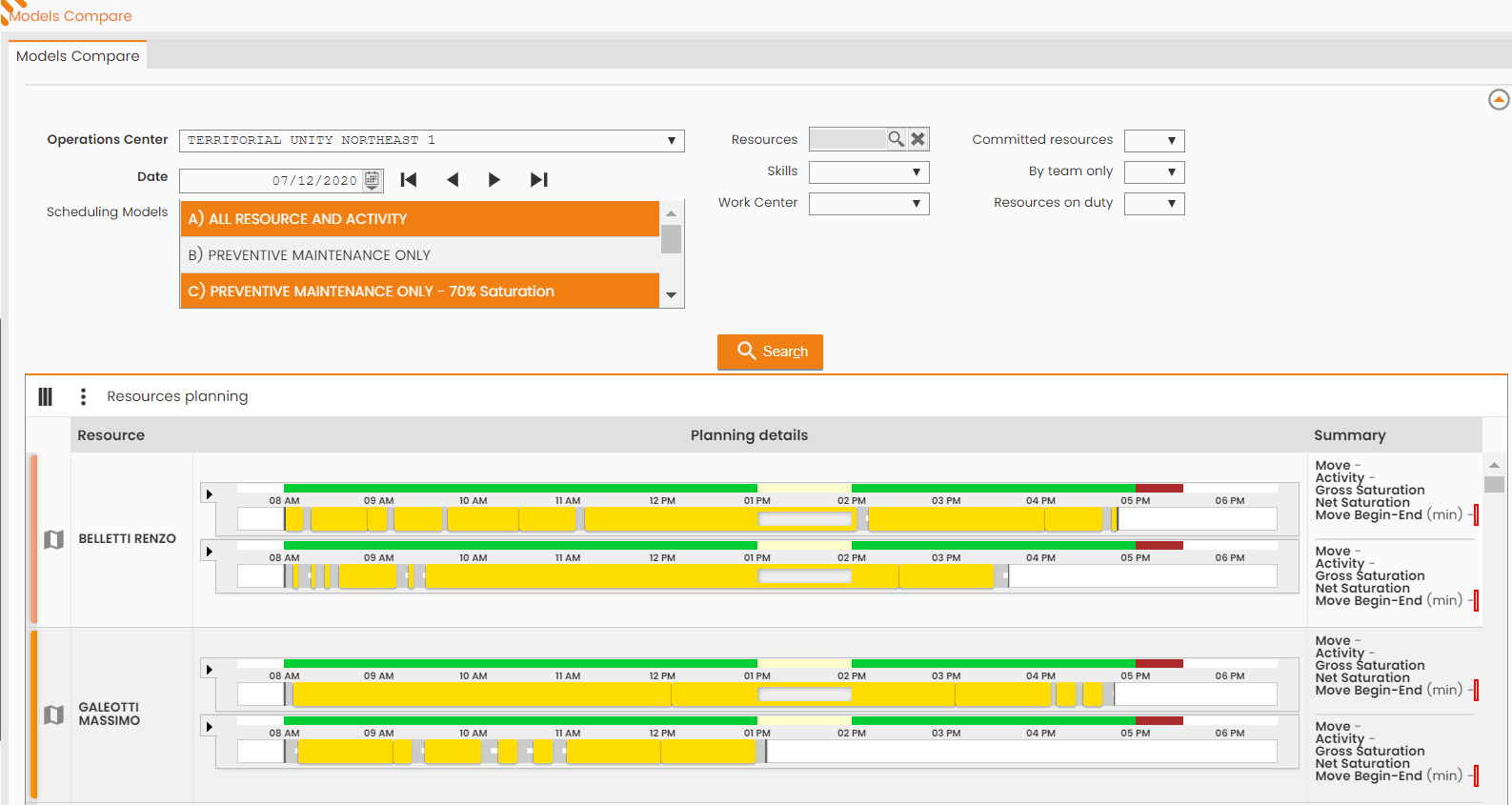
Next-Gen FSM Platform allows to compare two Scheduling Models, relying on the ‘Compare Models’ feature.
MAIN MENU → FEATURES → SCHEDULING OPTIMIZATION → AUTOMATIC SCHEDULING → MODELS COMPARISON
Select the two models to compare, set the date in which they both were processed, set any other filters (resources, skills, work center, engaged resources, etc.), then click the SEARCH button:
|
|
|---|
|
Figure - Scheduling Models Compare |