
Name: ui_tooltoc
Icon:

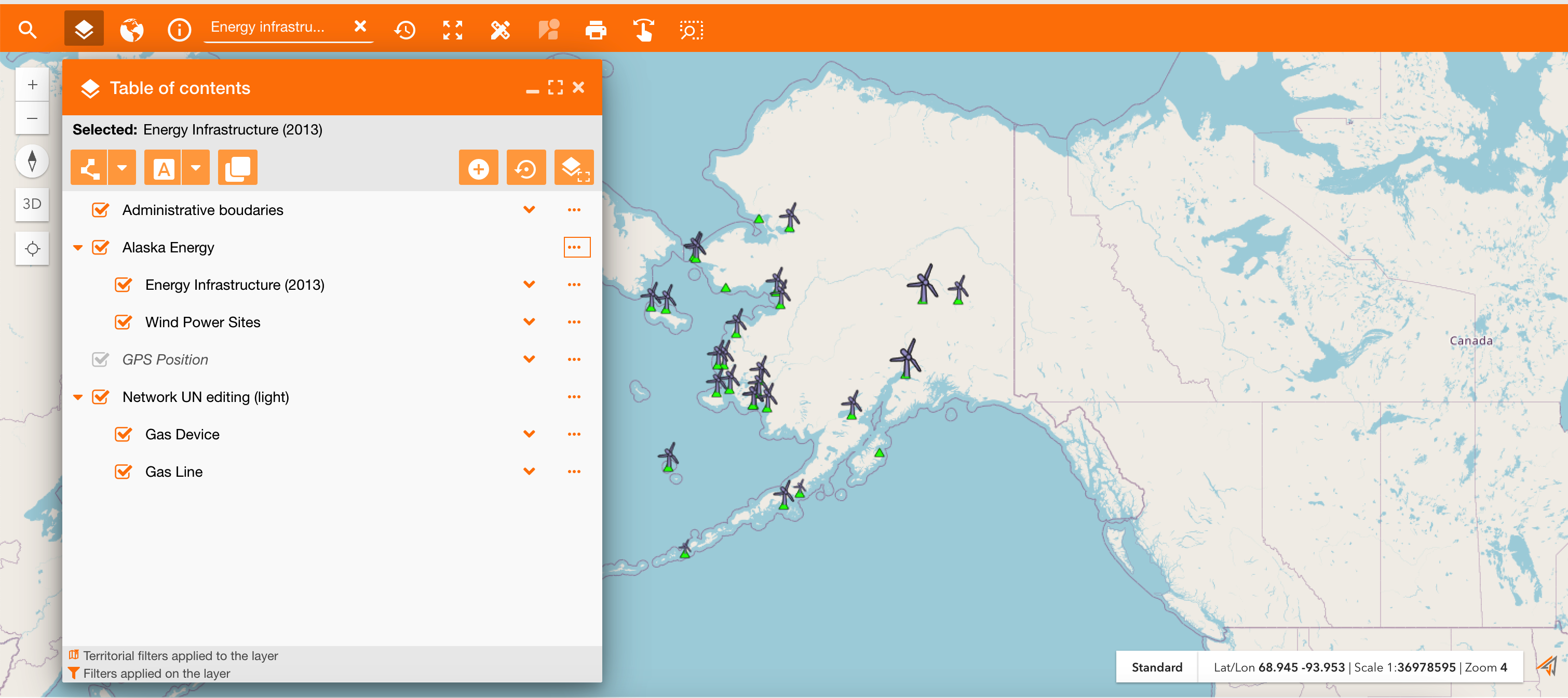
The table of contents (TOC) is like a legend for your map. It's a crucial element that helps you manage and visualize the information layered on the map. On the Table of Contents you can:
-
See List of Layers: It shows every service and layer included in your map, each layer represents a specific category of information.
-
Search data: use different search tools to search all assets contained in an area and their information.
-
Add or remove service: configure map adding or removing a service. (See the reference about how to add a service on a map using the TOC: https://overit-spa.atlassian.net/wiki/spaces/NEXTGENGEO/pages/103375340343/Map+configuration#Associate-services-on-map-using-the-TOC )
|
|---|
|
TOC of release 3.0 |
Versioning: