
Name: ui_notice
Description: It allows to access to notification center
Icon:

To configure notifications, see reference: Message Center
Available in toolbars: navigation
See reference: https://overit-spa.atlassian.net/wiki/spaces/NEXTGENGEO/pages/103375340676/Toolbar+management#Pre-defined-toolbars
Notification center provides several key benefits that enhance user experience and improve workflows and communication.
For example, notifications can alert users to critical events or changes in real-time or they can be used to remind users about upcoming tasks or deadlines related to their projects.
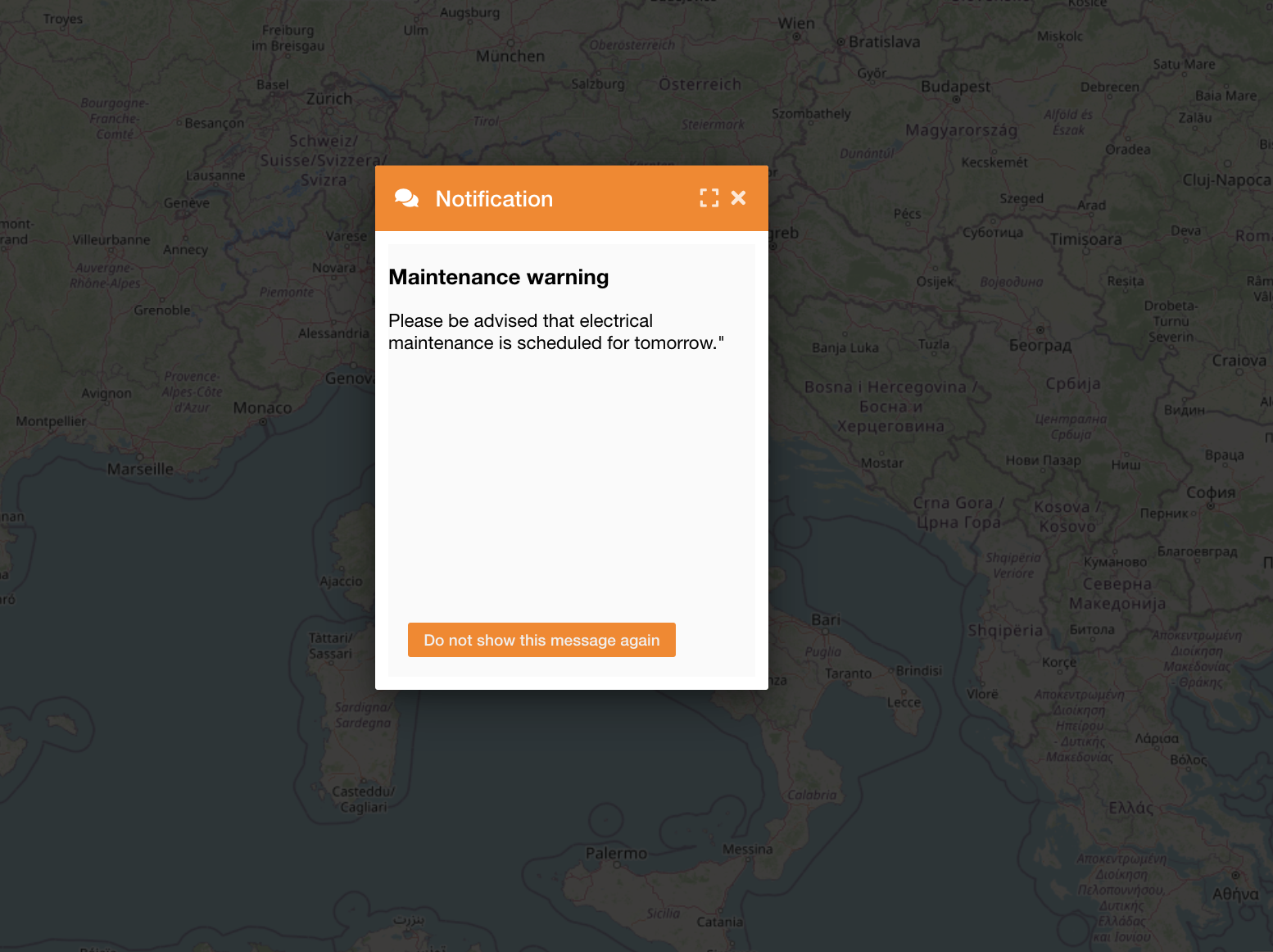
Accessing to the system the first time, if there is a notification, the system will show it overlapping the map (Figure 1 - Show notification):
|
|---|
|
Figure 1 - Show notification |
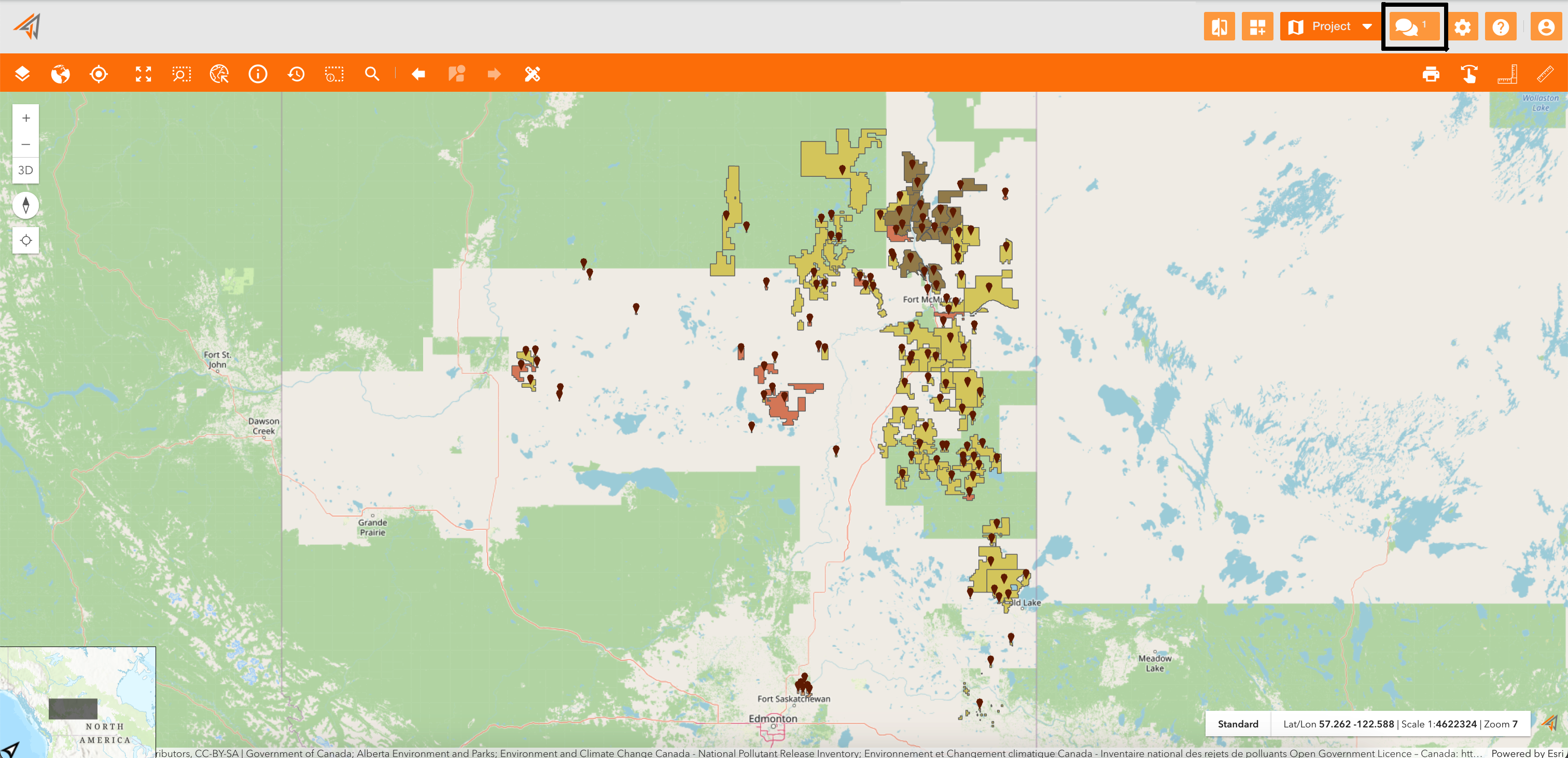
Closing the notification, you can always access to it clicking the related icon on the navigation toolbar (Figure 2 - Access to notification):
|
|---|
|
Figure 2 - Access to notification |
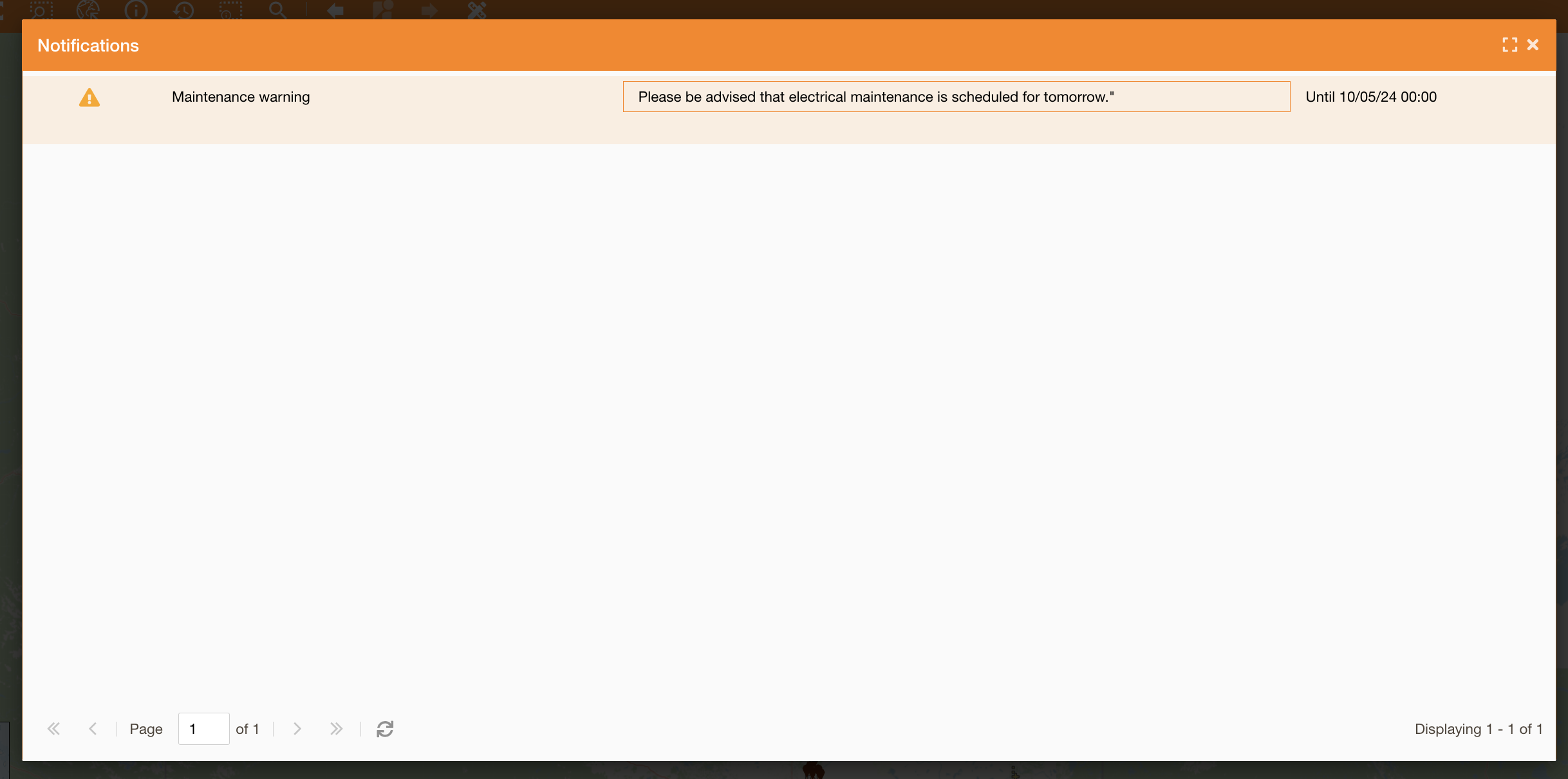
Clicking on it you will see the notification panel with the list of all existing notifications and their expiration (Figure 3 - Notification panel):
|
|---|
|
Figure 3 - Notification panel |