Available in toolbars: maps
See reference: Toolbar management | Pre defined toolbars
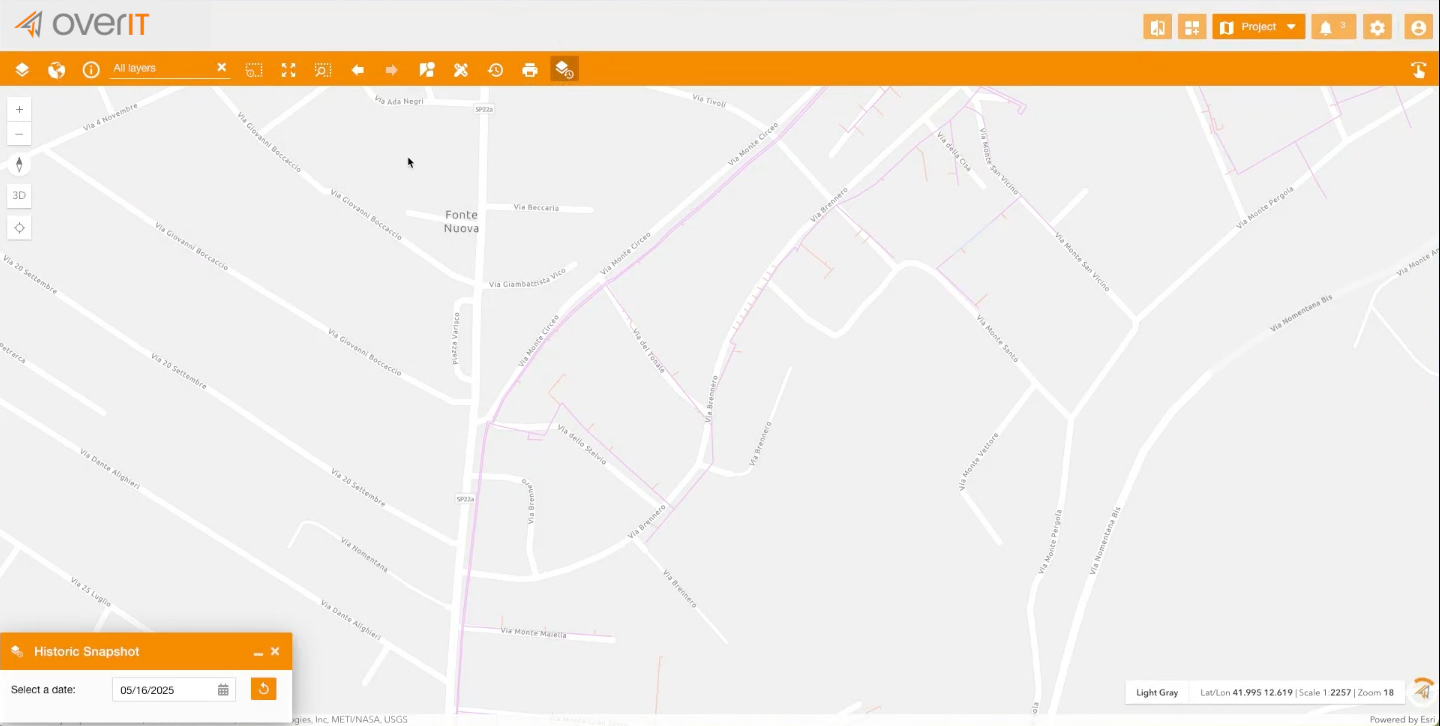
Clicking on the related icon, the user opens the Historic Snapshot panel.
In the panel, the user can choose a date using:
• A calendar picker
• A slider
• Or a pre-configured list of historic moments
Dates in the future are not selectable.
When a date is selected:
• The historicMoment parameter is applied to all services that support it
• The map updates in real time with the corresponding snapshot
• Identify, query, and export operations reflect the selected date
• Editing tools are disabled automatically
Only layers with supportsQueryWithHistoricMoment: true (from the archivingInfo property) will respond to this setting.
For MapImageLayer, historicMoment is passed via customParameters.
⸻
To clear the Historic Moment and return to live data:
• Remove the selected date
• Or close the Historic Snapshot panel