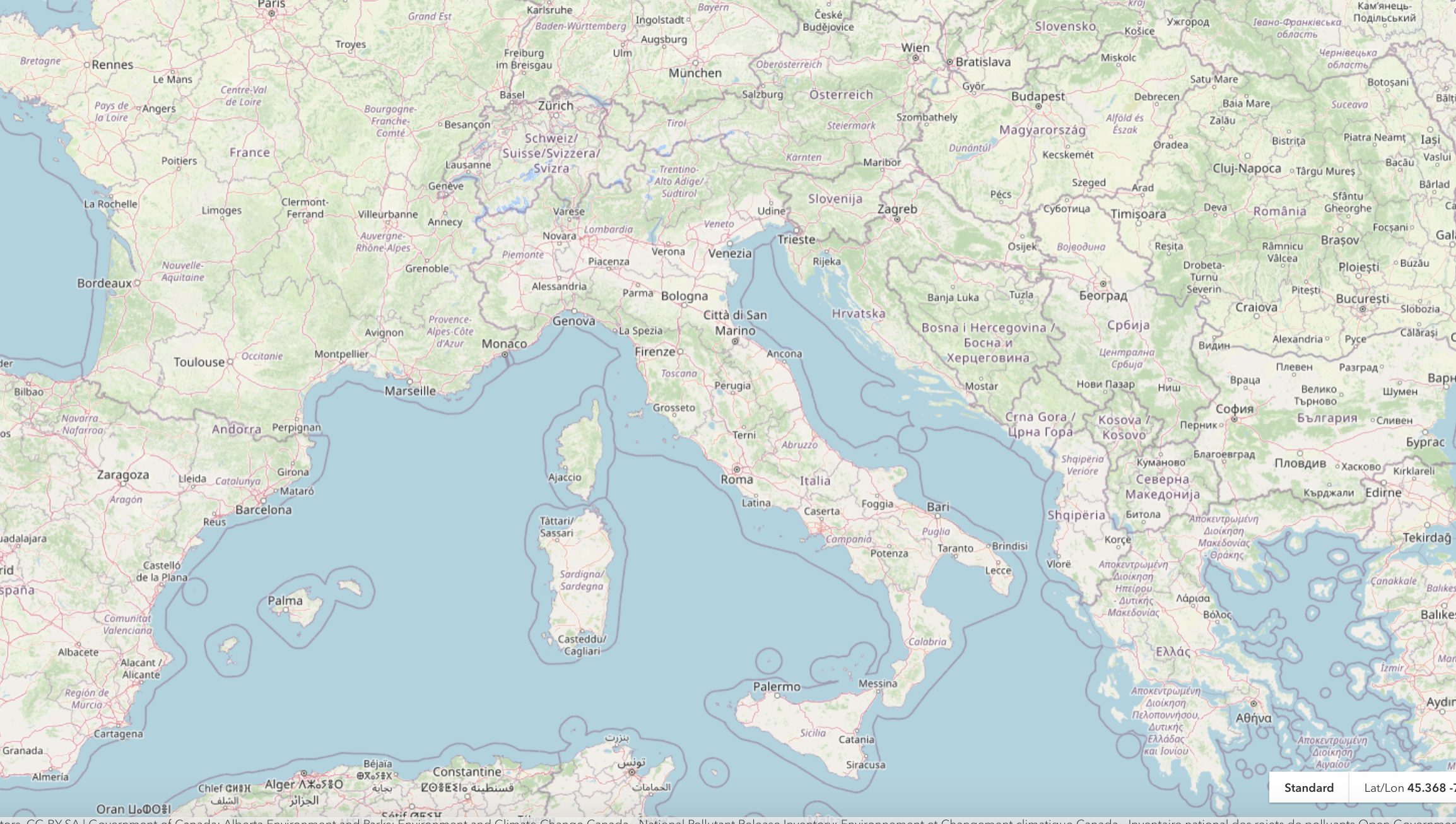
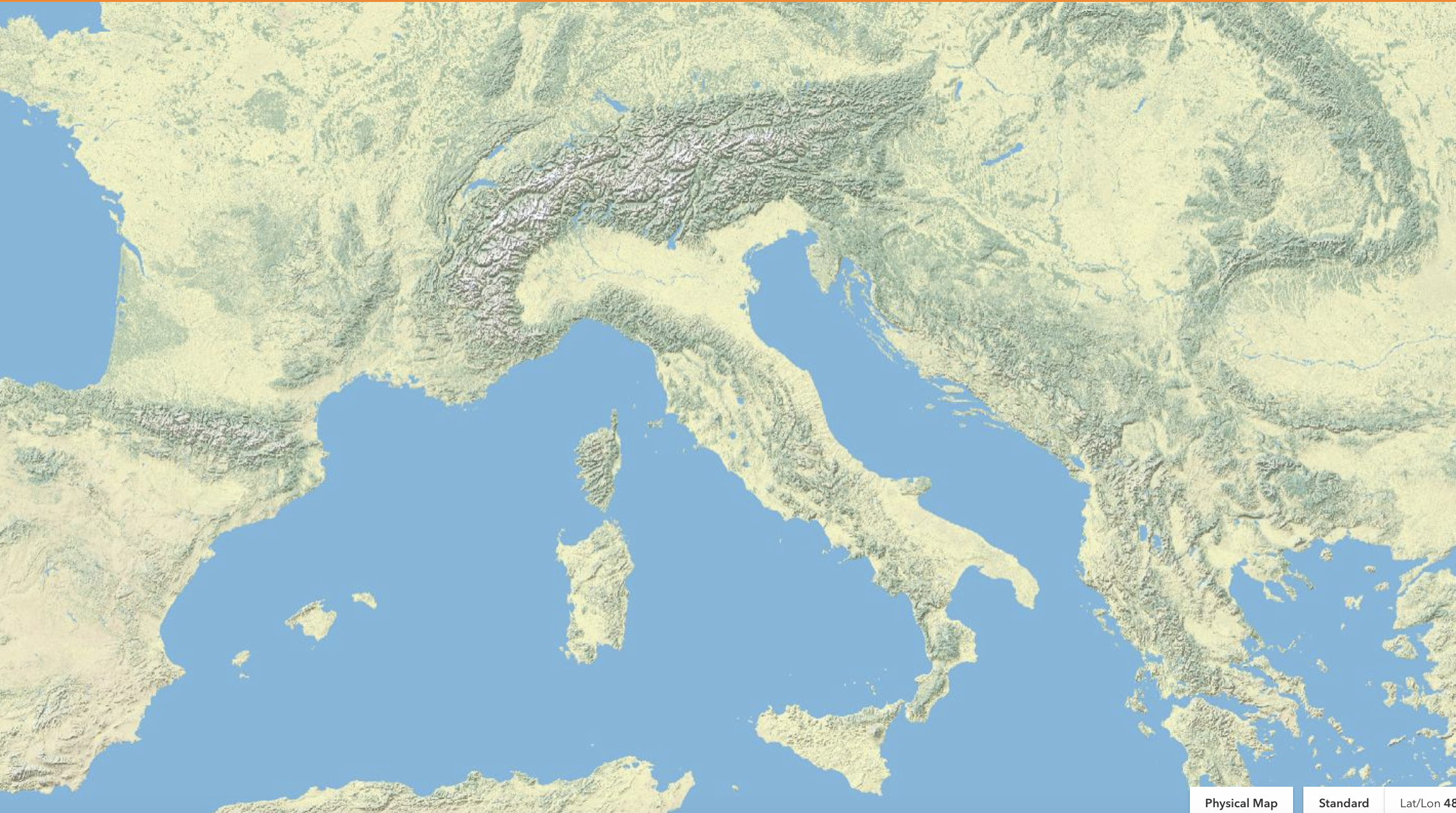
A basemap is the first layer that provides geographic context for your map. It serves as a blank canvas upon which you add your data to create an informative visualization.
For example you need to have a street basemap to focus on networks, including streets, highways, and other infrastructure, and use it for the route planning or to analyze traffic patterns.
How to configure a basemap (for configurator group): Basemap configuration
Name: basemapSwitcher
Icon:

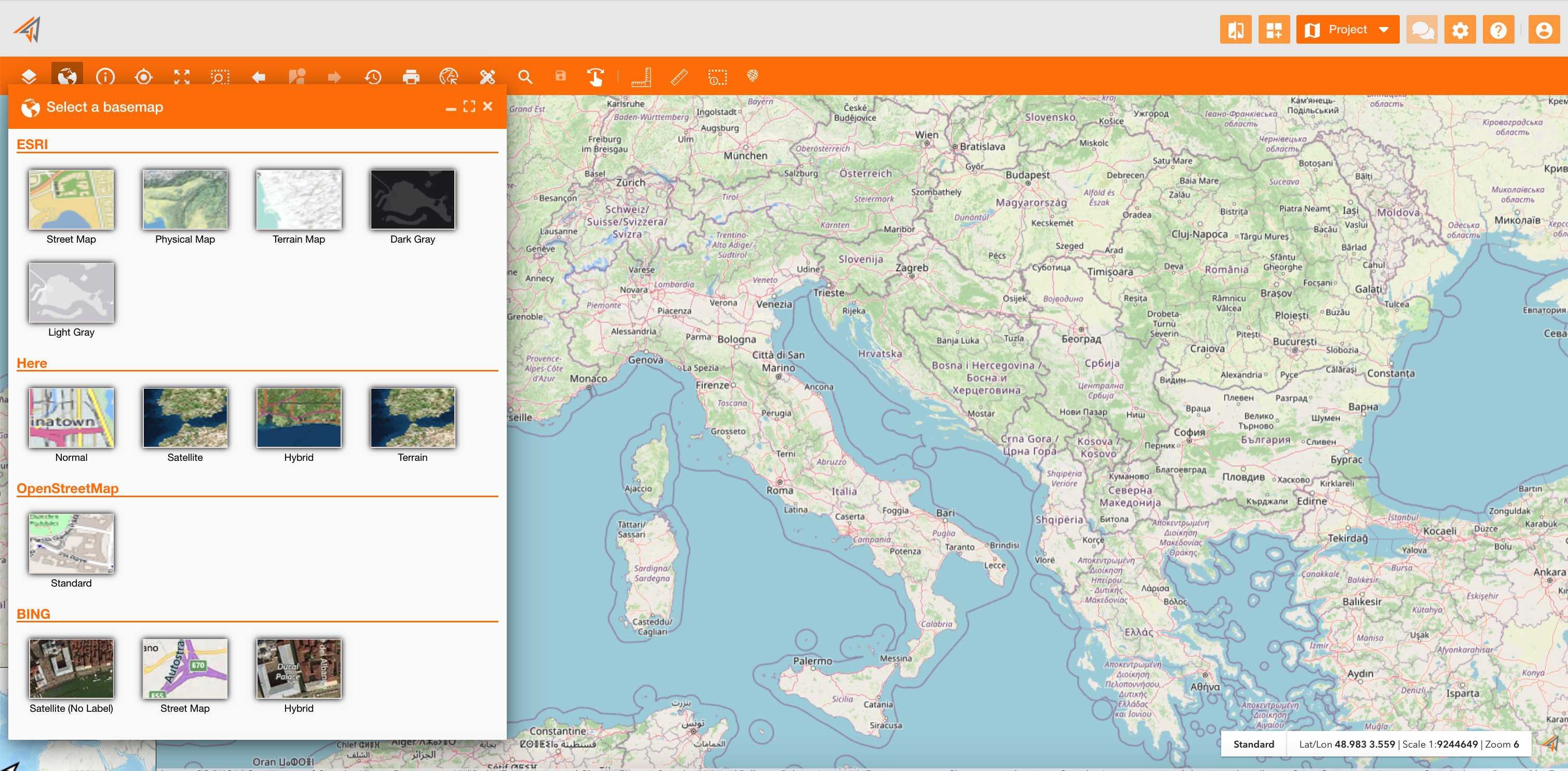
The basemap is a tool of the principal map toolbar. It allows to change the basemap layer on the map
|
|---|
|
Figure 1 - Access to basemap |
Clicking on it, the panel will show different basemap grouped by category:
-
ESRI
-
Here
-
OpenStreetMap
-
BING
Choosing one of them, the geographic context of the map will change.