
Name: ui_account
Description: It allows to access to the account info and change some settings.
Icon:

Available in toolbars: navigation
See reference: https://overit-spa.atlassian.net/wiki/spaces/NEXTGENGEO/pages/103375340676/Toolbar+management#Pre-defined-toolbars
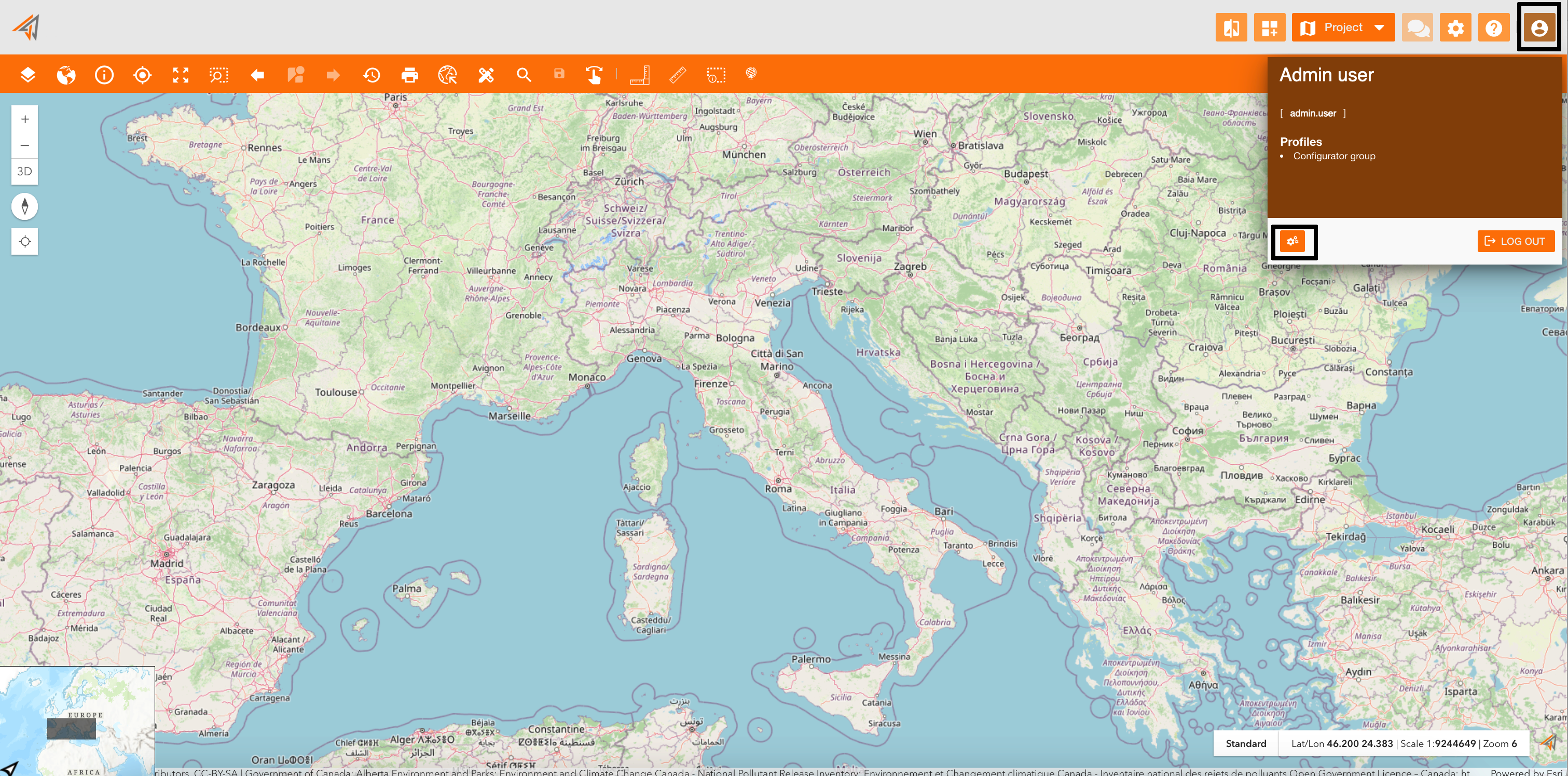
Clicking on the related icon from the navigation bar, a new panel will show some information about the logged user, such as first name, last name, username and its profiles.
To log out from the platform, click the log out button at the bottom-right of the panel.
|
|---|
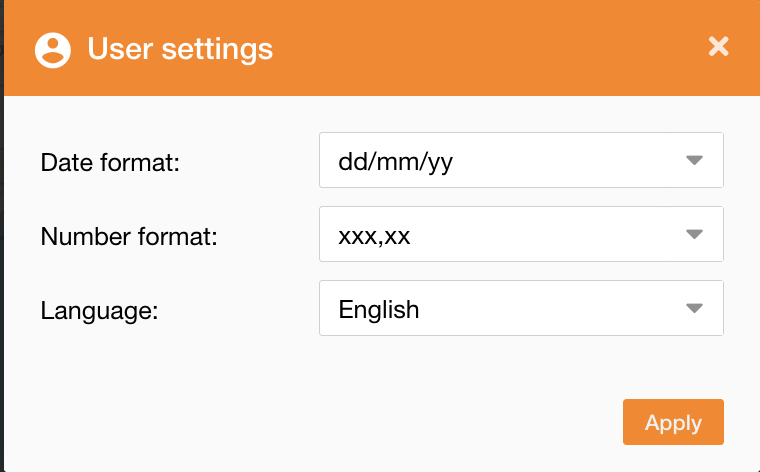
Going on the settings icon, it will be possibile change date and number format.
|
|---|