
Name: ui_completeusermanual
Description: It allows to access to a user manual that explains the core functionalities and how to configure and use the platform.
Icon:

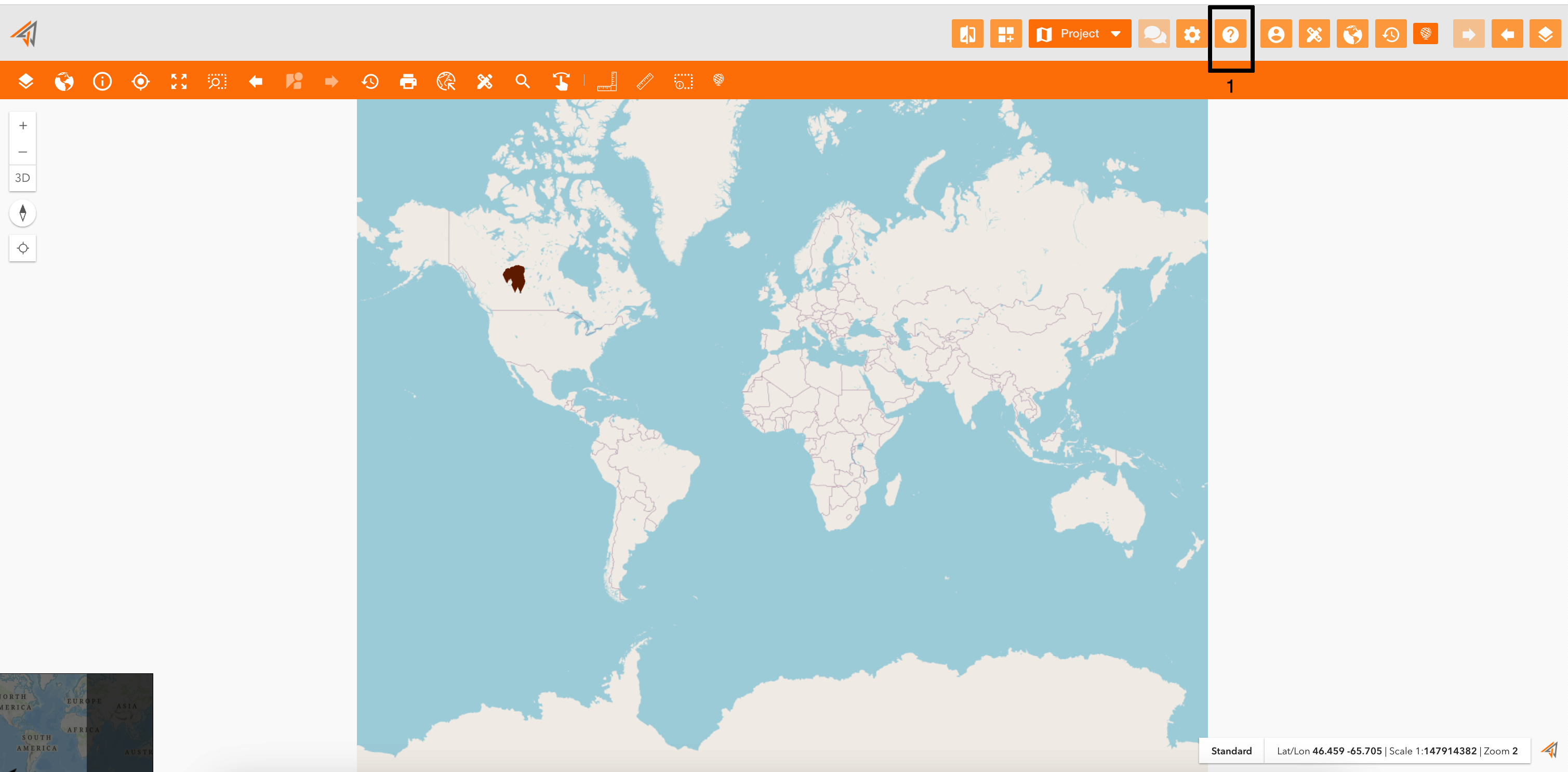
Clicking on the related icon (Figure 1 - Access to User Manual - icon 1), the user manual will be opened showing all existing content.
|
|
|---|
|
Figure 1 - Access to User Manual |
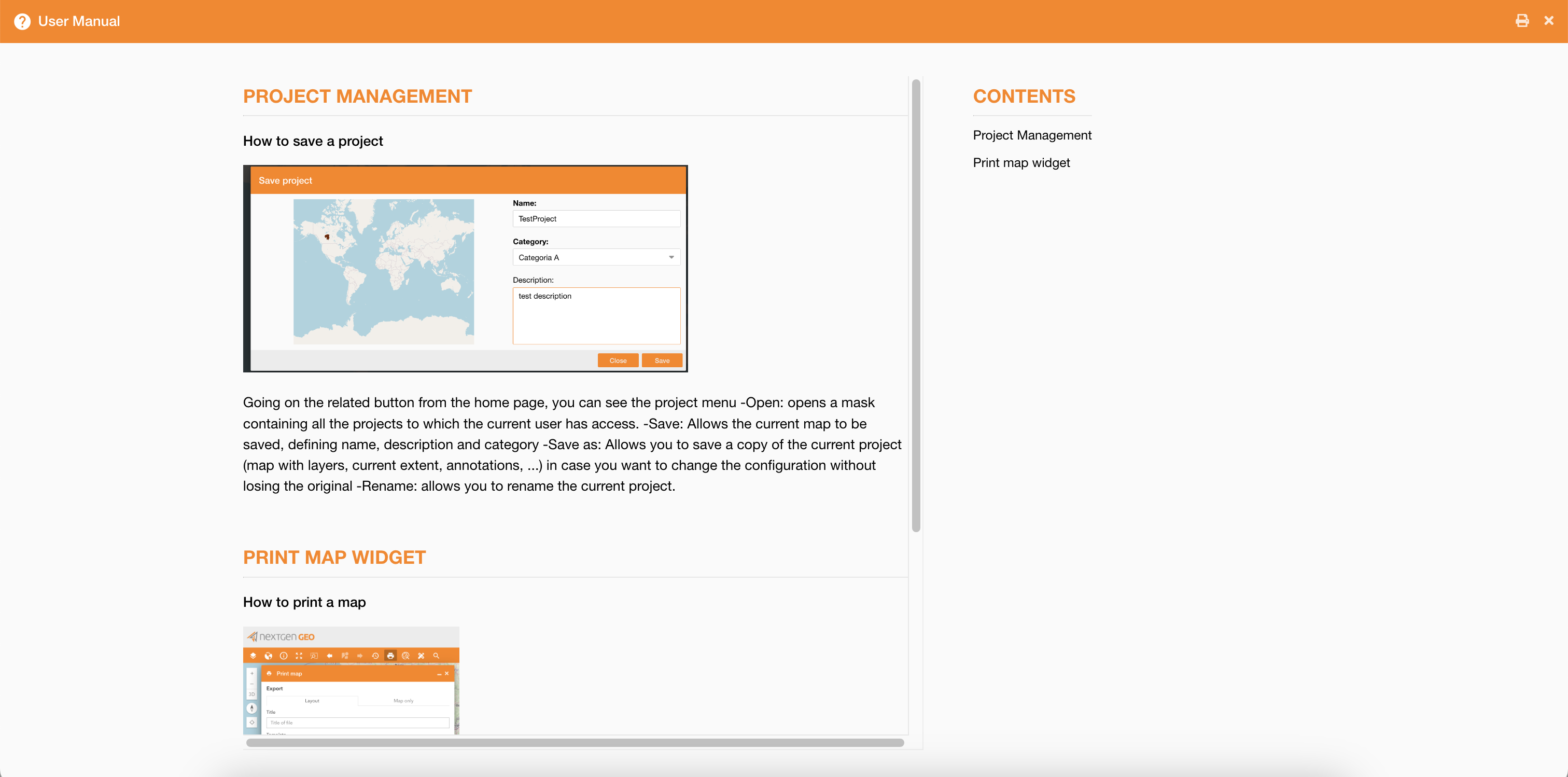
The content is showed as configured by the user using the control panel feature: User Manual .
On the left-section you can read the user manual, and on the right-section you can navigate through the user manual clicking the related links.
On the top-right page of the panel, you can click the print icon to print the user manual.
|
|
|---|