The map interaction widget allows you to interact with the map using a single panel, allowing two measure distance, working on coordinates and zoom levels and add annotations.
Annotations is a powerful feature because it allows to annotate the map in order to:
-
Increased Map Accuracy: Annotations can be used to identify and correct errors in the underlying data.
-
Improved Decision-Making: By providing additional context and insights, annotations can support better decision-making based on the spatial data.
-
Improve collaboration: Annotations enable users to share their observations, interpretations, and insights directly on the map.
-
Enhanced Map Presentation and Storytelling: By using text and symbols, users can communicate complex information in a clear and engaging way.
-
Customizing the Map View: Annotations allow users to personalize their map experience by highlighting specific features or areas of interest. This can be particularly useful for field workers or anyone who needs to focus on a particular aspect of the data.
The Map interaction widget provides ways to:
Name: interactionMap
Icon:

Available in toolbars: map, navigation
See reference: https://overit-spa.atlassian.net/wiki/spaces/NEXTGENGEO/pages/103375340676/Toolbar+management#Pre-defined-toolbars
Measure the map
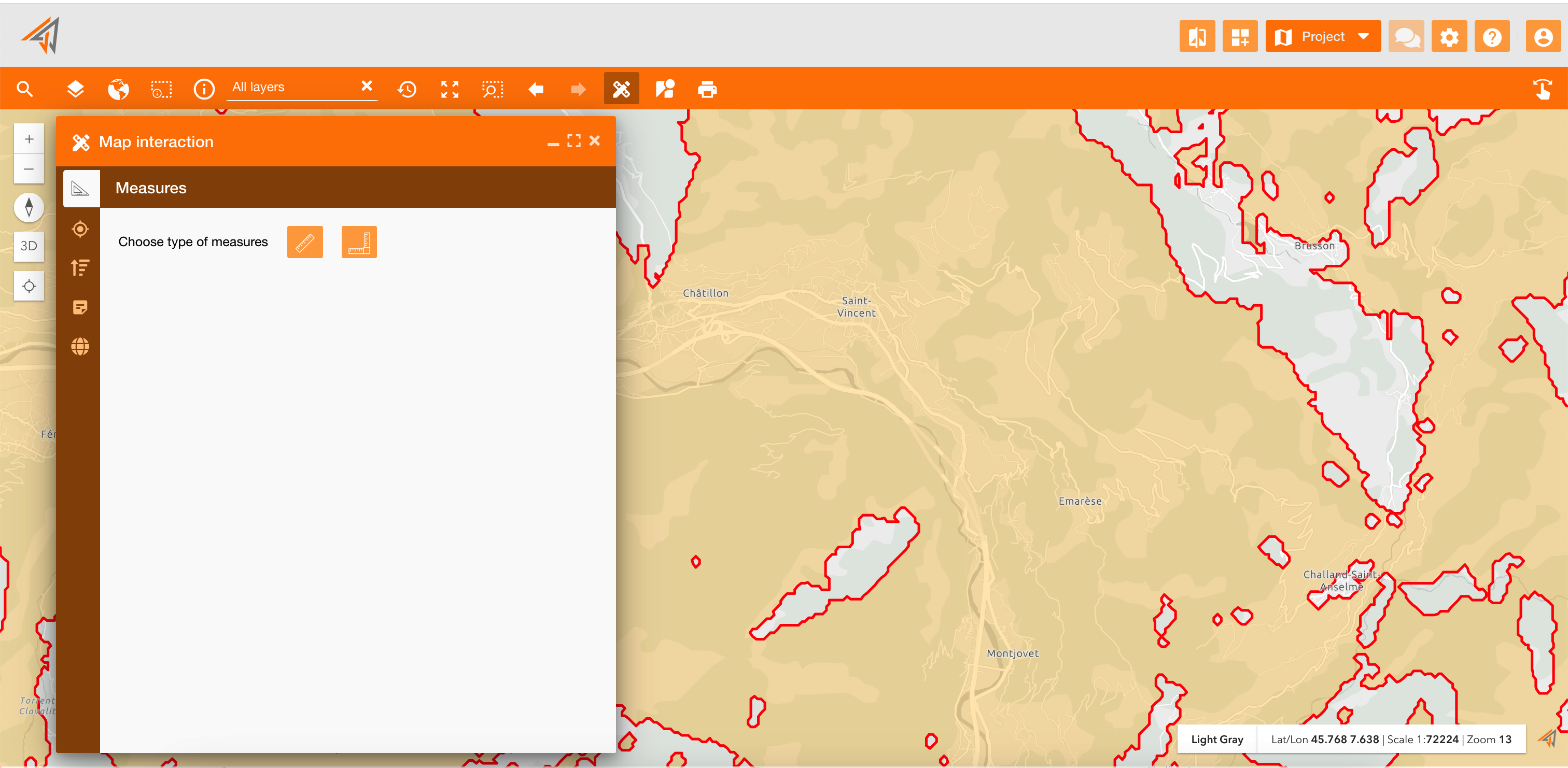
The Measures section allow to measure distances, areas and perimeters directly clicking two ore more points on the map.
These widgets are also available individually, but here you can use them on a single panel.
See reference: Measurement tools
|
|
|---|
Coordinate detection
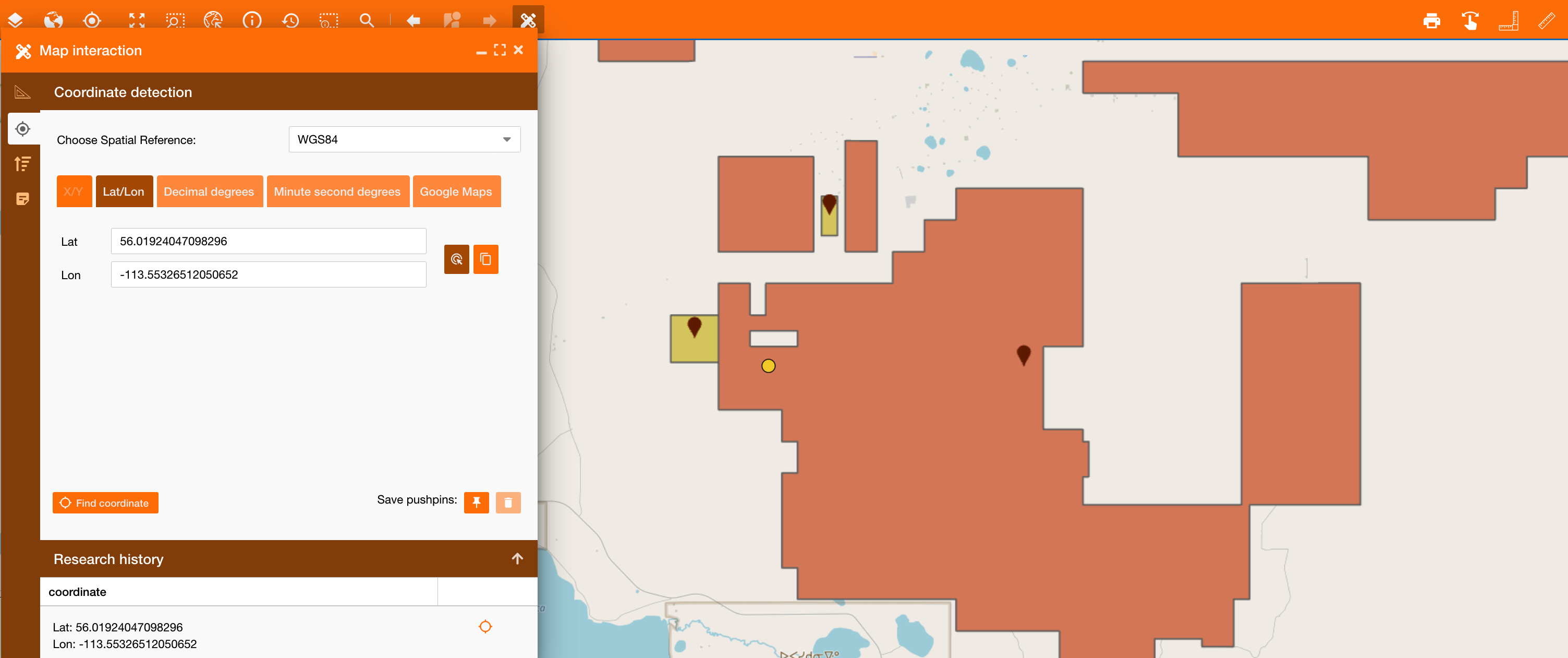
The Coordinate detection section allow to retrieve coordinate of a point using different spatial references and formats.
It is available individually, but also here you can use it.
See reference: Find coordinate
|
|
|---|
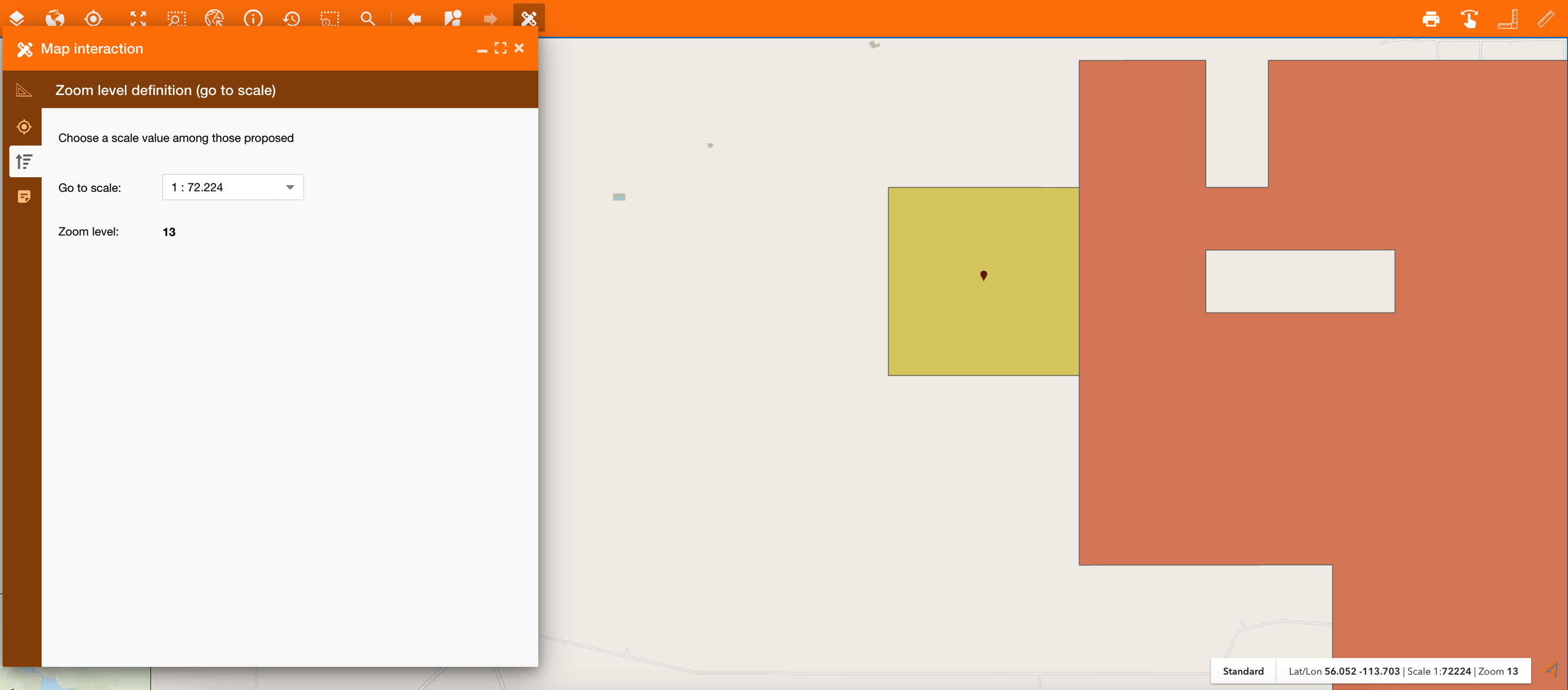
Zoom level definition
The Zoom level definition section allows to change the scale on the map, and so automatically the zoom level.
|
|---|
Annotations
See reference here:Real-time Annotations
Spatial Reference System
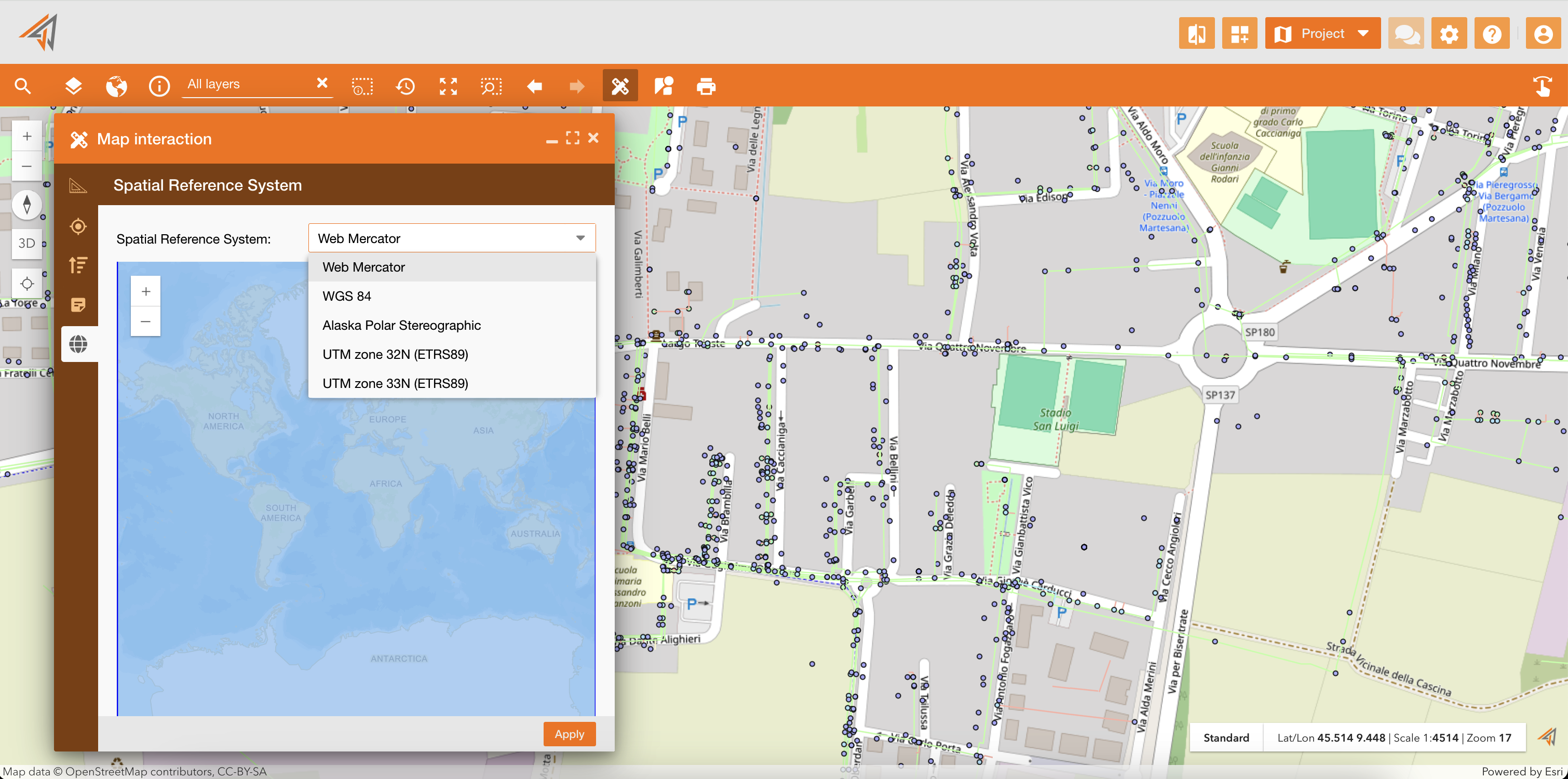
The update of a Spatial Reference System is used to enhance the configurability and flexibility of the NextGen Geo application by providing a separate management system for spatial references, ensuring only the desired spatial references are available in the switch widget, and allowing default basemaps to be set for each spatial reference.
|
|
|---|
In the image below you can see an example: