
Available in toolbars: navigation
See reference: https://overit-spa.atlassian.net/wiki/spaces/NEXTGENGEO/pages/103375340676/Toolbar+management#Pre-defined-toolbars
Name: ui_document
Description: Allow to manage the knowledge repository of the existing DocShare platform to enable seamless uploading and downloading of attachments directly from GIS objects, services, modules, and maps.
Icon:

DocShare is a centralized document management system and can be managed in NextGen Geo, allowing users to attach, view, and manage documents within the GIS environment without leaving the platform. This integration will improve user experience, streamline workflows, and unify the document handling process across NextGen Geo and FSM.
The integration must support uploading new documents, downloading existing ones, and associating attachments with GIS objects and spatial data.
|
|---|
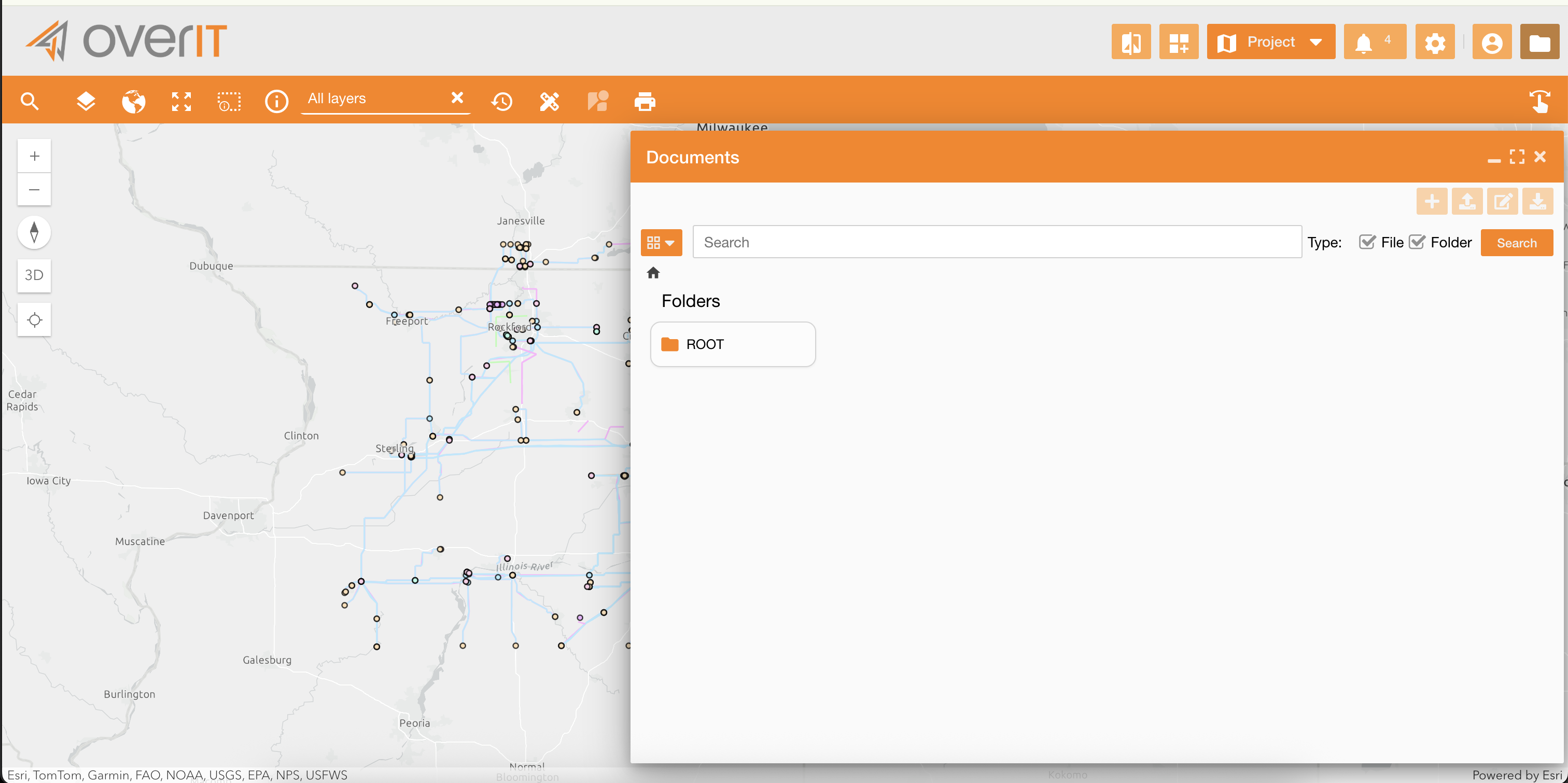
Clicking the folder icon, a new panel will allow to navigate the knowledge repository.
You can:
|
Action |
Description |
|---|---|

|
Create new folder |

|
Upload a file |

|
Rename an existing file/folder |

|
Download a file |

|
Search in the repository filtering by files or folders |
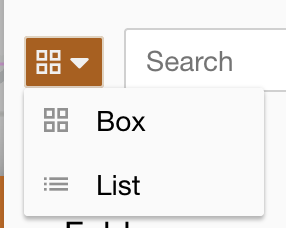
|
Change the view mode |
To establish a stable and maintainable connection to the Documents Platform API:
-
a new environment variable (e.g.,
DOCUMENTS_API_BASE_URL) is added to the NextGen Geo configuration. -
a new, reusable service is created to encapsulate all interactions with the Documents Platform API. The service includes functions to perform the following actions:
-
Fetches the contents of a specific folder.
-
Searches for a document
-
Retrieves a file for reading/downloading.
-
Prepares for a file upload.
-
These utility functions correctly handle authentication and basic API error responses.
Related tasks: