Overview
A technical object type (also referred to as facility type) defines the category of the technical asset or location where the work will take place.
You must define a technical object type before you can use it as a component when creating a new Work Order Type.
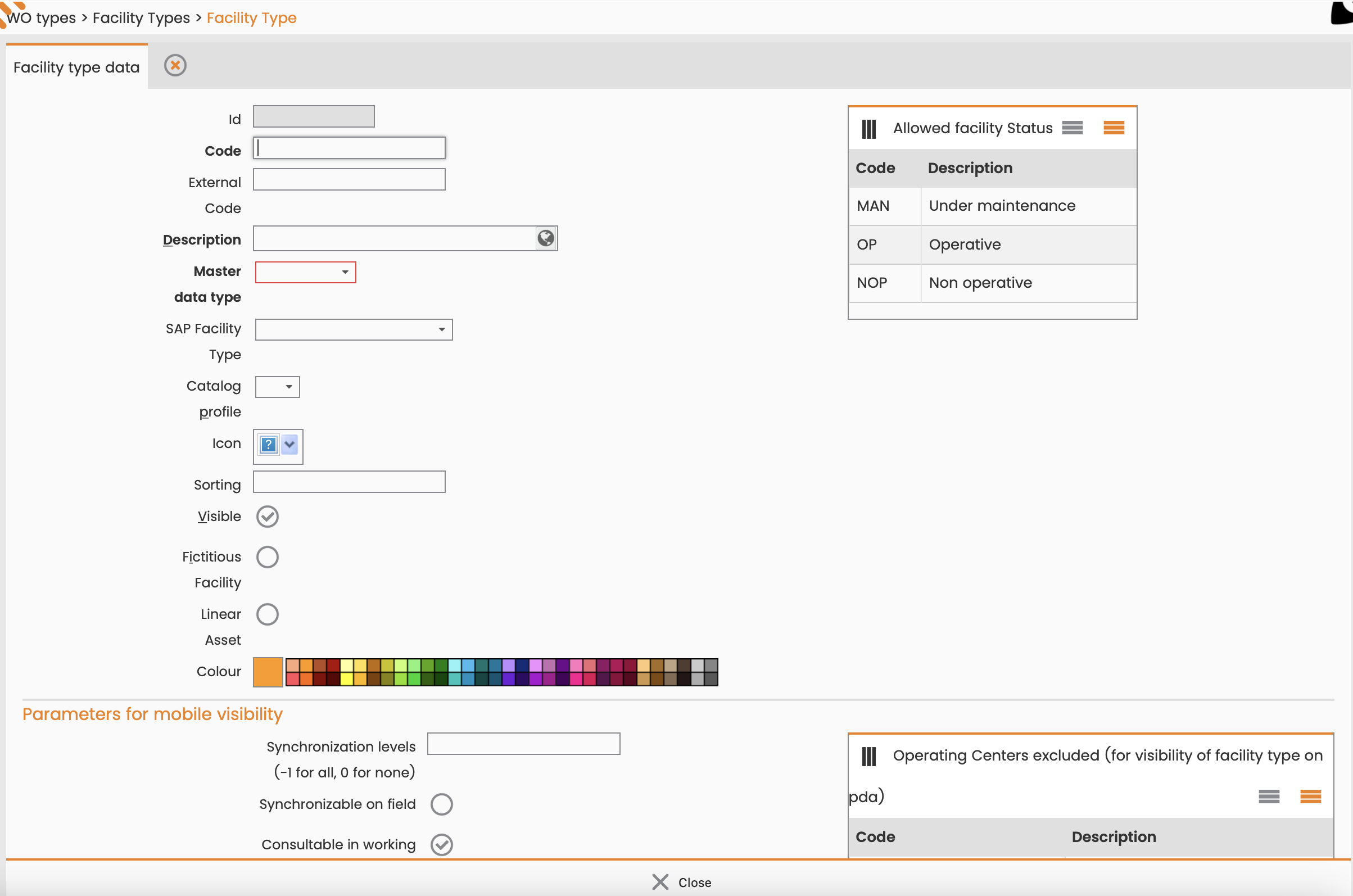
Create a Technical Object Type
To create a request type, follow these steps:
-
Navigate to Configuration > Core > Work Order Management > WO Types.
-
Select Technical Object type.
-
Select New.
-
Enter a Code and Description.
-
Select a Master data type.
-
Select Insert.