
Using 3D Maps, the annotation feature is available in read-only mode.
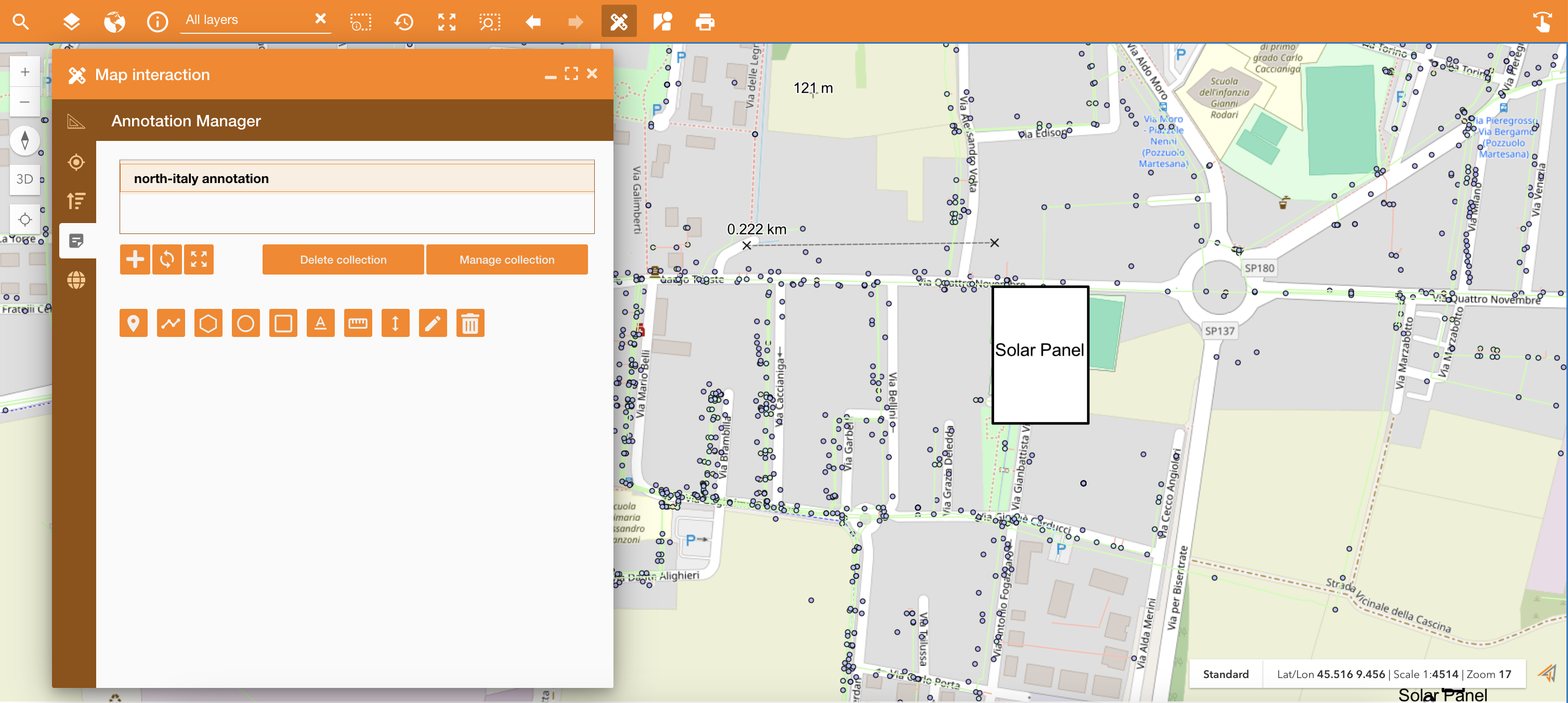
Accessing on the Annotations tab of the Map Interaction widget, it’s possible to create and share annotation collection. The purpose of this feature is to enable users to collaborate on Annotation collections efficiently. By allowing users to share collections with specific permissions, the system can facilitate teamwork without compromising data integrity or control.
|
|
|---|
In the Map Interaction panel you can:
-
Create new collection: a collection is a set of annotation
-
Refresh collection: in order to see real-time update. The real time update is automatic each 30 seconds.
-
Zoom to extent: zoom the map on the annotation collection
-
Delete collection: delete selected collection
-
Manage collection: used to change the collection’s name and to share the collection with other colleagues in read or write access
Annotations are updated in real-time mode:
-
Notification:
-
Logged-in users will receive notifications for every new collection shared with them.
-
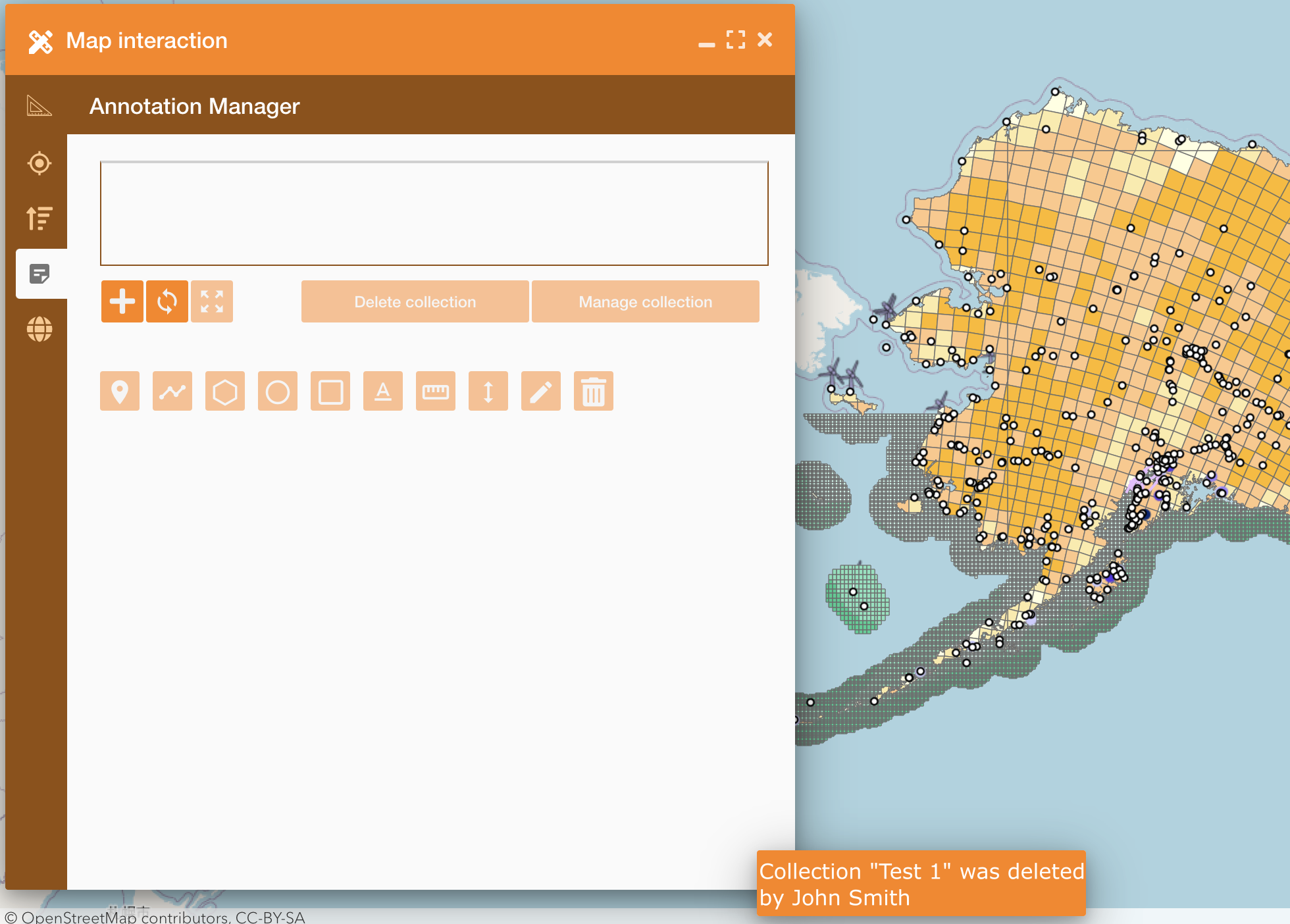
Users will also be notified if a collection shared with them is deleted.
-
-
Trigger:
-
Whenever an annotation shared by the current user undergoes modifications by another user, the annotation layer is entirely refreshed.
-
-
Redraw:
-
For a simplified redraw, clear the layer and recreate the features in the response from the beginning. Avoid displaying any masks.
-
In the image below you can see an example of a notification after a delete
|
|---|
The Annotation editor allows to:
-

Insert labels: add pushpins on the map
-

Draw a line: draw a line on the map
-

Draw a polygon: draw polygons, circles or rectangules
-

Insert annotation: write an annotation on the map
-

Measure distance: measure distance between more points
-

Altitude: Look for a point to detect the elevation
-

Delete: delete a geometry or an annotation on the map