
Opening the TOC, you can use the editor widget on all feature services and feature layers, clicking on the contextual menu (three dots button) and then on Editing
Clicking on it, the widget is opened and the user can start to use it.
Working with versioning
The editing widget allows to see existing versions, create a new one and edit not only data on the map but also on the service’s fields. All features are described in the table below:
|
|
|
|---|---|
|
|
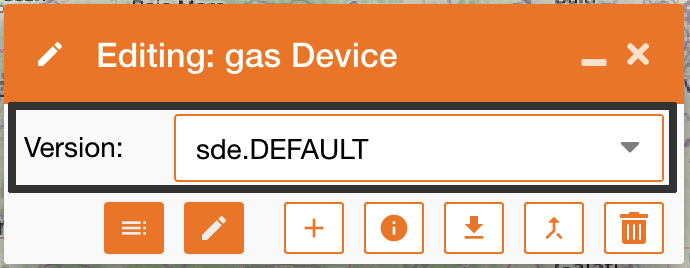
To see all existing versions, you can use the dropdown menu “Version” and choose the version you need. After the selection, the map will be updated with the selected version. |
|
|
To create a new editing version. you can click the “+” icon and a new version will be created starting from the default one. A new version is defined by Name, Description and access:
|
|
|
Info: see the info of the selected version |
|
|
Edit: edit the selected version |
|
|
Update attribute table: Clicking on this icon the attribute table will be opened and the user can updates service’s fields. [Note: This features does not require dedicated ESRI license, but only editing license, as for all editing’s features ] To configure which service’s fields are editable in this panel, use the control panel feature Editing settings |
|
|
Delete: delete the selected version |
|
|
Reconcile updates on default version to your version |
|
|
Post your updates on default version |
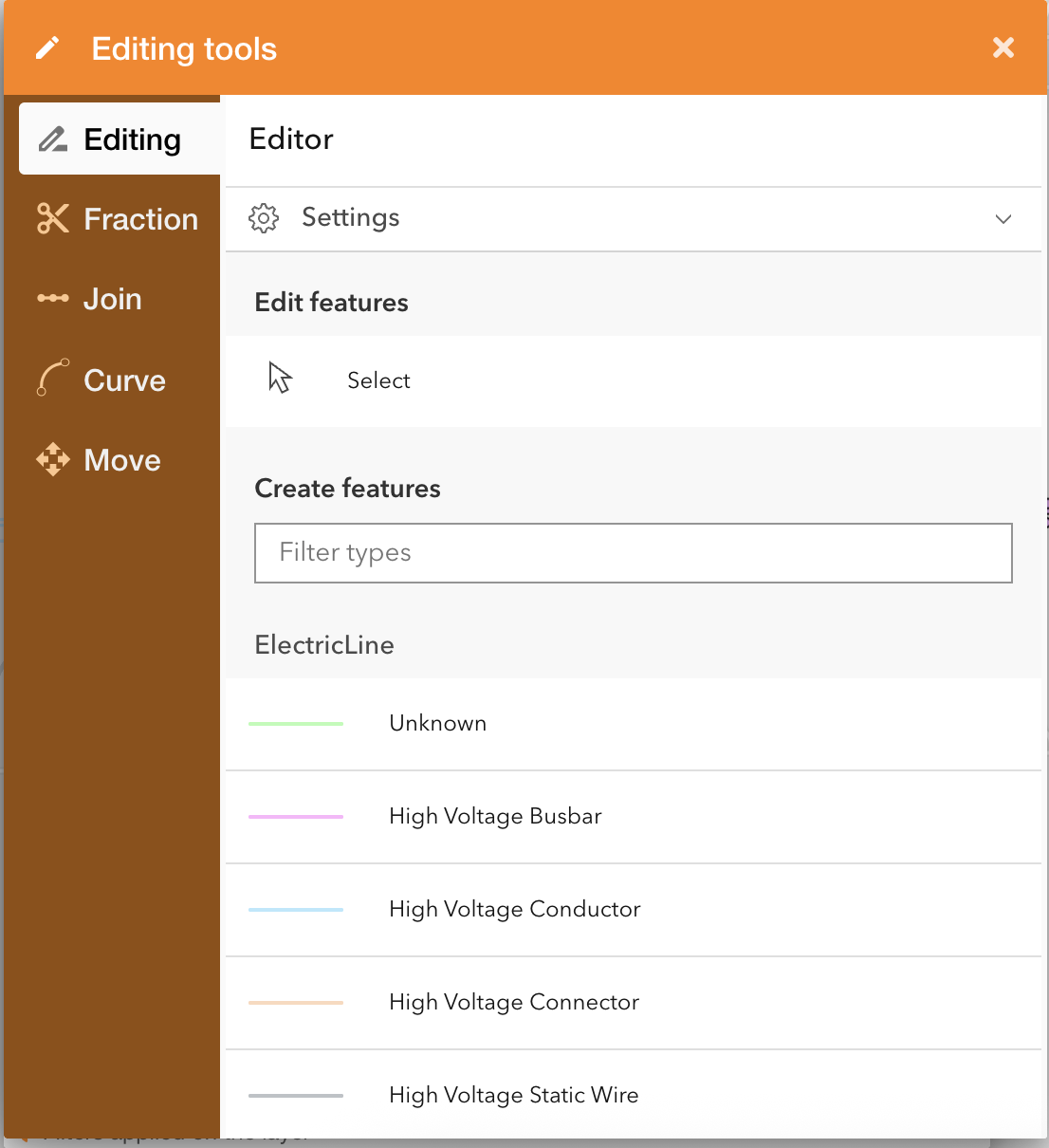
Working with editing
|
The Editor panel allows to:
|
Operation |
Description |
|---|---|
|
Editing 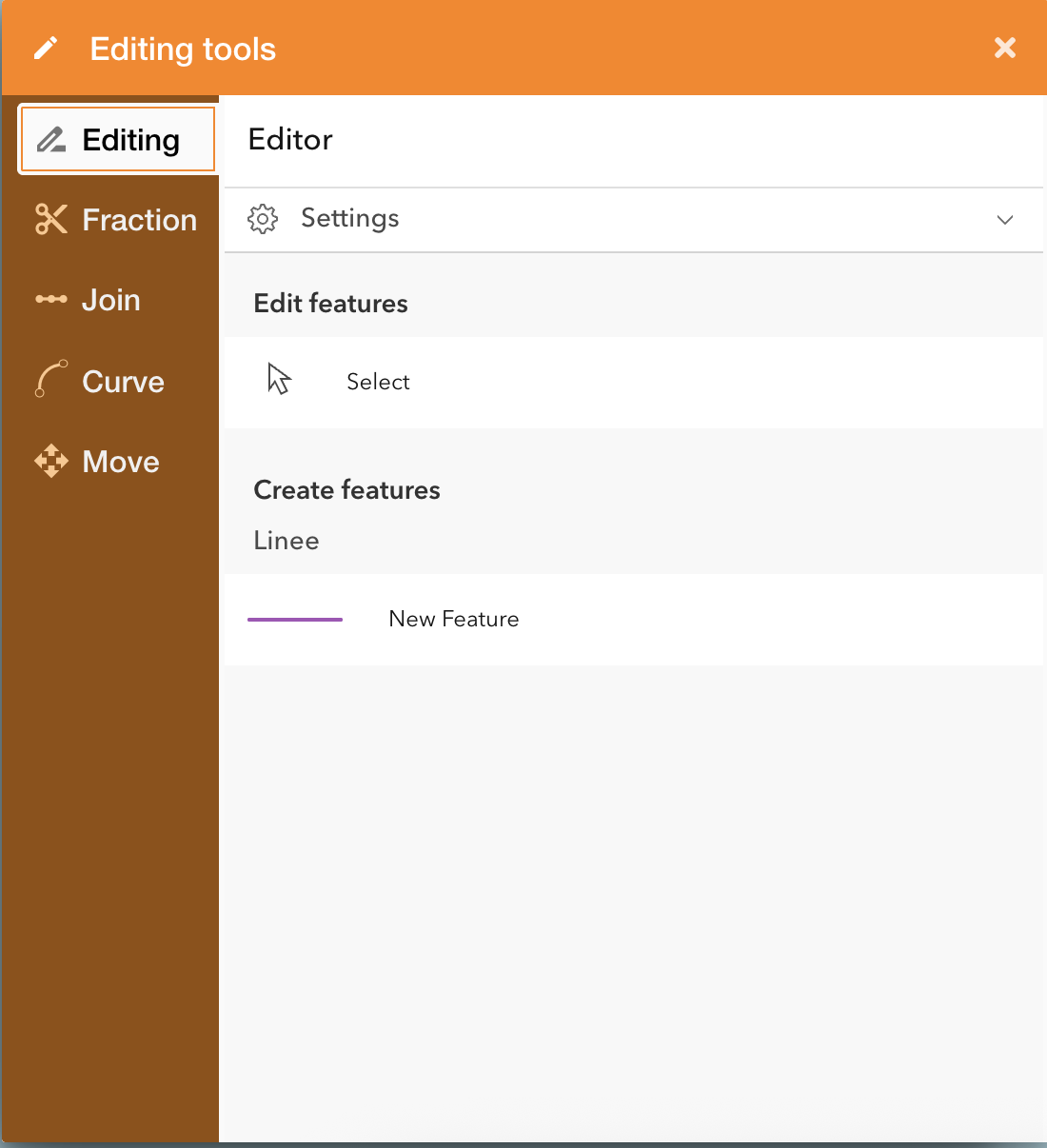
|
Edit each services' layer.
|
|
Fraction |
The splitting of Editing is a feature that works only on linear assets and allow to split a line on a map, choosing the proportion. |
|
Join |
The Join tool of Editing is a feature that works only on linear assets and allow to join two linear geometries on a map, choosing two features with the same attributes. User can select an attribute that represents the length of the line: if specified , the total length of the joined object will be the sum of the two merged features. |
|
Curve 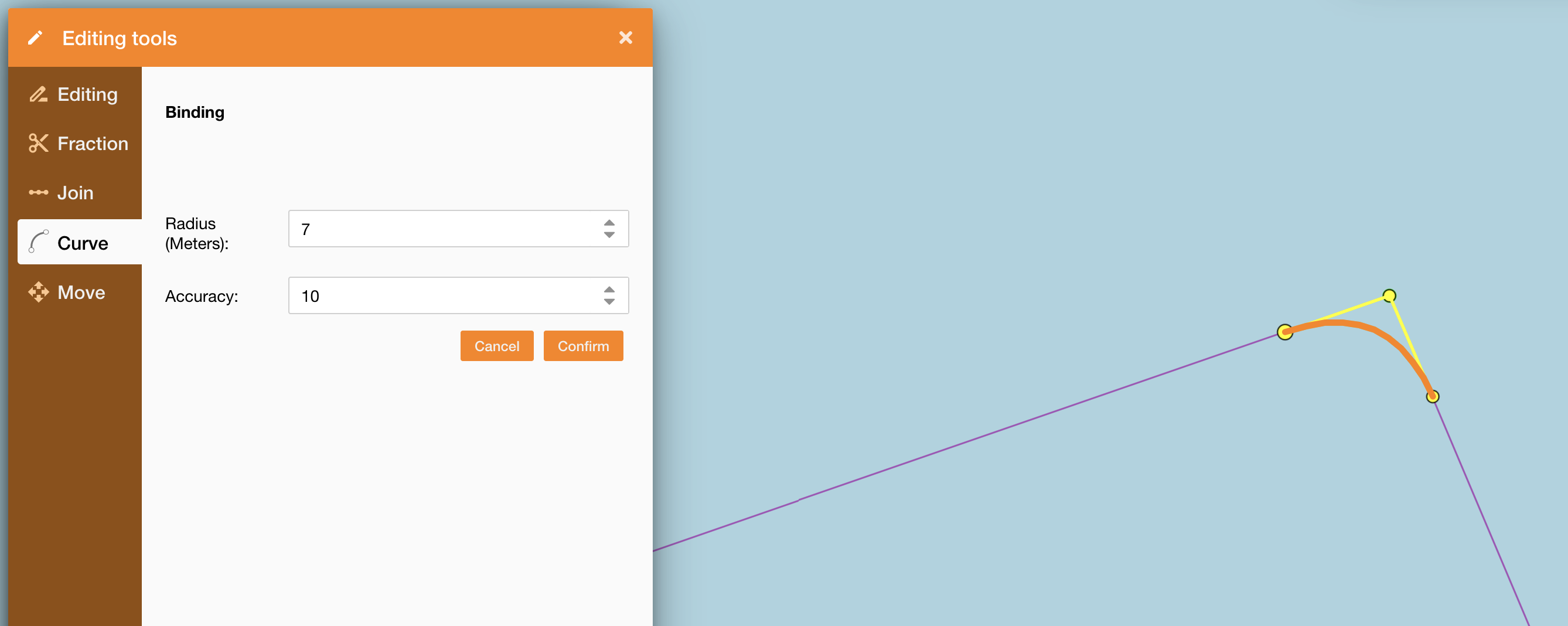
|
Introduce an advanced drawing mode in the GIS system that allows the representation of linear elements (e.g., pipelines, cables, lines) using Bézier curves, to more accurately reflect the real-world layout of infrastructure—especially in urban or complex environments.
Advanced editor feature with dedicated license and permission |
|
Move 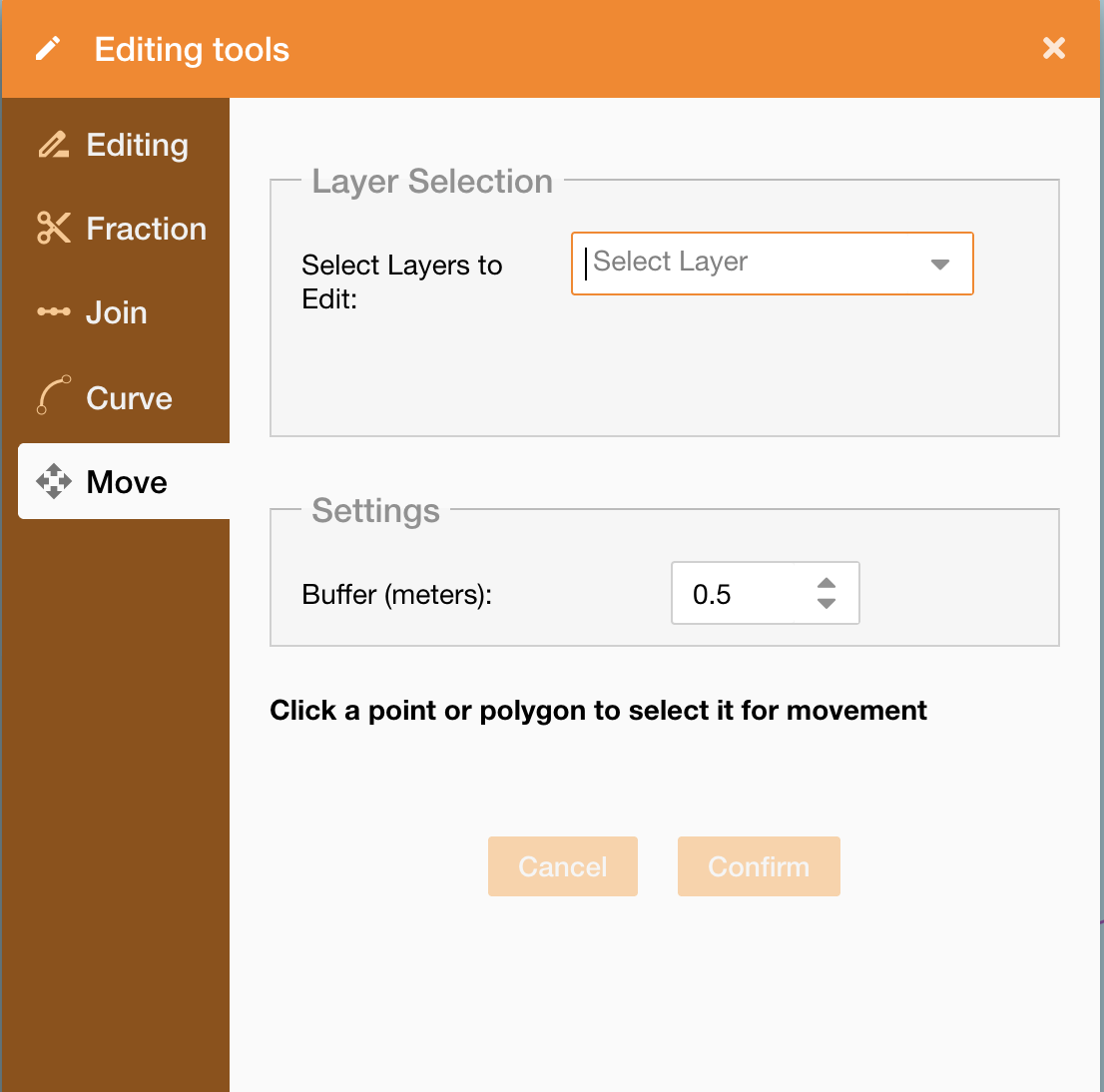
|
It allows to operate on a point or a polygon to move them on the map.
Advanced editor feature with dedicated license and permission |