
Audience: Dispatchers and administrators
A technical object type defines the category of the technical asset or location where the work will take place.
Follow the UI path
All following instructions start from this system path:
Configuration > Core > Work Order Management > WO Types
Create a technical object type
To create a request type:
-
On the Search work order types page, click the Technical object type button.
-
Next to the Facility types list, click the New button.
-
Select one:
-
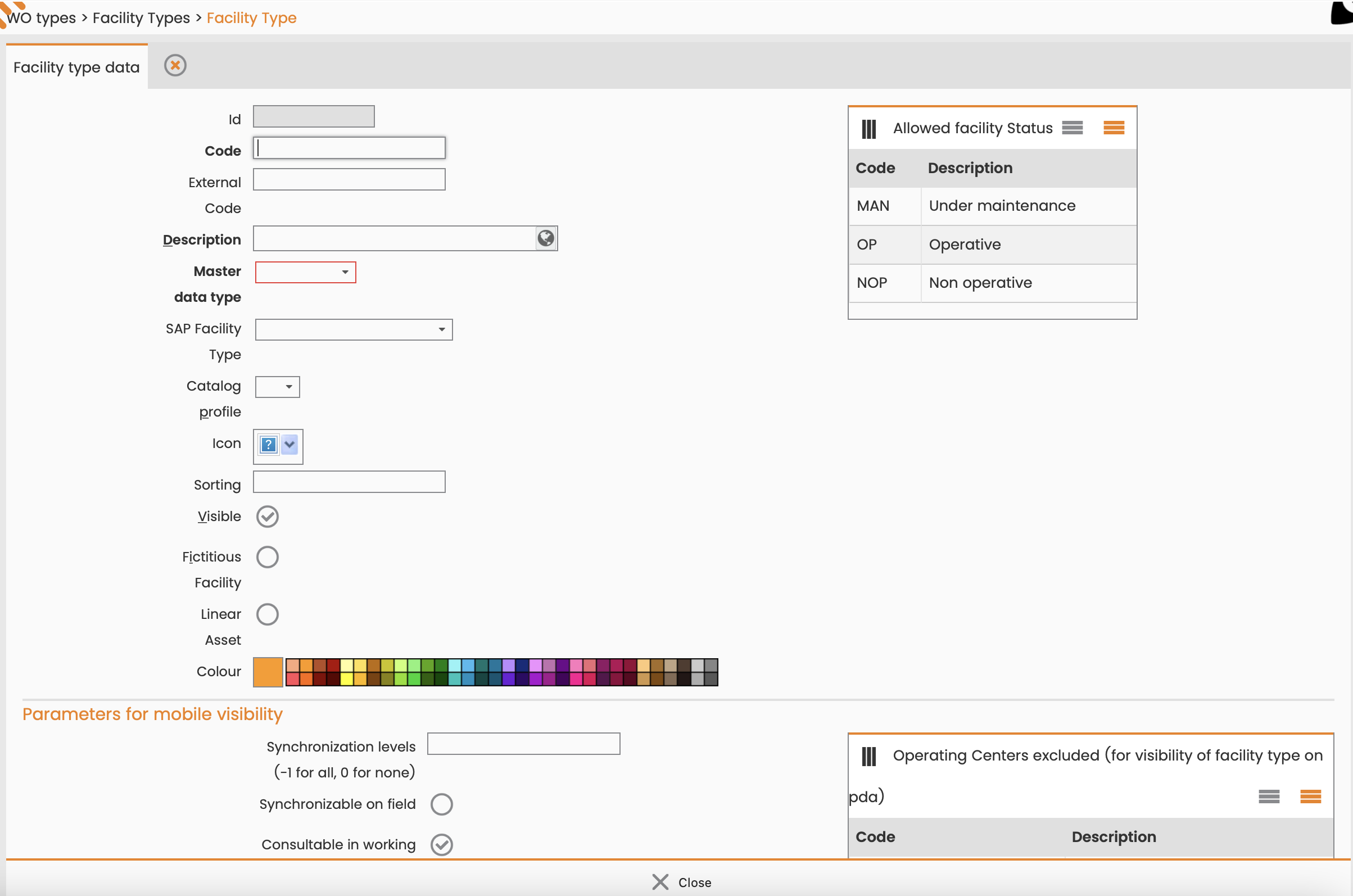
New facility type: The asset field technicians interact with or work on.
-
New consumer type: The end-user, customer, or entity that uses or benefits from the facility.
-
New owner type: The legal or financial entity that holds the title, property rights, or financial responsibility for the asset.
-
New family type: A logical group or classification of similar facilities that share common features, technical specifications, or maintenance protocols.
-
-
In the corresponding editing window, enter:
-
Code.
-
Description.
-
Any other necessary data.
-
-
Click Save.
What’s next
-
To add a request type, see Create request types.
-
To add a service type, see Create service types.
-
To create a new work order type with this technical object type, see Create work order types.