Overview
Permit Type is a feature that stores a registry of user-created permit types necessary for authorizing fieldwork. You use it to define, view, and, manage the specific types of permits required to execute a work order or its associated activities.
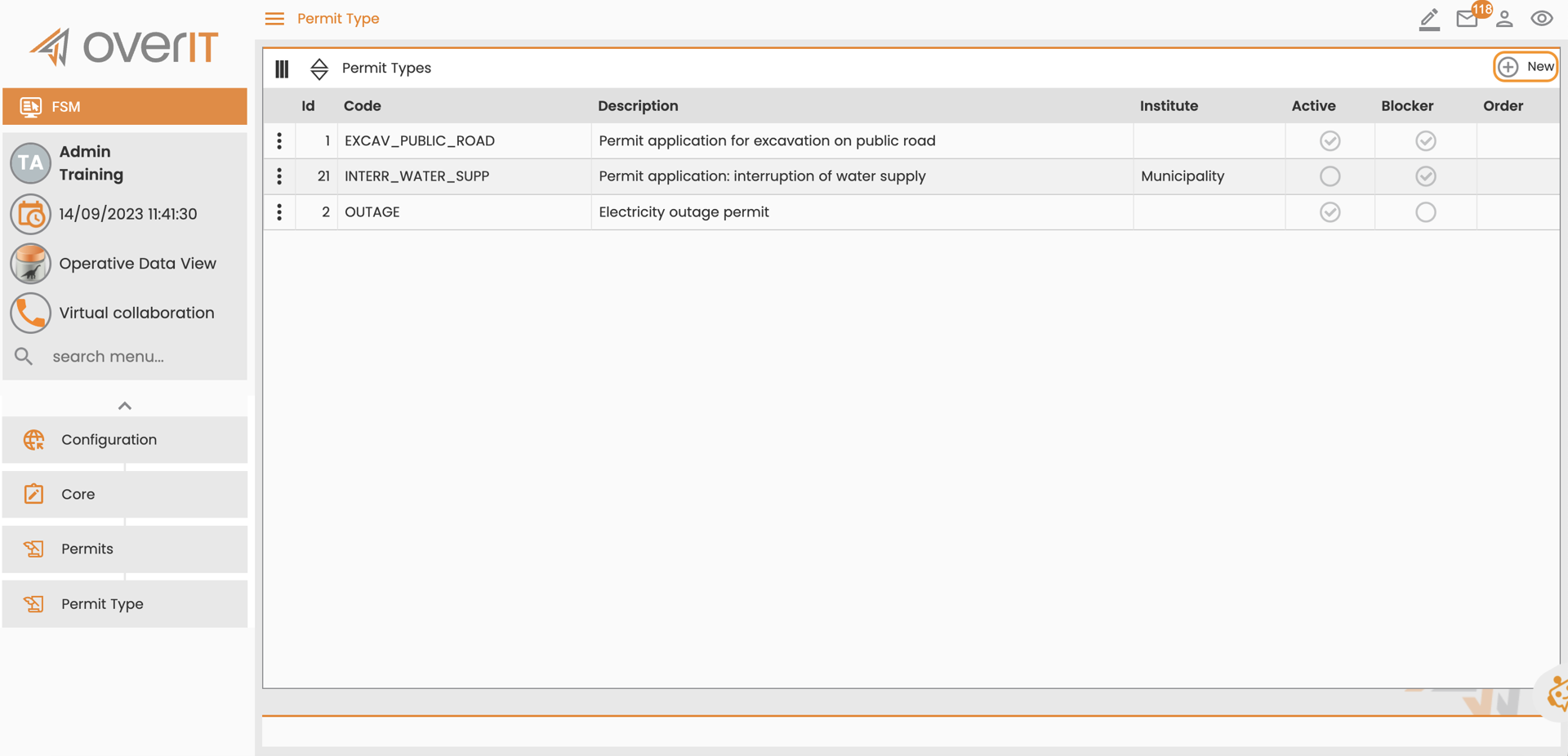
You can find it under Configuration > Core > Permits > Permit Type.
View and Understand the Permit Type Table
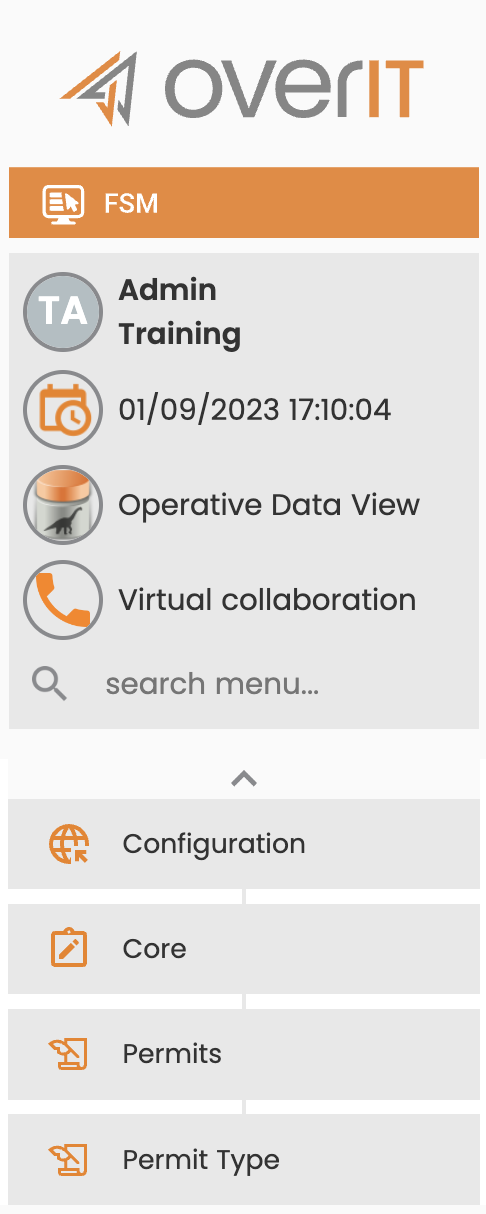
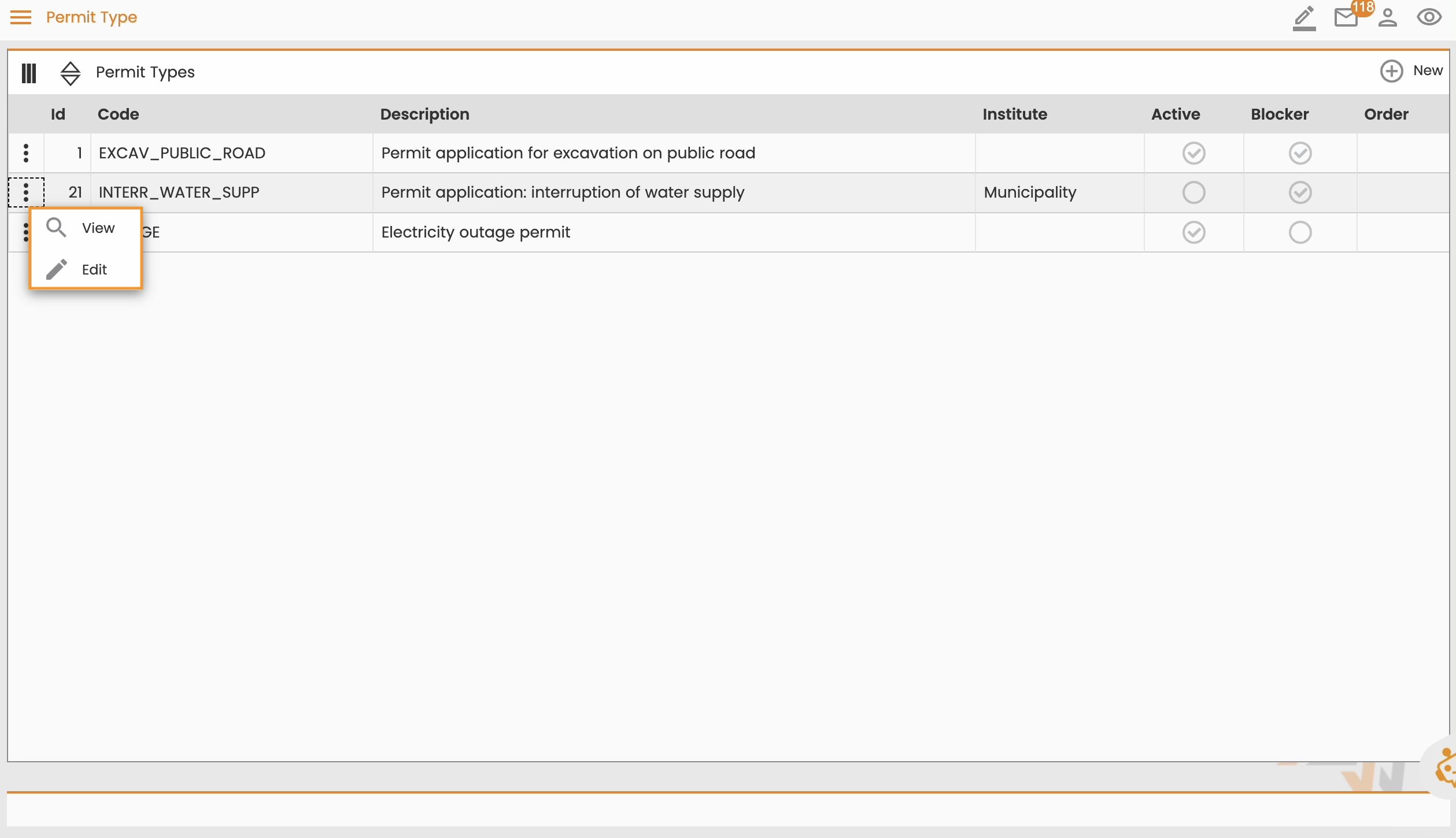
The permit type table provides essential information for each entry.
-
Id:
-
Code:
-
Description:
-
Institute: The institution authorized to issue this specific permit for fieldwork.
-
Active:
-
Blocker: If selected, this permit type blocks the execution of the work order or an activity until the permit is obtained.
-
Order:
Manage the Permit Type Table
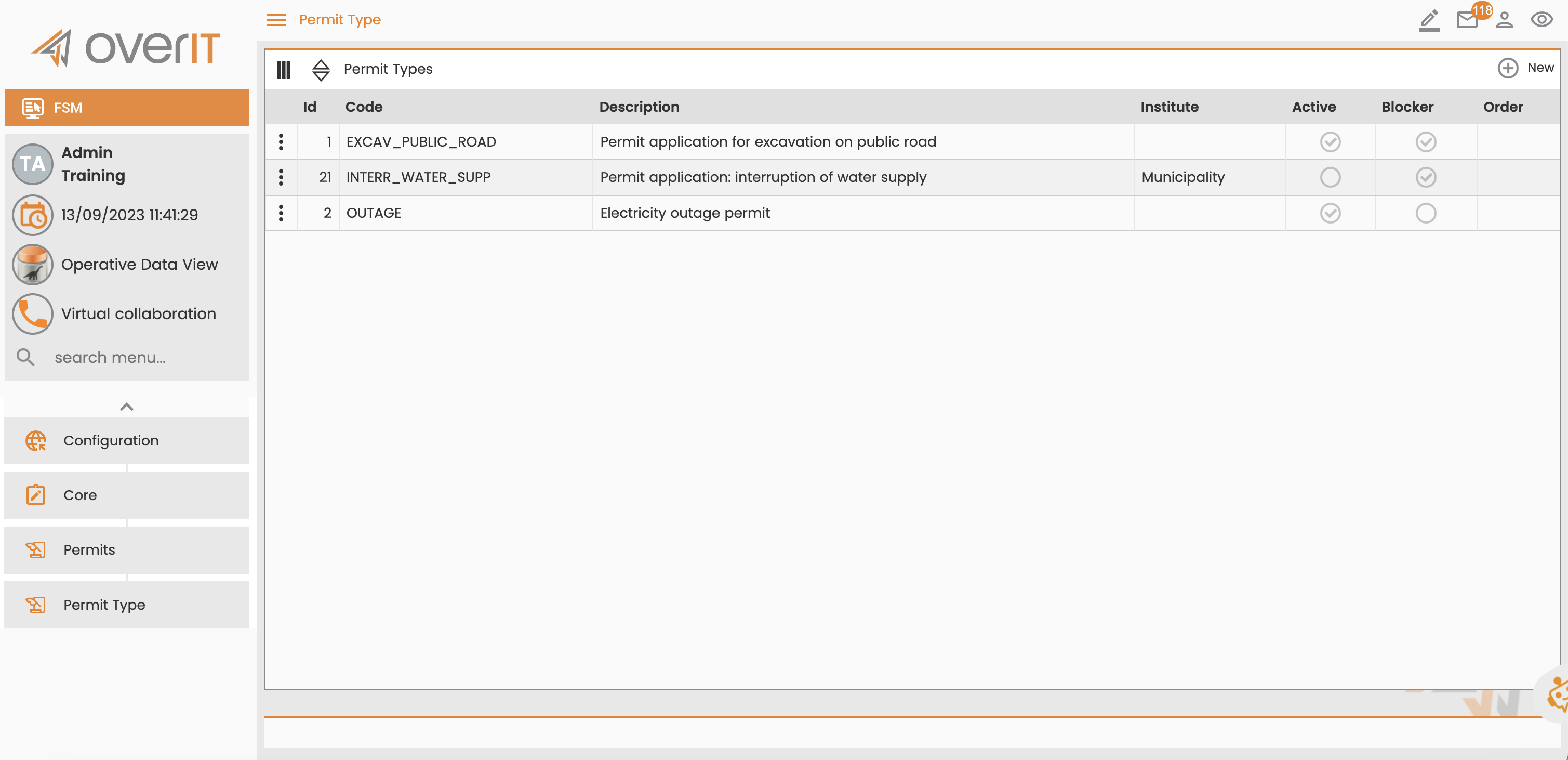
You can customize and manage how the data appears in the table:
-
Rearrange columns
-
Show or hide columns
-
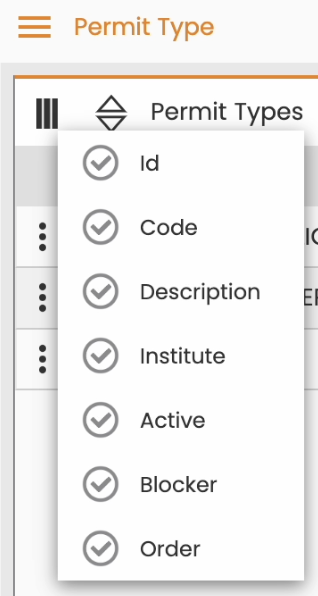
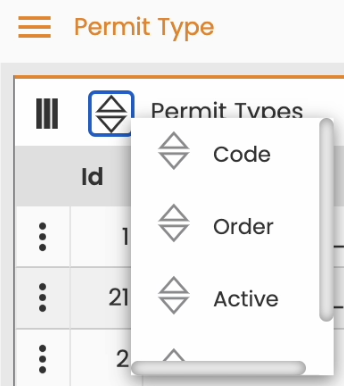
Sort permit types by
-
Code
-
Order
-
Active
-
Blocker
-
Manage Individual Permits
To interact with an individual permit type entry, use the menu at the start of the row. You can view or edit the entry.
Create a Permit Type
To create a permit type, select New. For detailed instructions, see Create a Permit Type.