Overview
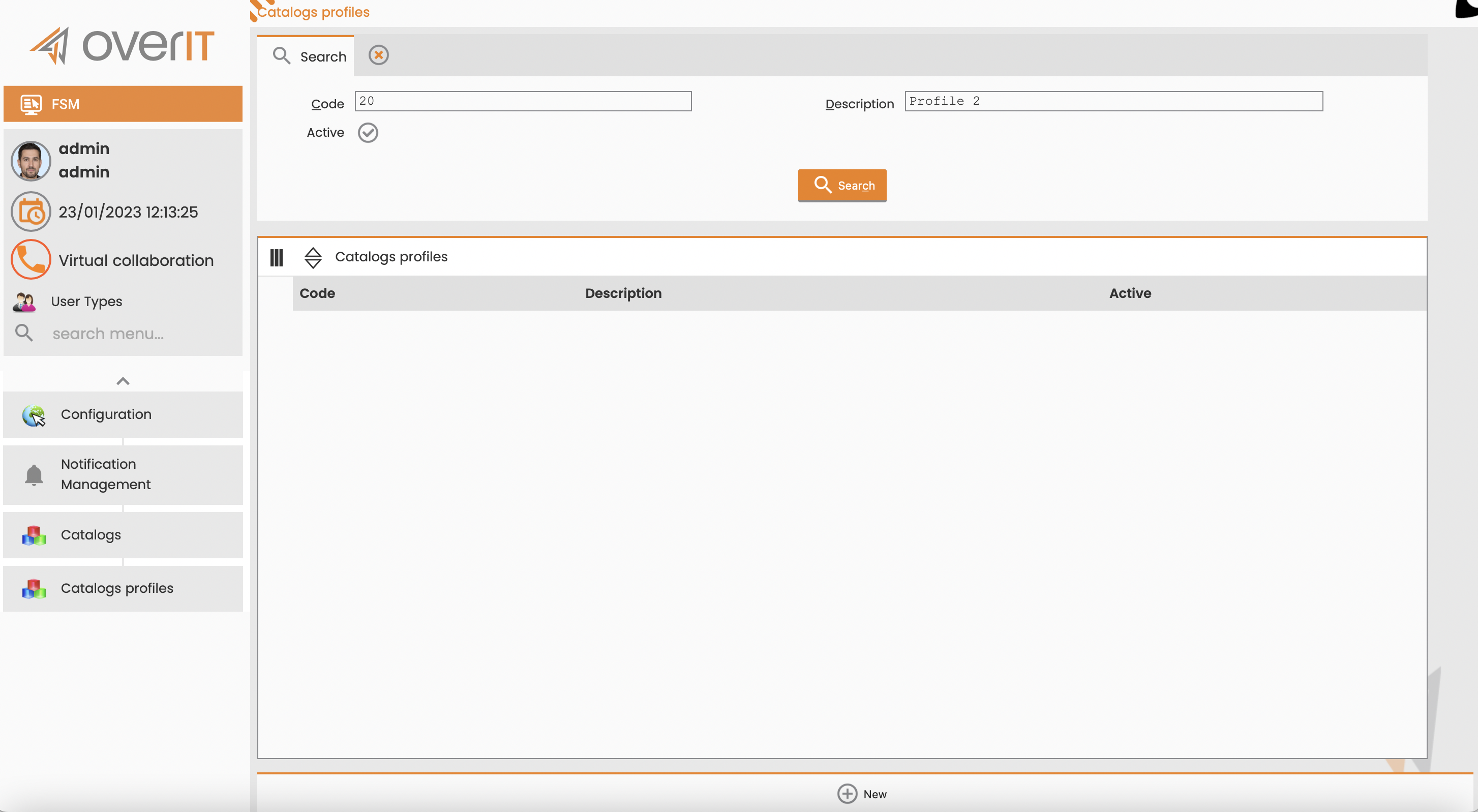
A catalog profile associates a set of catalog groups with a specific notification type, controlling which codes are available for use.
Create a Catalog Profile
To create a catalog type, follow these steps:
-
Navigate to Configuration > Notification Management > Catalogs > Catalog profiles.
-
Select New.
-
Enter a Code and Description.
-
Select Insert.
-
Associate groups with the catalog profile.
-
From the catalog profile’s menu, select Associate groups.
-
In the Available groups list, find the correct group and then select the Plus icon to add it to the associated groups.
-
Select Associate.
-