
Audience: Administrators
To gather information about activities from a .xlsx file.
Prerequisite
Before you start:
-
To learn more about activities, see Configure activities.
Follow the UI path
The instructions start from this system path:
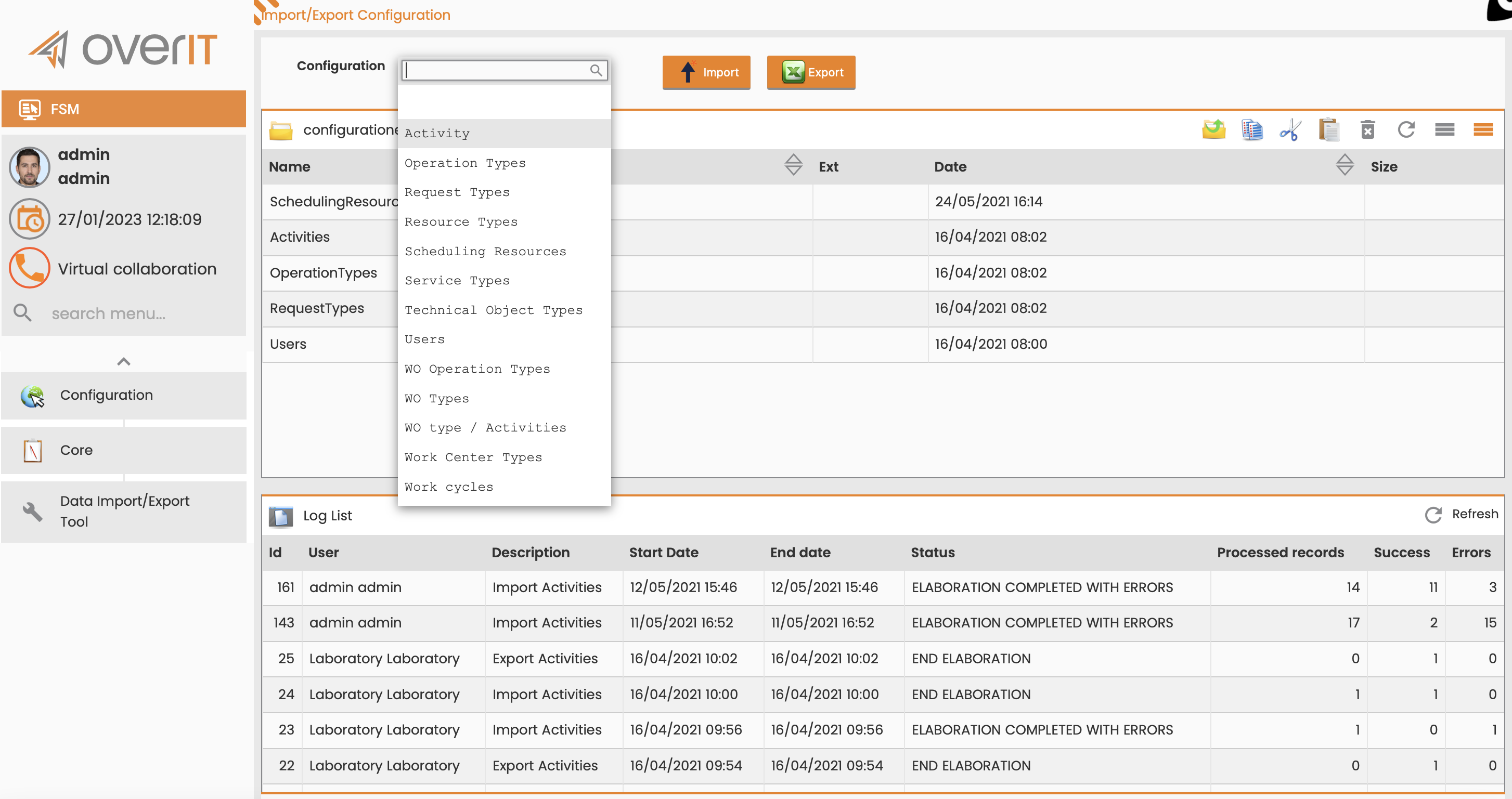
Configuration > Core > Data Import/Export Tool
Import the activities file
To import a large amount of activities into the Log list table:
-
On the Import / export configuration page, in the Configuration field, select Activity.
-
Click Import.
-
In the Import window, click Choose file.
-
Select the .xlsx file with the configuration from your machine.
-
Click the Load file and process icon.
What’s next
-
To define which skills belong with certain activities, see Associate skills with activities.
-
To define which outcomes you can use with certain activities, see Associate outcomes with activities.
-
To define which interventions can be performed during certain activities, see Associate interventions with activities.