
The license grants you the right to use the software. It defines the specific terms and conditions under which you can access and utilize the platform's features.
The license is validated following these rules:
-
if there is an “expiration” value, the current date must precede the expiration date
-
the key must be verified by the Signature Engine Verification
-
if the “strict” attribute is true, the “modules” array must contain the value “fsm.gis", otherwise if the “strict” attribute is false, there is no need to check the modules' array
-
if there is the “condition” attribute and there is a list of “urls”, at least one of them must start with the url of the Front End. The Front End url is made by:
-
the domain, example: gsp-fe.s000001.test.eu1.platform.overit.cloud/
-
the context, example: gis-platform
-
Each user can be defined as Professional, Explorer, or Remote Assistant by configuring the User Type field in the user settings.
Based on the available licenses, the system counts the number of permitted licenses for each user type.
If the limit is exceeded, the system displays a warning but does not prevent usage.
|
License Type |
Description |
|---|---|
|
Professional |
No restriction is applied |
|
Explorer |
Can’t access to custom modules |
|
Remote Assistant |
Max 5 remote assistant |
Only System_admin group can access to this tab
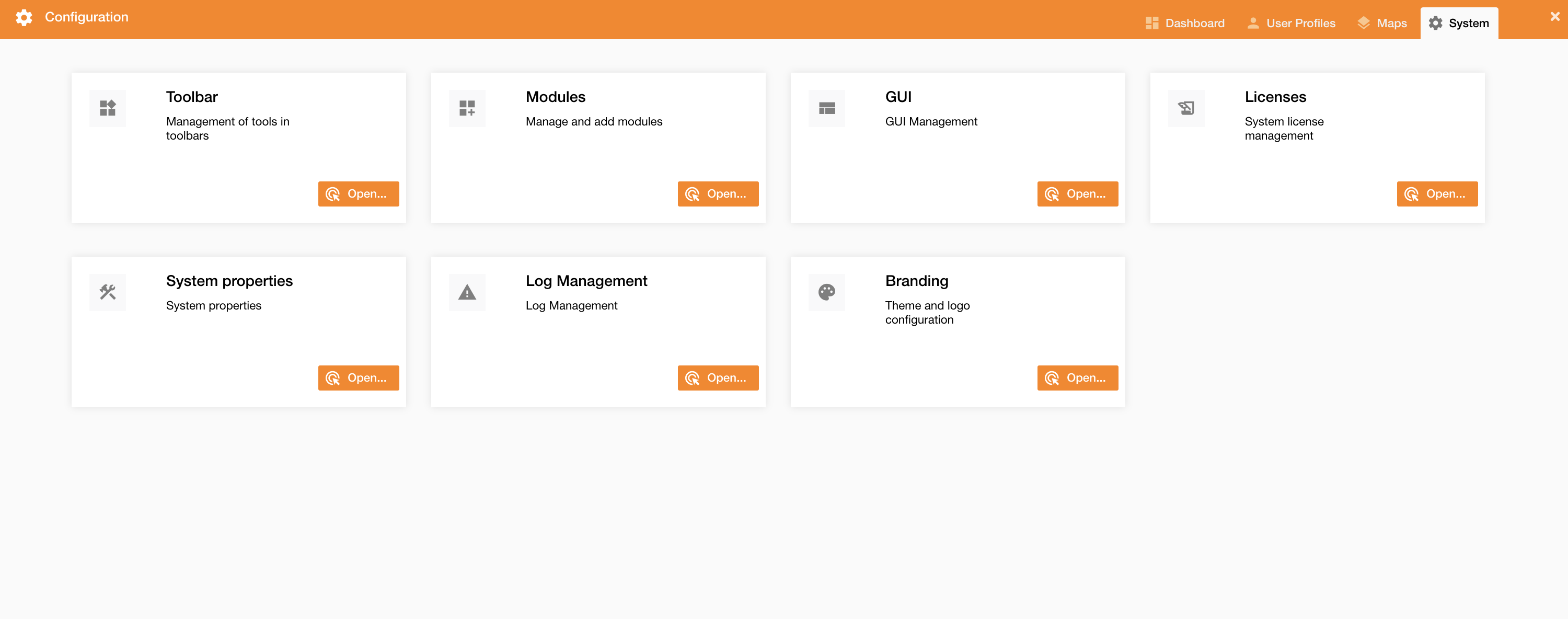
You can see, update or delete existing license going on Control Panel > System > License.
|
|
|---|
|
Figure 1 - License menu |