
Log management provides valuable information for various purposes, helping identify errors, crashes, or unexpected behavior within the platform, allowing to diagnose and fix issues efficiently.
Logs may have different levels of detail, ranging from critical errors to informational messages.
Only System_admin group can access to this tab
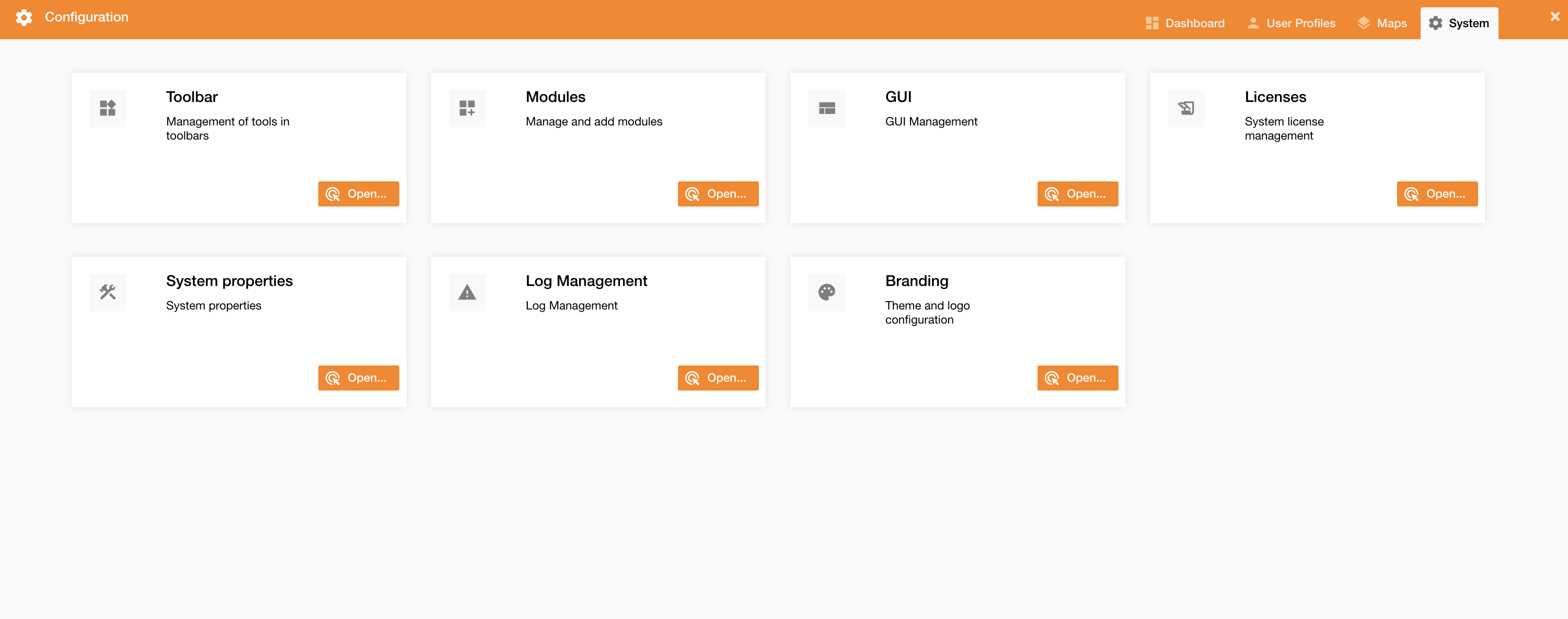
You can set the log level going on Control Panel > System > Log Management
|
|
|---|
|
Figure 1 - Log Management menu |
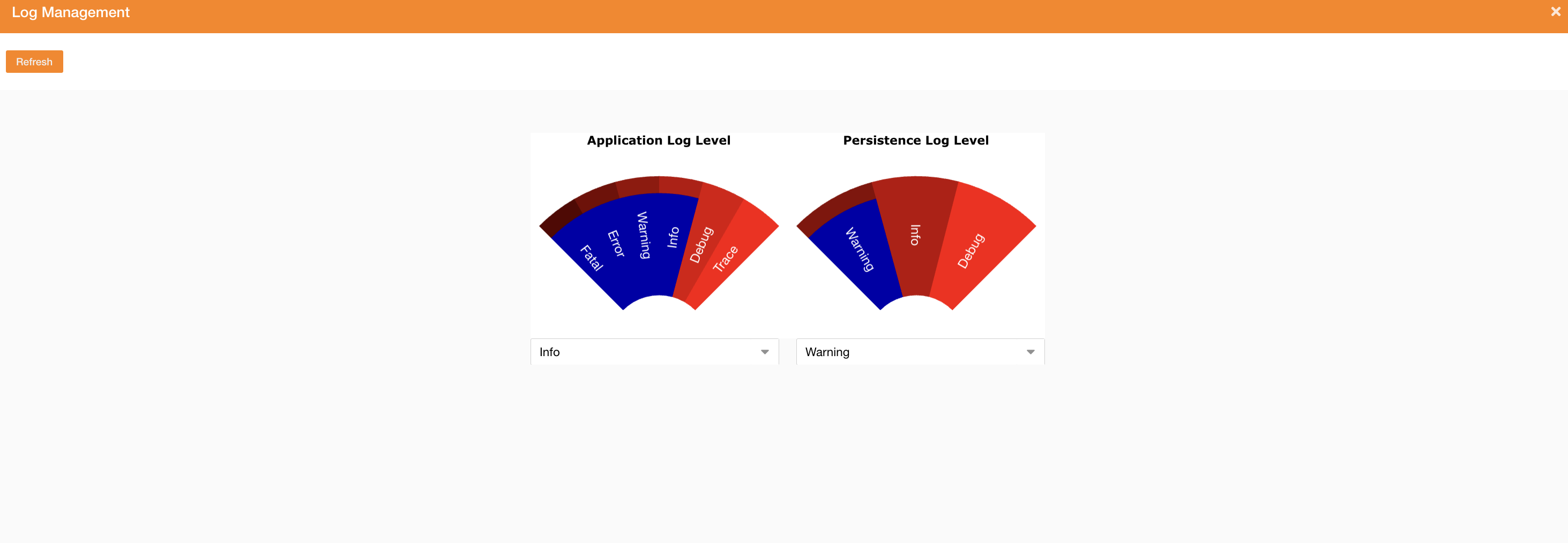
Clicking the Log Management tab, a new panel will be showed and you can change the log level.
In this panel, the update of the log level is temporary. The duration is specified on the system property log.delayRestore (default 30min).
To change log levels permanently, you need to set the system properties log.persistenceLevel and log.applicationLevel.
-
Application Log Level: logs related to application
-
Persistence Log Level: logs related to db data persistence
About system properties, see reference here: System Properties management
|
|
|---|
|
Figure 2 - Set log level |
Below there is the visibility for each log level.
|
APPLICATION LOG |
MESSAGE LOG LEVEL |
||||||
|---|---|---|---|---|---|---|---|
|
FATAL |
ERROR |
WARNING |
INFO |
DEBUG |
TRACE |
||
|
LOG LEVEL |
FATAL |
|
|
|
|
|
|
|
ERROR |
|
|
|
|
|
|
|
|
WARNING |
|
|
|
|
|
|
|
|
INFO |
|
|
|
|
|
|
|
|
DEBUG |
|
|
|
|
|
|
|
|
TRACE |
|
|
|
|
|
|
|
|
PERSISTENCE LOG (org.hibernate.SQL) |
MESSAGE LOG LEVEL |
|||
|---|---|---|---|---|
|
WARNING |
INFO |
DEBUG |
||
|
LOG LEVEL |
WARNING |
|
|
|
|
INFO |
|
|
|
|
|
DEBUG |
|
|
|
|