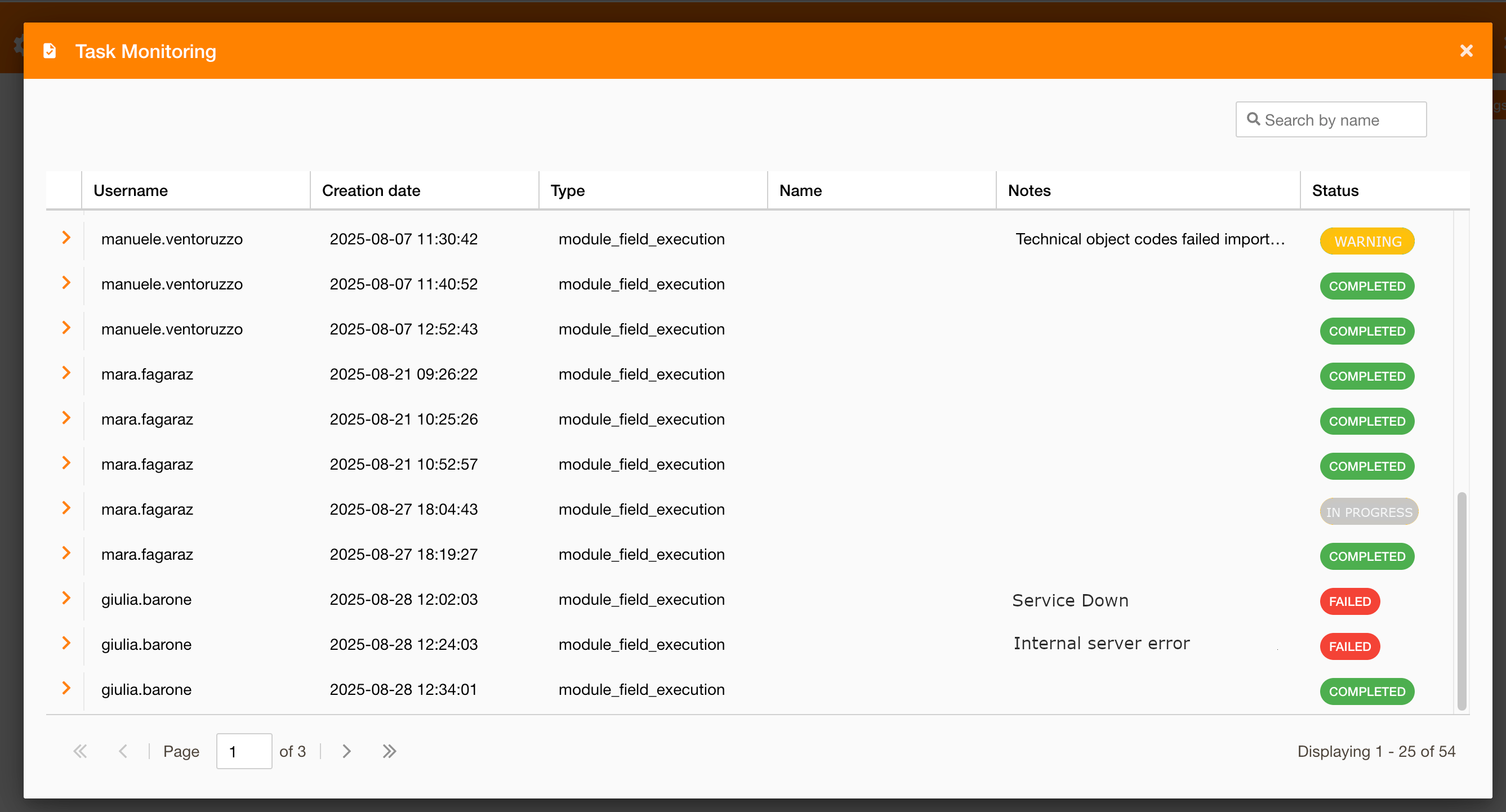
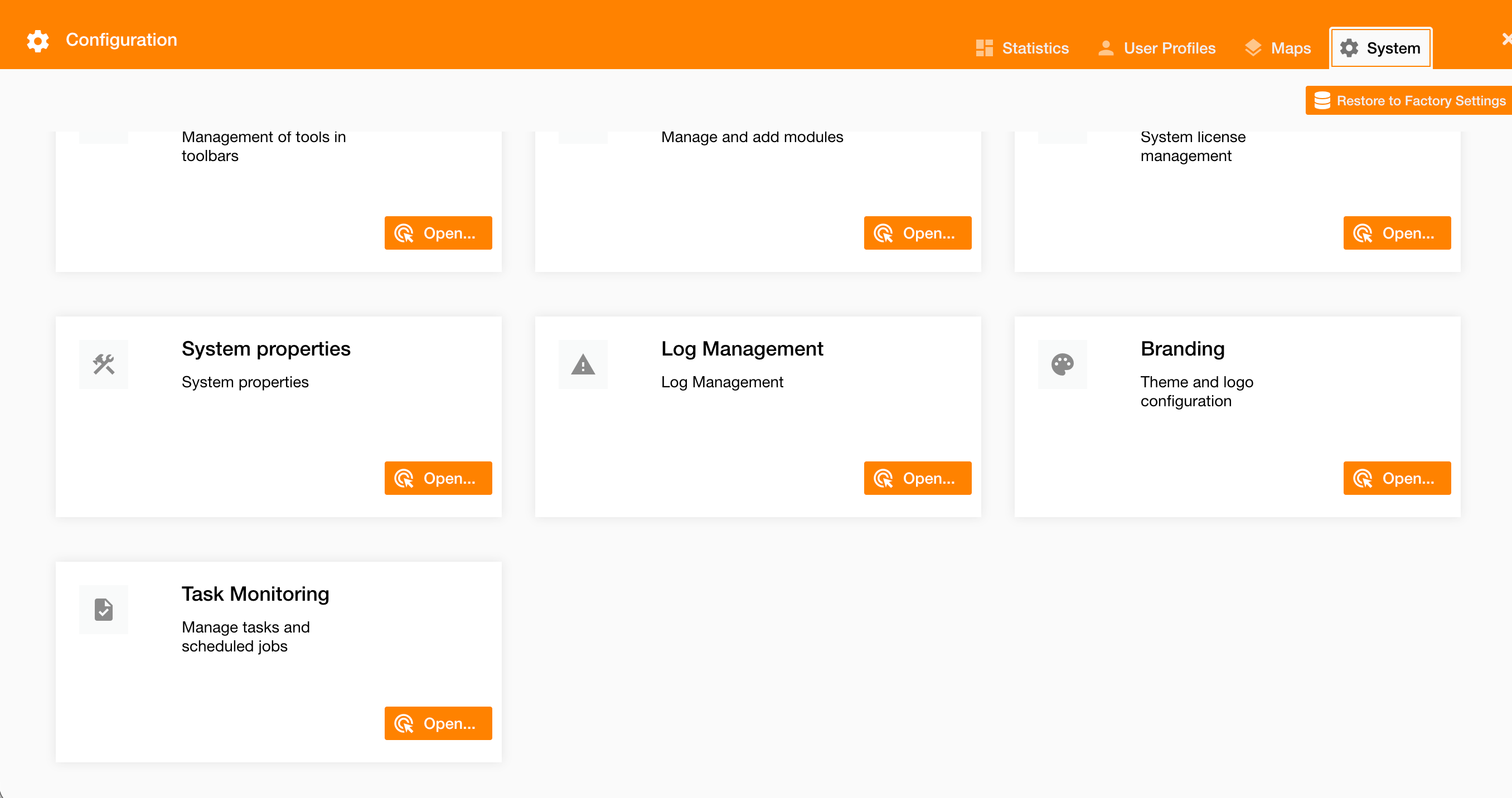
Purpose: Monitor and manage asynchronous tasks and scheduled jobs generated by NextGen Geo configurations, such as bulk data imports (e.g., Field Execution work orders), exports, synchronizations, and background calculations.
Task Monitoring provides a centralized, read-forward log and live status view for platform tasks that run outside the user’s immediate request/response cycle. It improves transparency, troubleshooting, and operational control for admins and operators.
Key Concepts
-
Asynchronous task: A background job triggered by a configuration, API call, or scheduler (e.g., import of work orders into Field Execution).
-
Scheduled job: A recurring or one-off task configured to run automatically at defined intervals or windows.
-
Run context: The configuration, module, and user/system identity that initiated the task.
-
Lifecycle states: Queued → Running → Succeeded/Partially Succeeded/Failed → Archived (with retention policy).
Example: A Field Execution module:the import runs asynchronously so the user can continue working while the system processes, validates, and ingests each record.
What You Can Do Here
-
View all tasks and scheduled jobs with real-time status and progress.
-
Filter by type (e.g., Field Execution), initiator (user/system) and status.
Typical Workflow
-
Trigger: A configuration or user action starts an asynchronous task (e.g., Import Work Orders).
-
Track: Open Task Monitoring to see the task enter Queued, then Running, with progress indicators (items processed/total).
Task Status Reference
|
Status |
What it means |
|---|---|
|
Running |
Actively processing items with live progress updates. |
|
Completed |
Completed all items without errors. |
|
Warning |
Completed with a mix of successes and failures (some items rejected). |
|
Failed |
Terminated due to validation, connectivity, or system error. |