
Accessing to the control panel, the first view is on the Dashboard tab.
Only Configurator group can access to this tab

|
|
Figure 1 - Dashboard |
At the top-right of the page (Figure 1 - Dashboard - icon 1), there are information about the logged user.
At the top-left of the page (Figure 1 - Dashboard - icon 2), there are some shortcuts to some main functionalities.
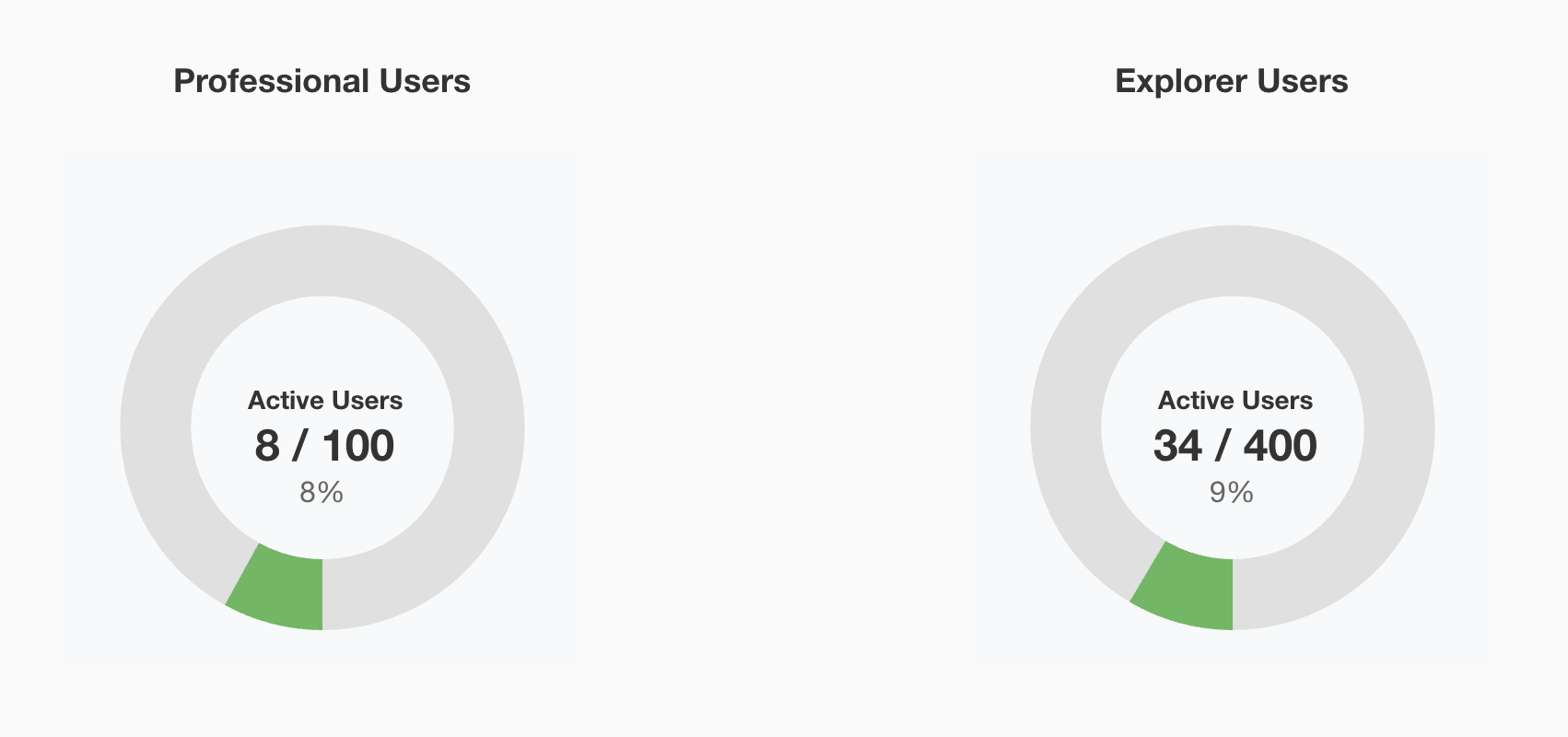
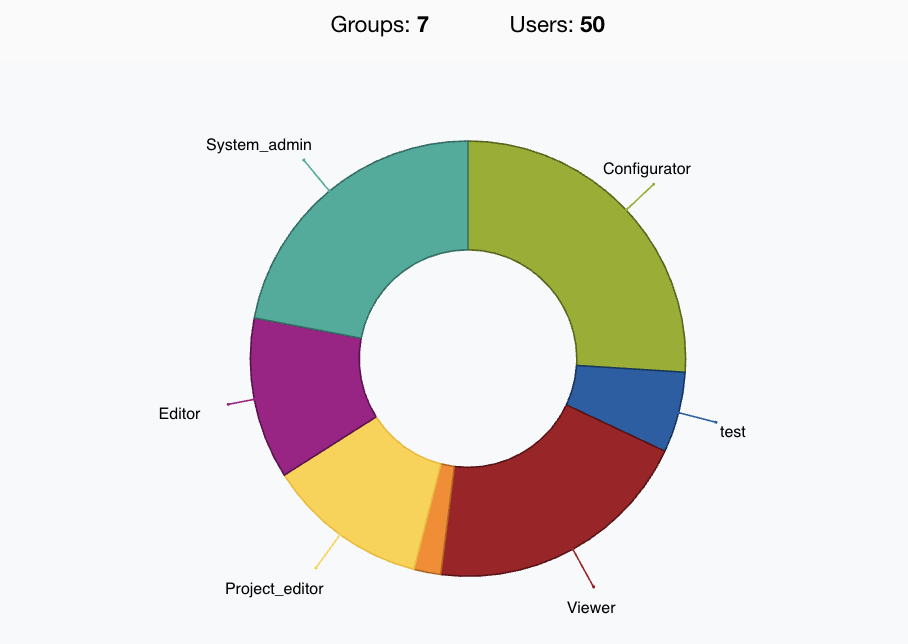
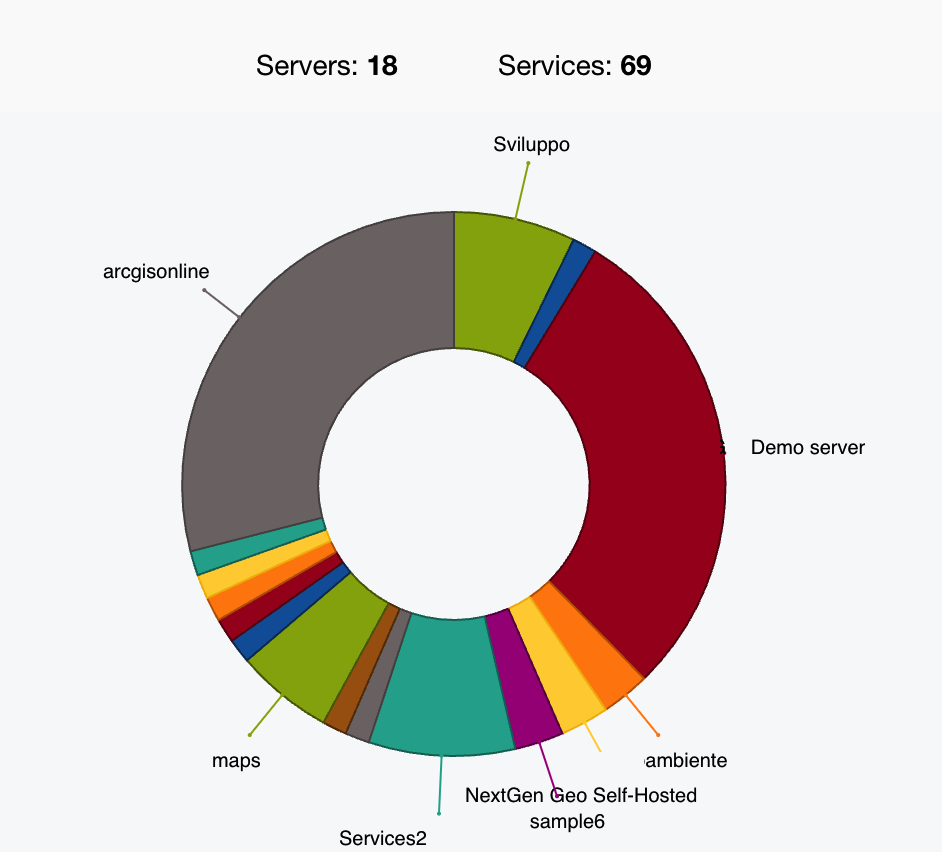
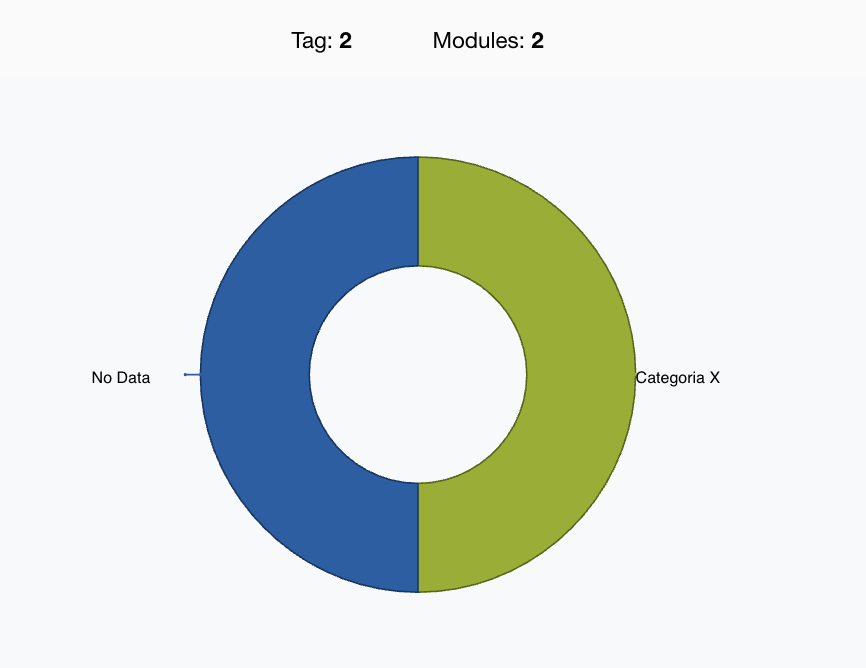
At the bottom of the page, there are more type of dashboard, allowing to see some information related main entities of the system.
|
|
|
|---|