
The branding section allows to define header, logo and theme, that are elements that contribute to the overall look and feel of the platform.
Only System_admin group can access to this tab
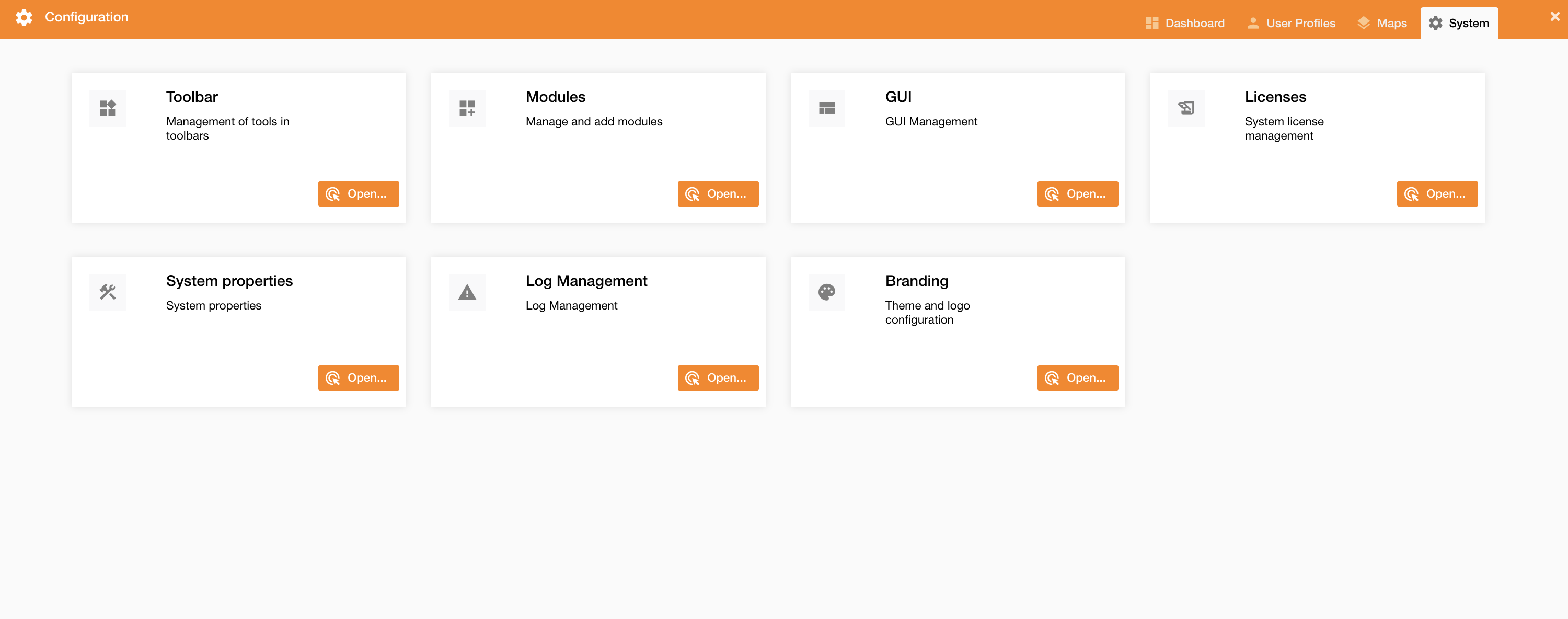
You can set the branding going on Control Panel > System > Branding.
|
|
|---|
|
Figure 1 - Branding menu |
Clicking the Branding tab, a new panel will be showed.
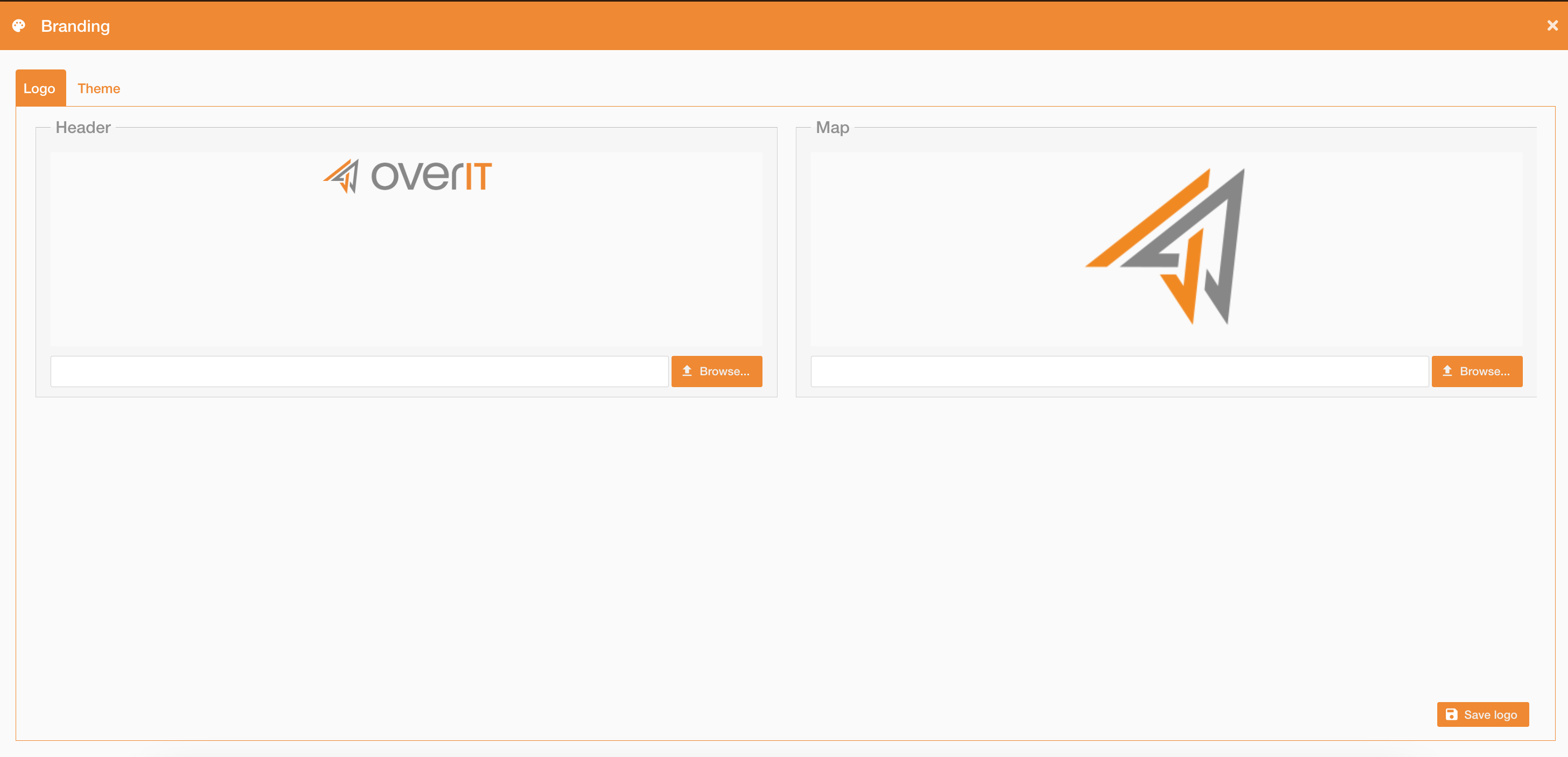
In the first tab “Logo” you can upload the Header and the Map logo.
-
Header: image used as landing page and header logo
-
Map: image used as map logo (bottom left corder)
Constraints:
max file size 1.5Mb
|
|
|---|
|
Figure 2 - Set Logo |
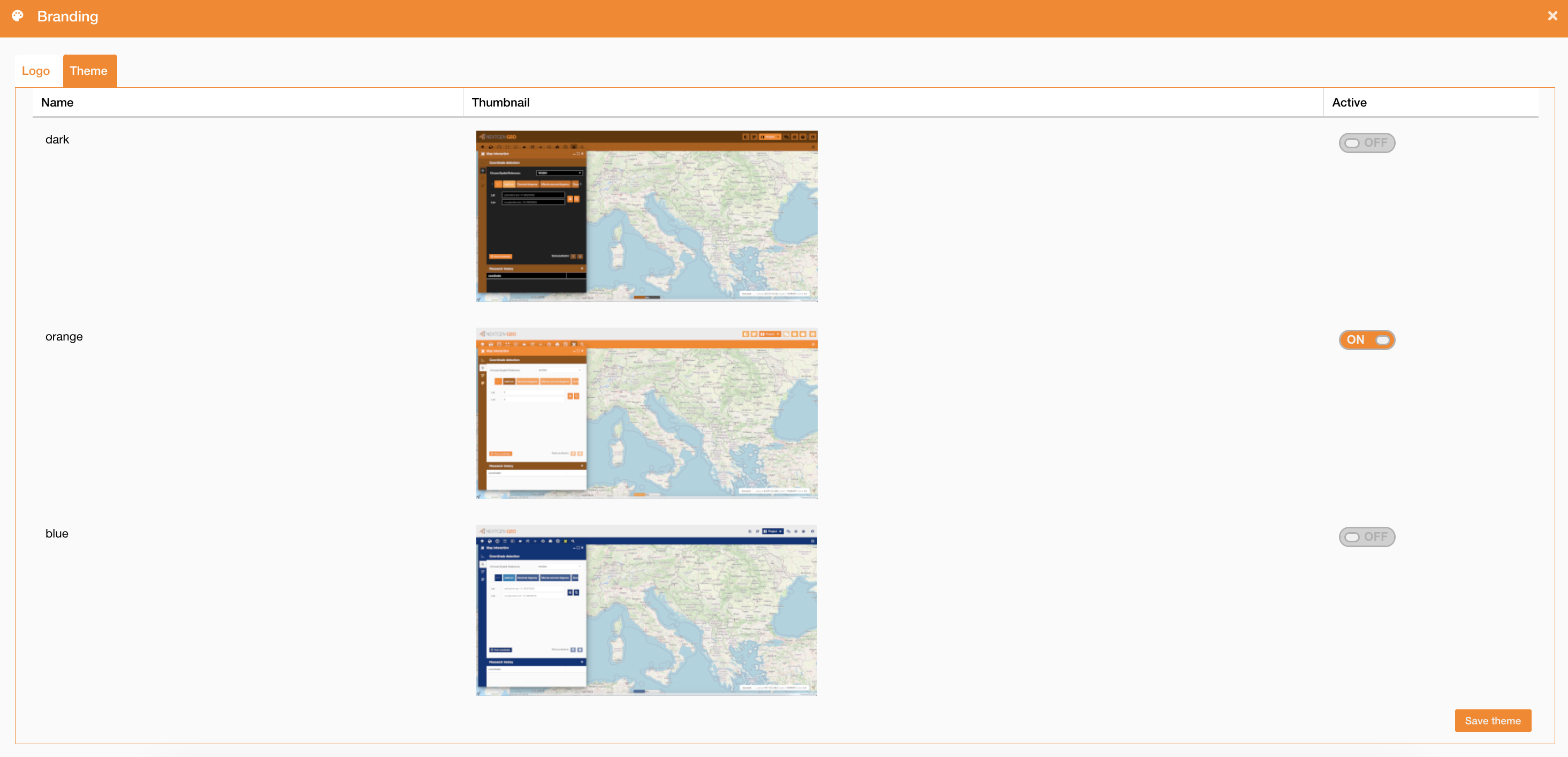
In the second tab “Theme” you can set the theme choosing between the pre-defined ones. Only one theme at a time can be active.
|
|
|---|
|
Figure 3 - Set Theme |