
As a field service manager, I need to easily navigate the map, in order to optimize my tasks. A map could be very big containing a lot of data, but zoom tools can help me to manage the map.
Available in toolbars: maps
See reference: https://overit-spa.atlassian.net/wiki/spaces/NEXTGENGEO/pages/103375340676/Toolbar+management#Pre-defined-toolbars
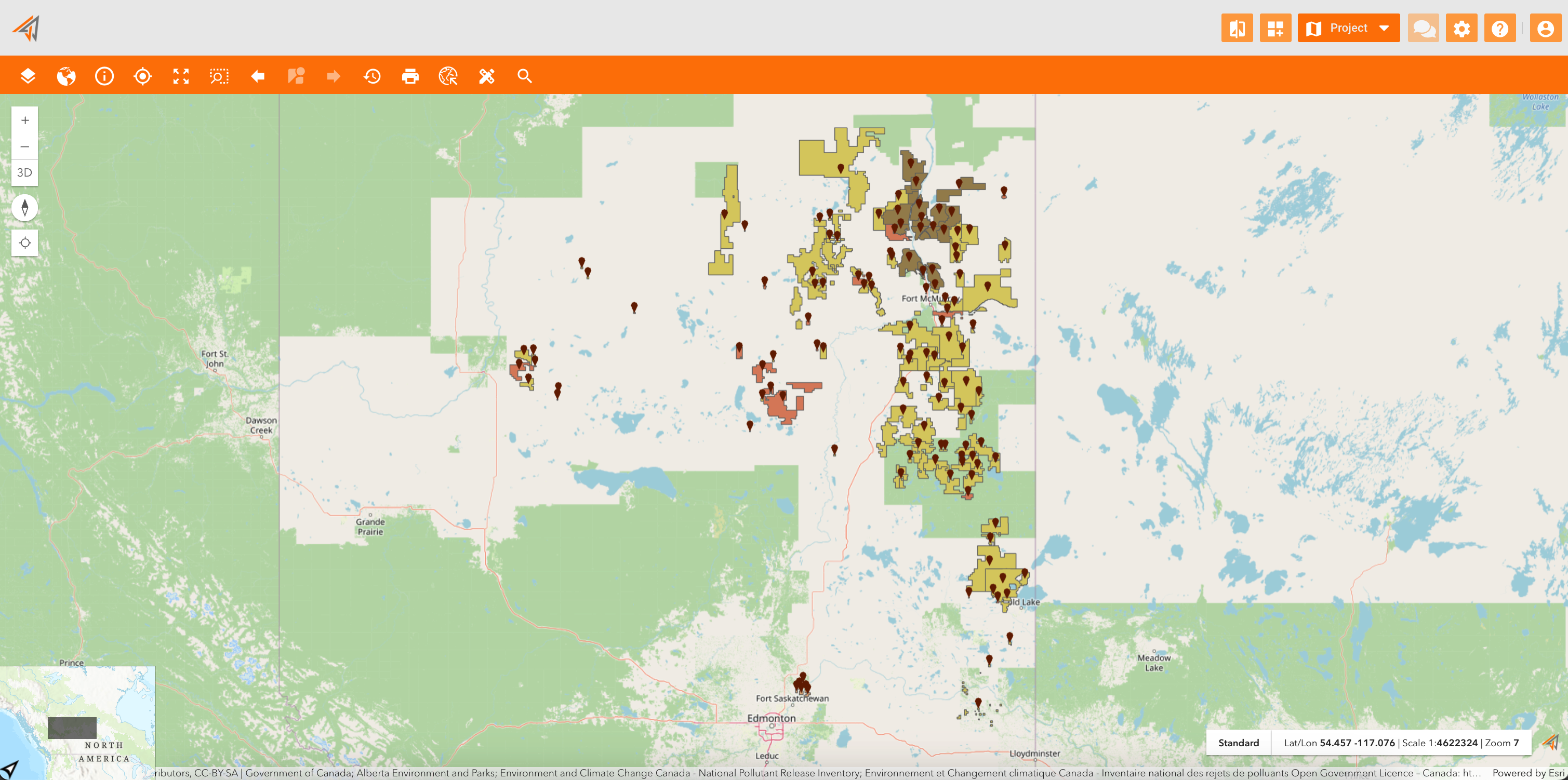
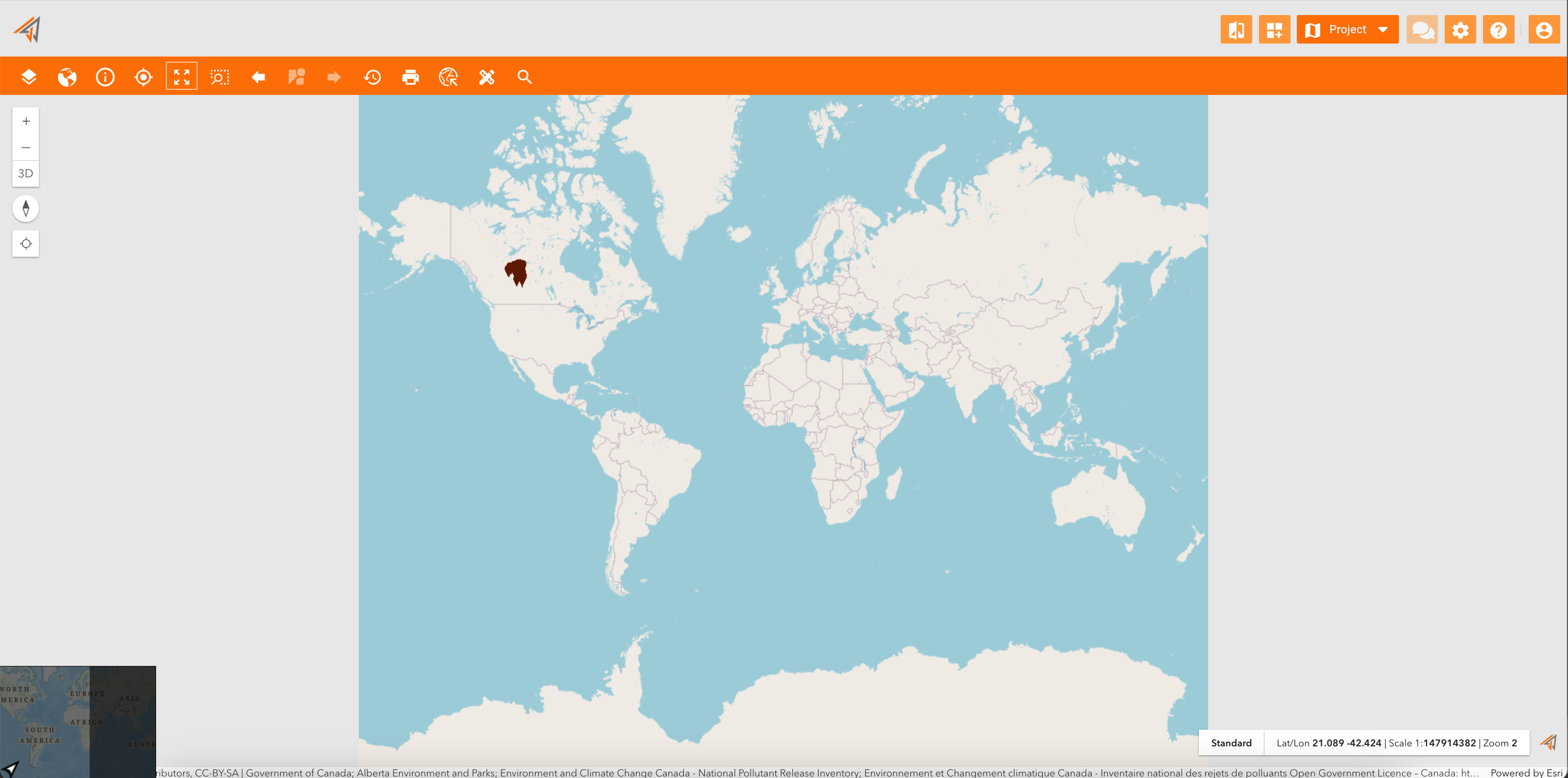
Zoom to full extent
Name: ui_zoom2extent
Description: Allow to full extent the map
Icon:

The full extent zoom of a map is configured as property in the map configuration: Map configuration
Zoom to rectangular area
Name: ui_zoombox
Description: Allow to zoom and center the map on a selected area drawn by hand on the map
Icon:

Navigate on Street View
Name: ui_streetview
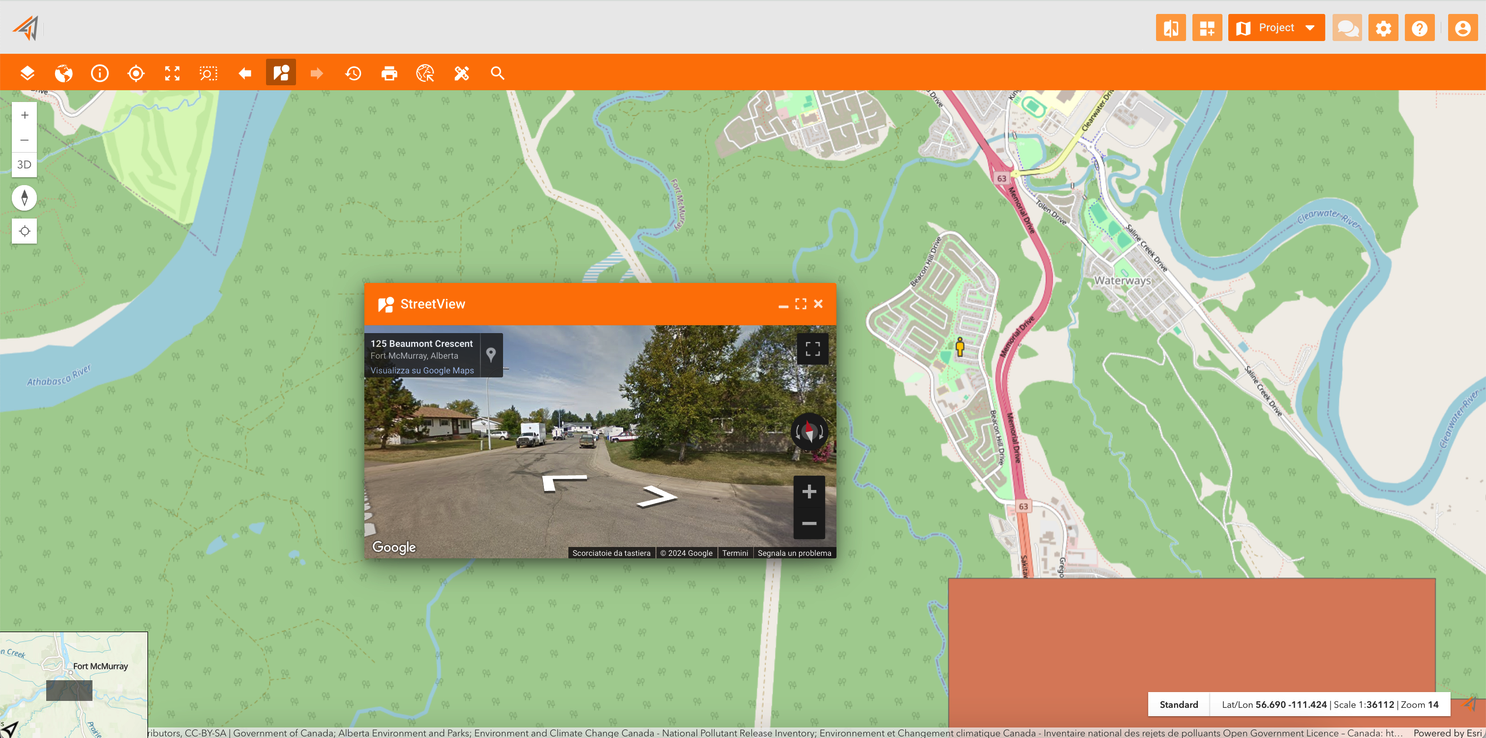
Description: Allow to navigate on the map using the Google StreetView
Icon:

Clicking the related icon and click a point on a map, the Street View panel will appear and you can navigate the street using it.
|
|---|