
Overview
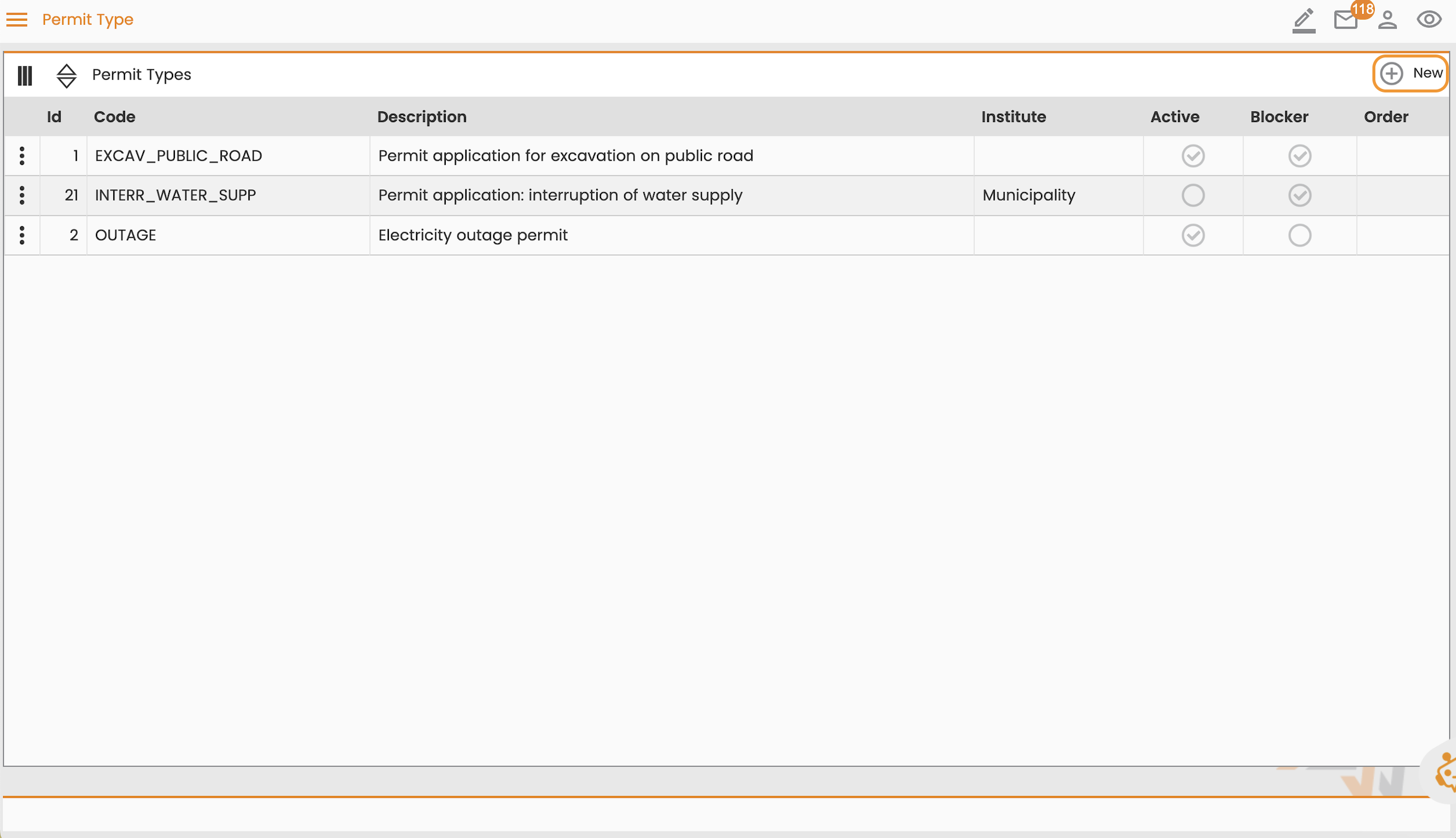
Permit Type is a feature that stores a registry of user-created permit types necessary for authorizing fieldwork. For more information, see Permit Type.
Create a Permit Type
To create a permit type, follow these steps:
-
Navigate to Configuration > Core > Permits > Permit Type.
-
Select New.
-
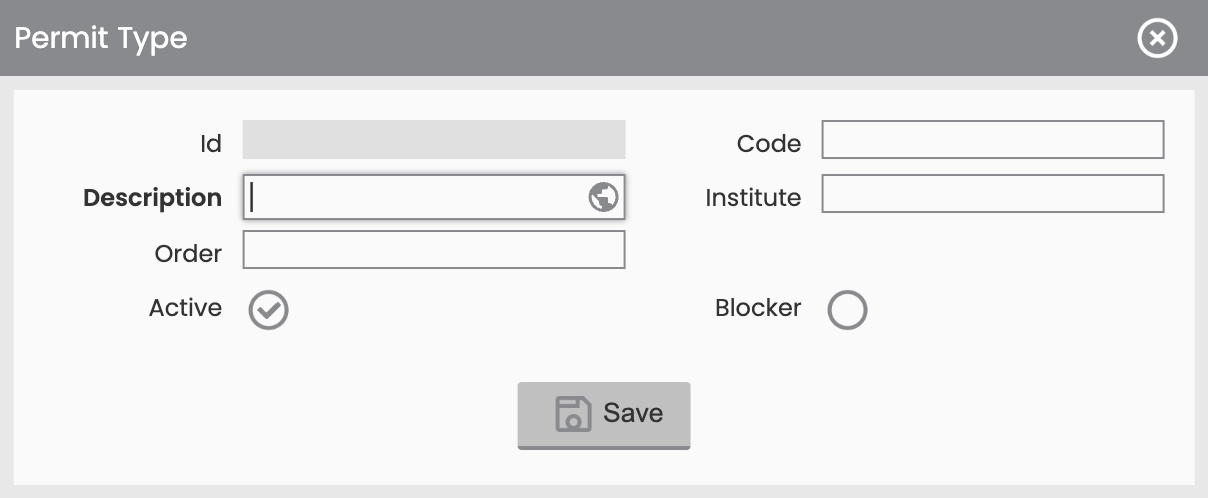
Provide a Description.
-
(Optional) Provide optional parameters
-
Code:
-
Institute: The institution authorized to issue this specific permit for fieldwork.
-
Active:
-
Blocker: If selected, this permit type blocks the execution of the work order or an activity until the permit is obtained.
-
Order:
-
-
Select Save.