
The platform makes it possible to manage a list of proxies to intermediate with the servers.
Furthermore, a proxy is exposed that acts as an intermediary for client requests seeking resources on other servers, decoupling web access from the browser.
Only Configurator group can access to this configuration
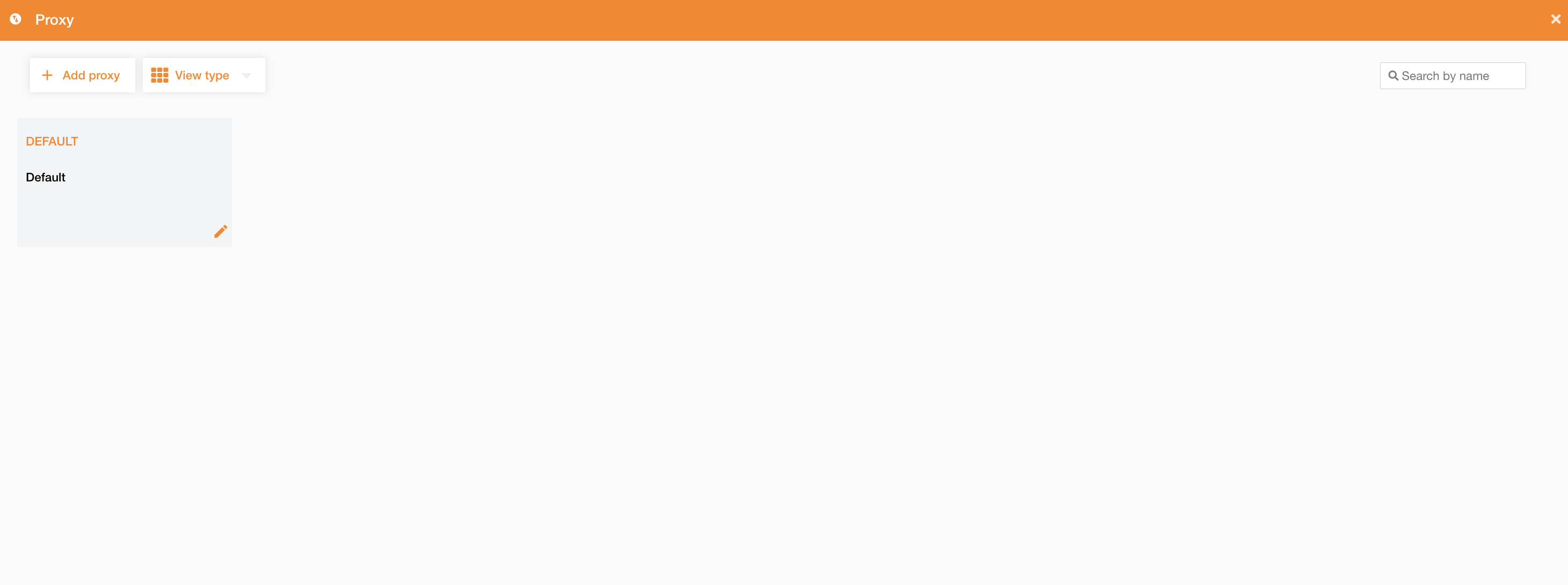
Going on Control Panel > Maps > Proxy, you can access to the list of existing proxies.
Using this panel, you can edit an existing proxy rule or add a new one clicking the “Add proxy” button.
The default proxy pointing to the {default_api_server}/services/proxy service is already present.
|
|---|
|
Figure 1 - Proxy view |
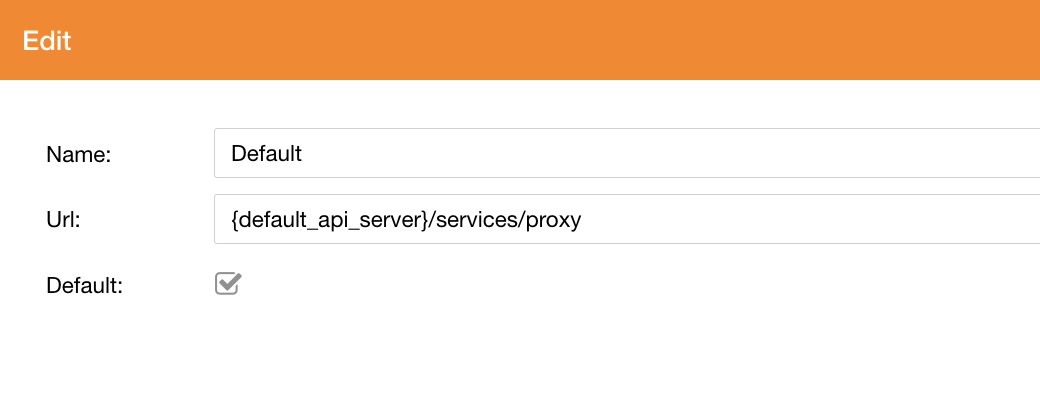
In the following table there are proxy’s fields:
|
Field |
Description |
|---|---|
|
Name |
Proxy rule’s name |
|
Url |
Proxy URL |
|
Default |
If true, it will be the default proxy rule |
|
|---|
|
Figure 2 - Proxy creation |