
Introduction
A GIS platform can contain a vast database of services, making it difficult for dispatchers to quickly locate the correct service type for a given service request. This leads to inefficiencies in service scheduling and dispatching.
To address this issue, NextGen Geo implements the service catalogue feature, providing these benefits:
-
Services grouping : create catalogues of services containing one or more services on which allow the search function (described here: Search widget )
-
Profiling: Each functional group can be associated to one or more catalogue in order to profile the search function
How to configure
Only Configurator group can access to this configuration
Going on Control Panel > Maps > Service Catalogue, you can find the list of all existing catalogue, or you can create a new one clicking on the “Create new catalogue” button.
To create a new catalogue you have define properties:
|
Field |
Description |
|---|---|
|
Code |
Catalogue’s code |
|
Description |
Catalogue’s description |
|
Services |
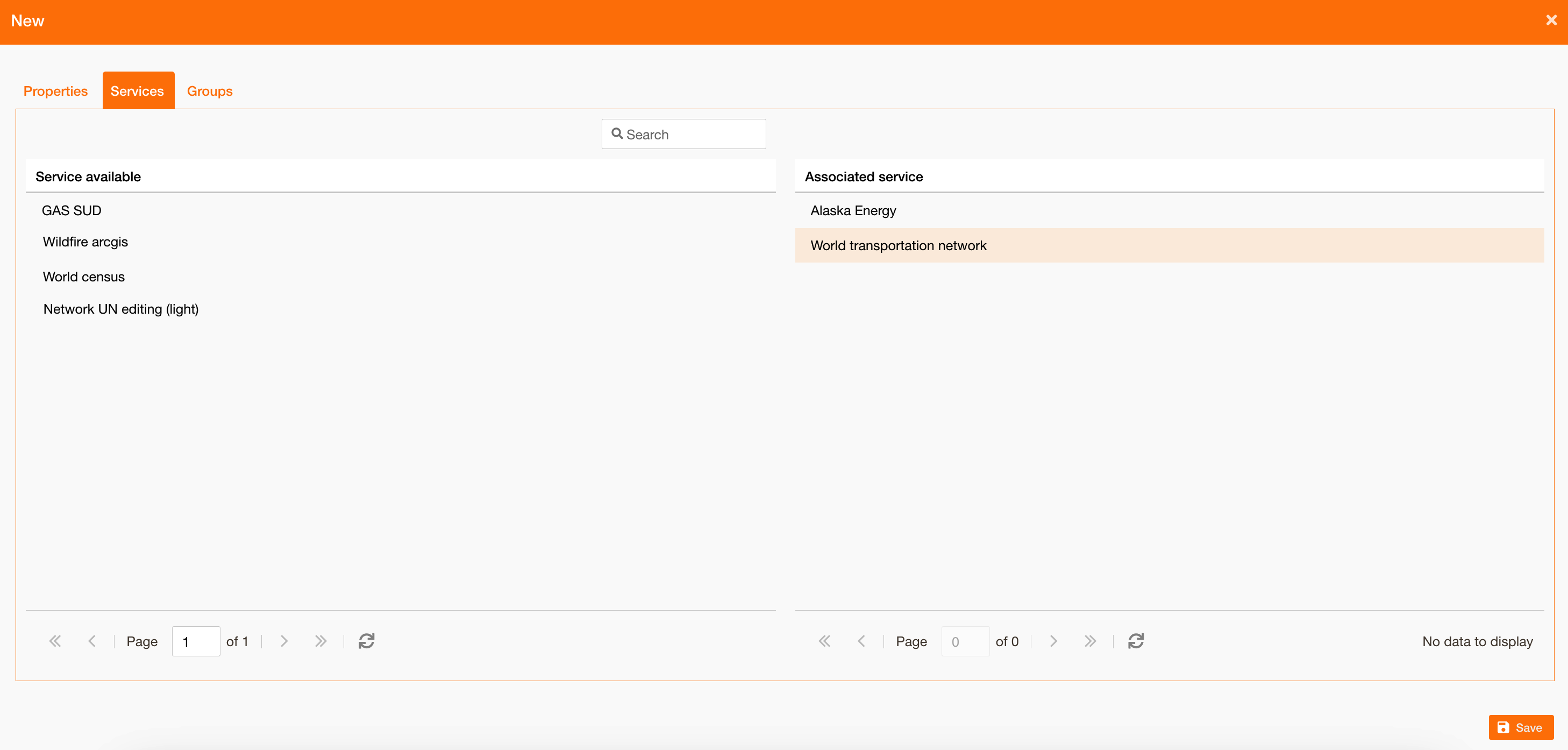
Associate services to the catalogue, searching on all services in the system with “Searchable” = true
|
|
Groups |
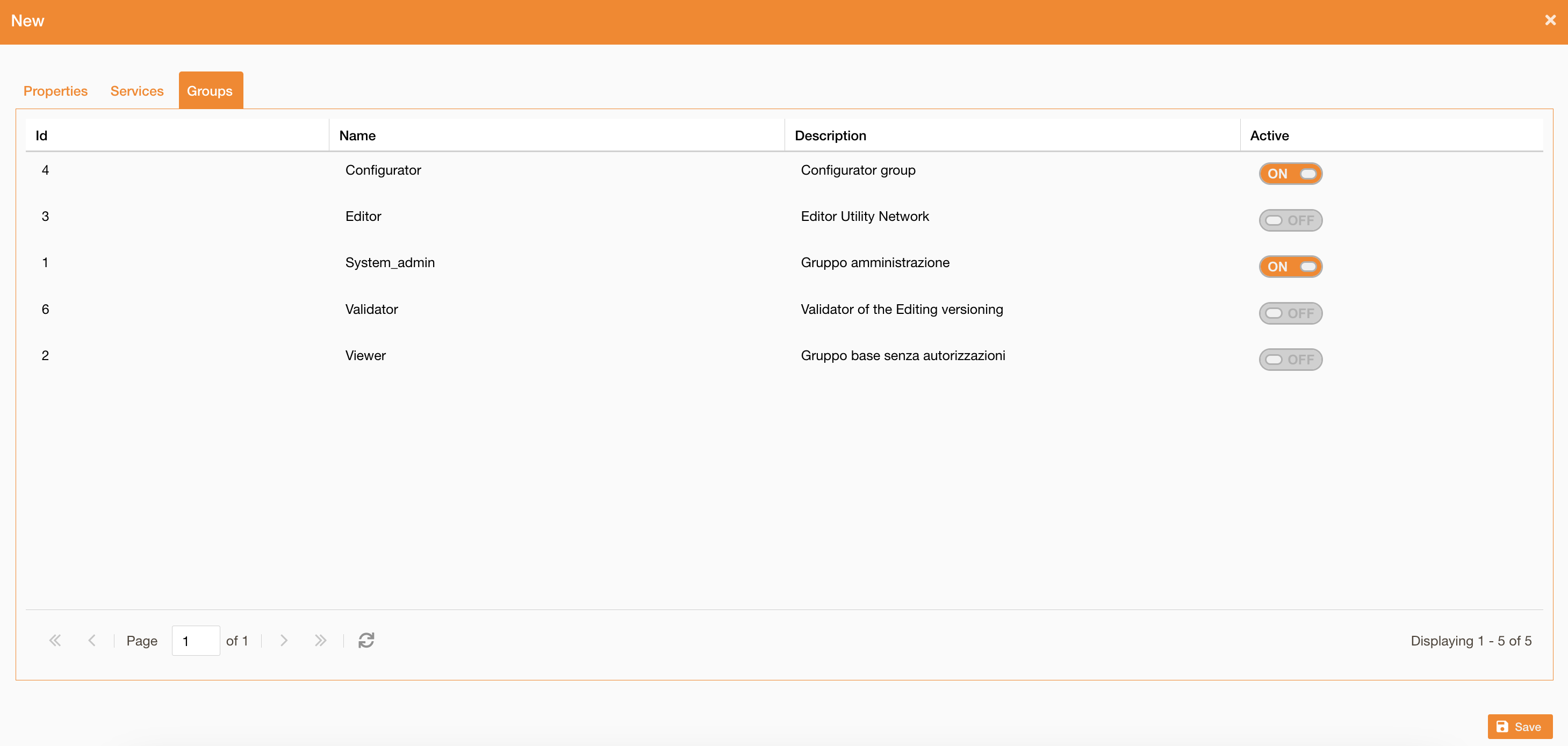
Enable the catalogue on one or more functional groups
|
See reference about search widget: Search widget