
A service makes geographic information accessible over the map, and it can be composed by more layers, that are slices of information you can add to your map.
There are several main types of GIS services, each offering different functionalities for working with geospatial data.
Before to configure services, you need to configure the server on which services are managed.
Only Configurator group can access to this configuration
Server configuration
Before to configure services, you need to configure the server on which services are managed.
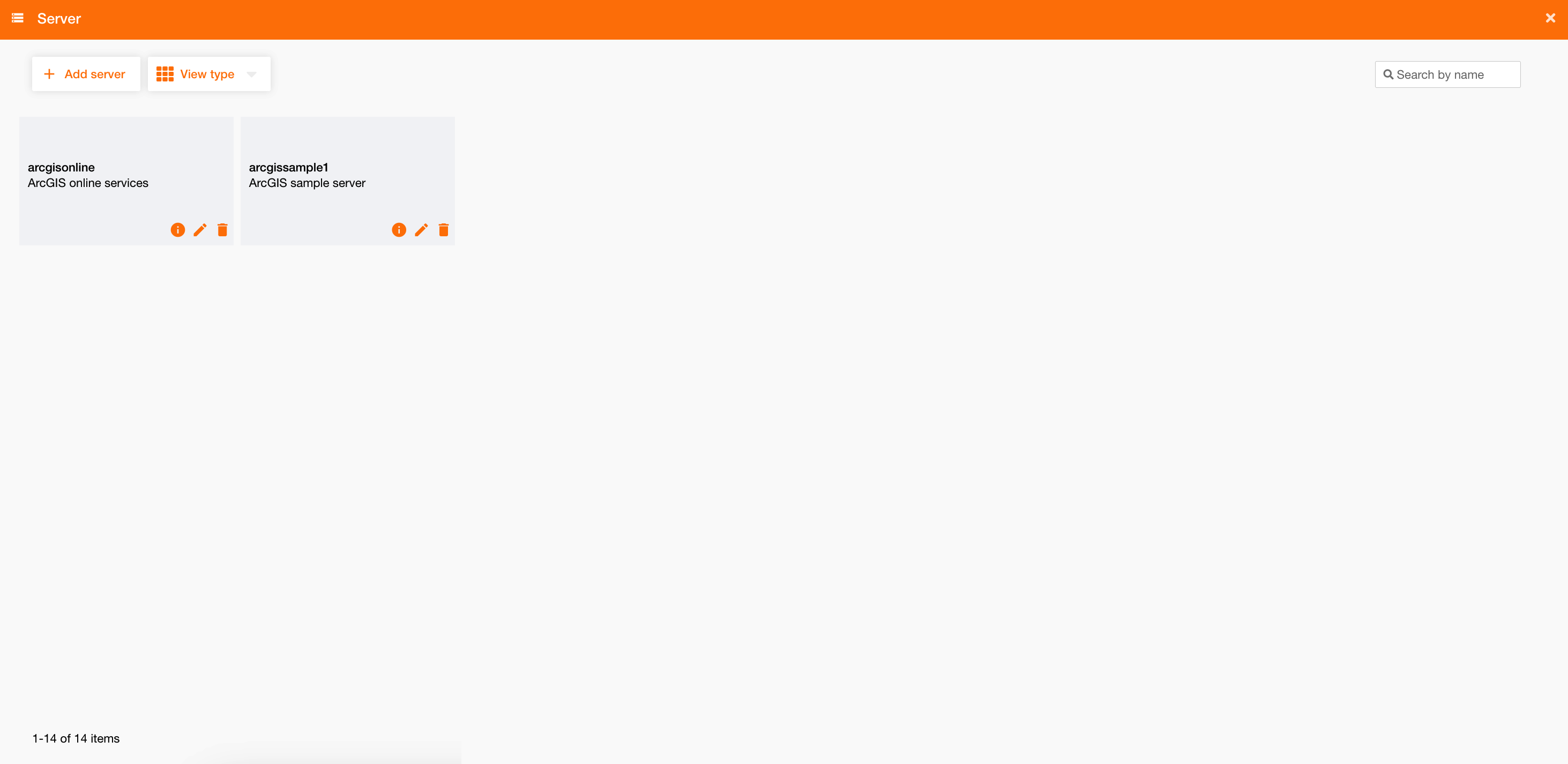
Going on Control Panel > Maps > Server, you can see the list of all existing server or create a new one clicking the “Add server” button.
|
|
|
Figure 1 - Server configuration |
To configure a server you have to define:
|
Field |
Description |
|---|---|
|
Name |
Server name (mandatory) |
|
Description |
Server description |
|
URL |
Server URL (i.e.: https://server.arcgisonline.com ) (mandatory) |
|
Proxy |
To choose the proxy to use Proxy configuration |
|
Cookie |
If true, enable Cookies |
|
Authentication Type |
|
Each server needs authentication, otherwise the system will not be able to load services on the map and will show a warning message.