
Introduction
Traditional service search methods are based on service names and can be time-consuming and inefficient, especially when dealing with a wide range of services and complex service descriptions. To improve service discovery and dispatch efficiency, NextGen Geo implements a keyword search feature.
How to configure
Only Configurator group can access to this configuration
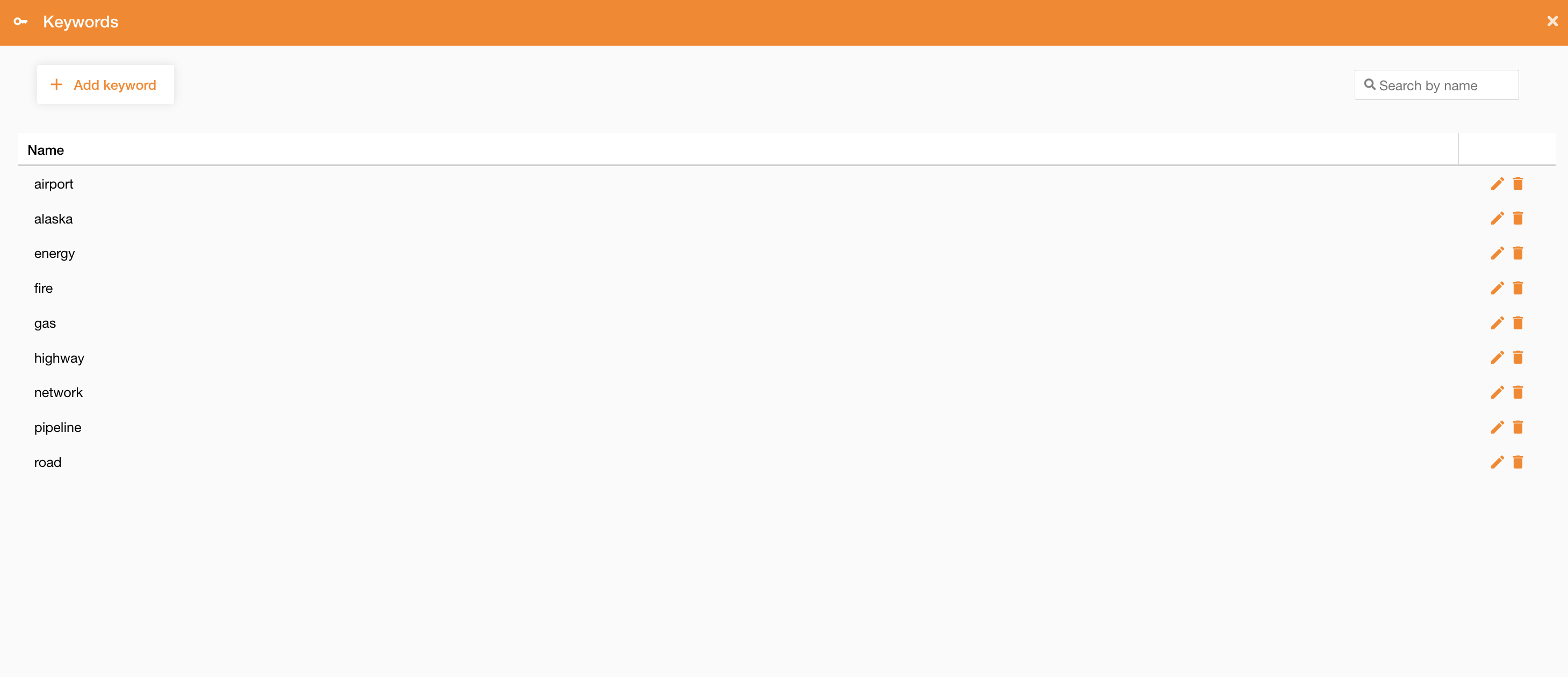
Going on Control Panel > Maps > Keywords, you can find the list of all existing keywords, or you can create a new one clicking on the “Add keyword” button.
To create a new keyword you have define only the Name field.
|
|
|---|
After that, you can associate keywords to services, described here: https://overit-spa.atlassian.net/wiki/spaces/NEXTGENGEO/pages/103375340160/Service+and+Server+configuration#Service-Keywords , and use the search widget to search services also by their keywords (see reference here: : Search widget )