
This topic explains how to manually create a Pie or Donut chart using NextGen Geo.
Before you start
Configure the first step of a dashboard module: Select service
Configure a Pie / Donut Chart
The selected service can be filtered using the “Add main filter for the statistic” section, where additional conditions can be applied to various service fields using AND or OR logic.
Next, the “Define the statistic configuration” section allows you to specify which statistics to apply to the service fields.
-
COUNT: Grouping values, only integer fields (see COUNT example )
-
“How many solar panels of each type?”
-
-
SUM: Summing values. only integer fields (see SUM example )
-
“How much energy produced for each geographic area or zone?”
-
The “Define the series for the statistic” section allows you to select a field to use as the series (maximum of one series).
Set flag “Filter by user extent” to true to make the charts dynamic when interacting with the map.
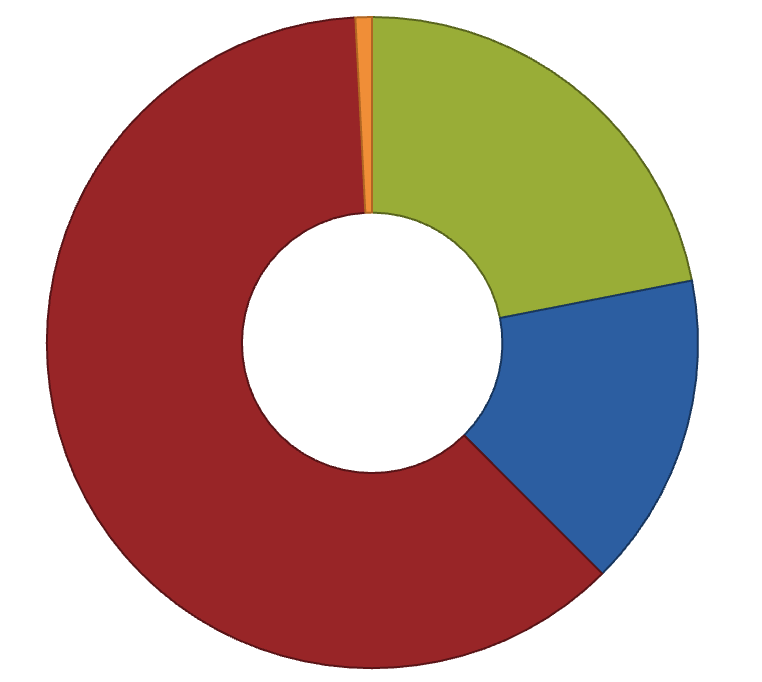
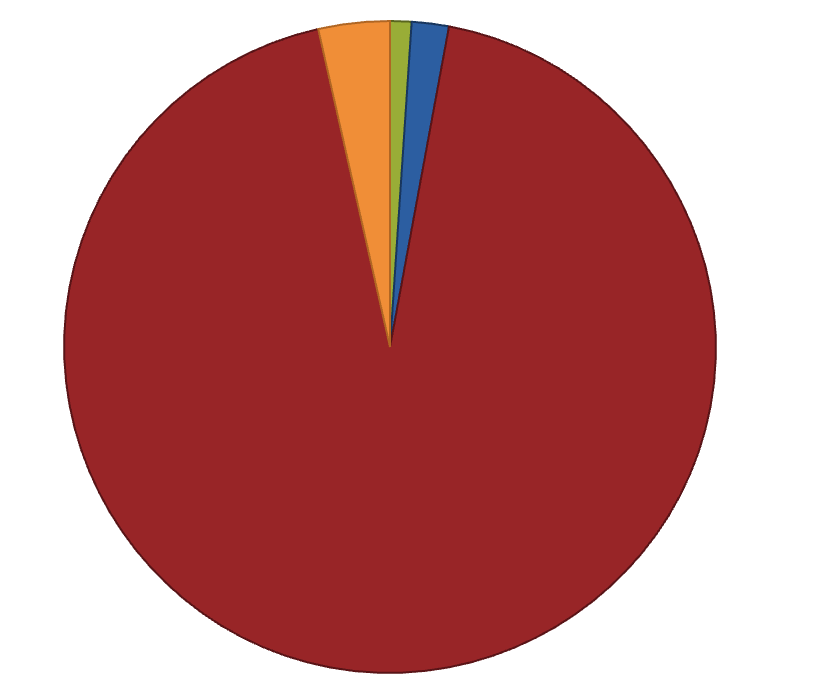
Examples
A company managing a network of solar panels distributed across various geographic areas. The goal is to gather statistical data on the panels, such as their location, type of installation, and energy production performance.
COUNT Statistics - Number of Solar Panels by Type
Goal: Visualize the number of solar panels by type (residential, commercial, industrial).
Pre-condition: the service has a field “Type” with the information of solar panels type
Steps to do:
-
Select COUNT as statistics
-
Select “Type” as Field
-
Select “Type” as Series
SUM Statistics - Total Energy Production by Area
Goal: Visualize the total energy production for each geographic area or zone.
Pre-condition: the service has a field “Area” to identify covered areas, and “Energy production” for each solar panel
Steps to do:
-
Select SUM as statistics
-
Select “Energy production” as Field
-
Select “Area” as Series
Reference:
-
Access to dashboard widget: Module widget
-
Configure user’s access to module widget: Functional Groups