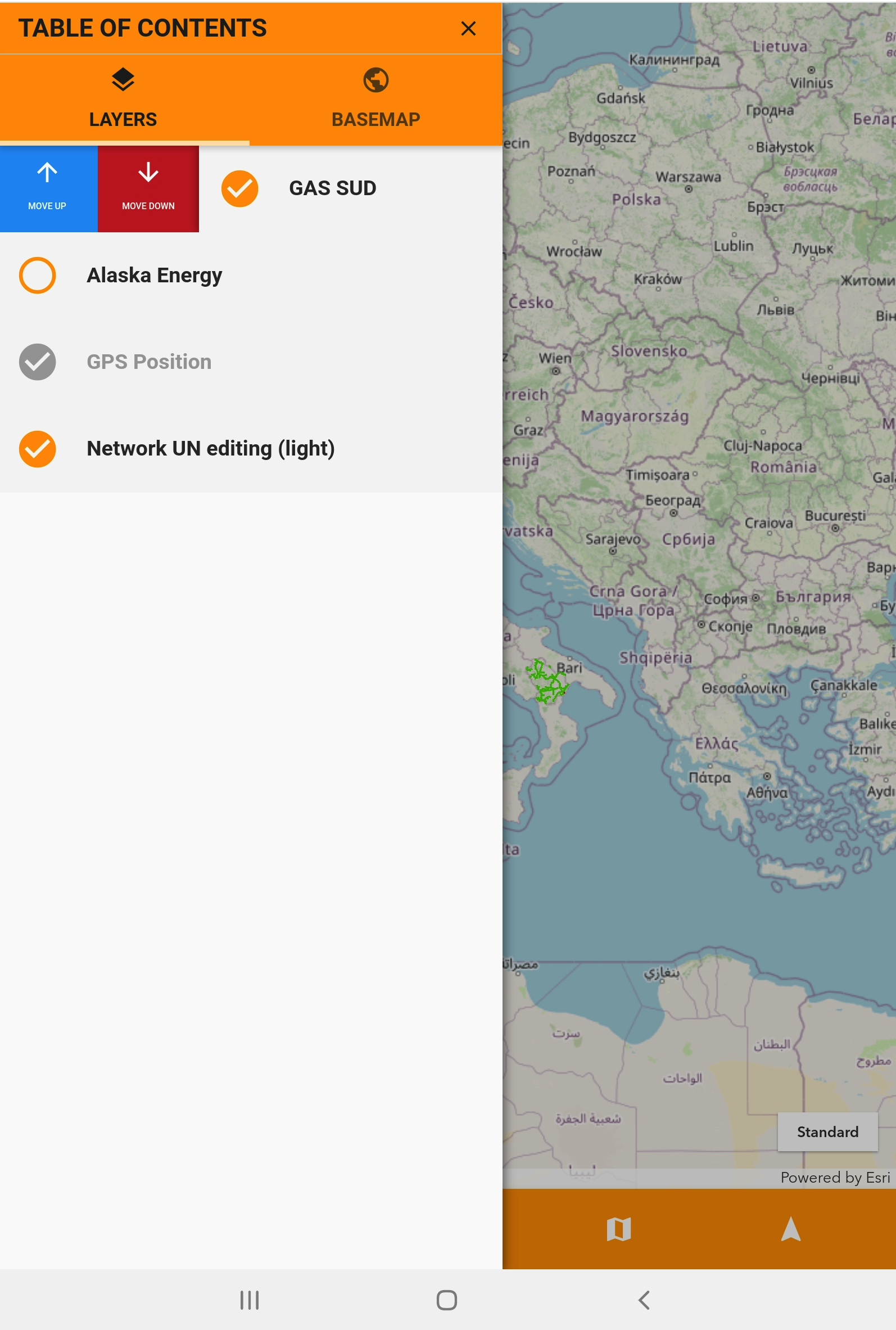
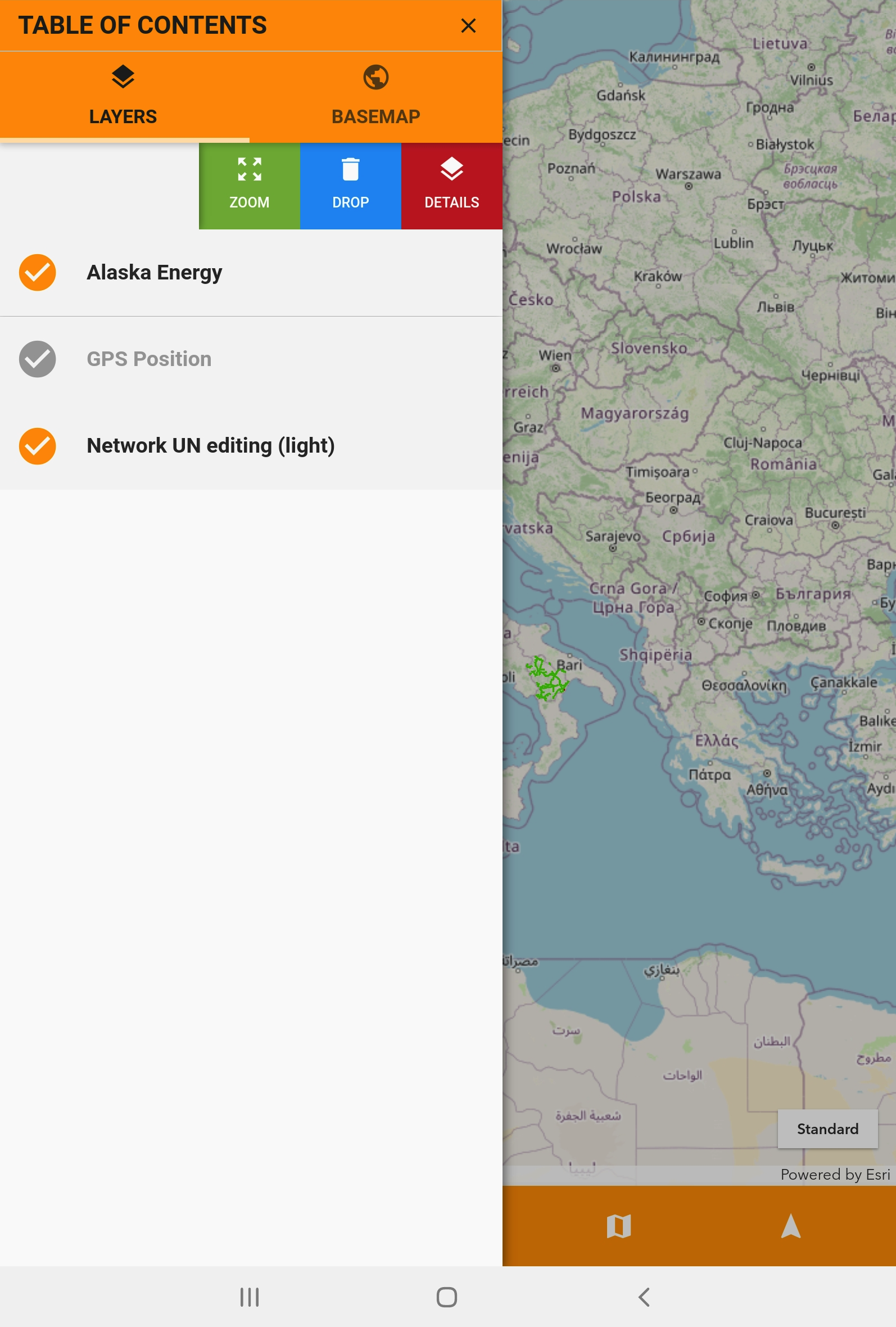
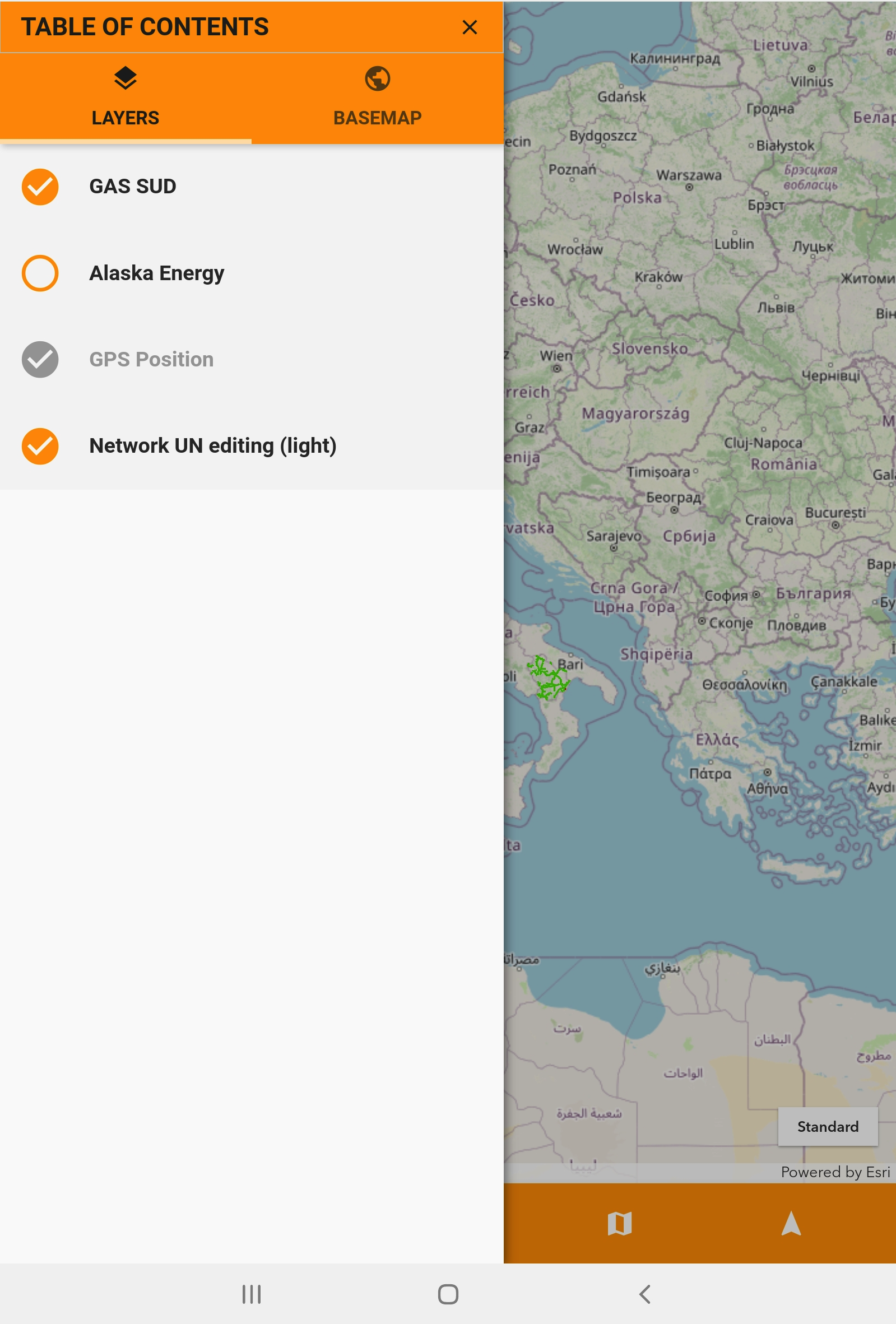
The table of contents (TOC) is like a legend for your map. It's a crucial element that helps you manage and visualize the information layered on the map.
See reference on the server-side: Table of Contents 1.0.*
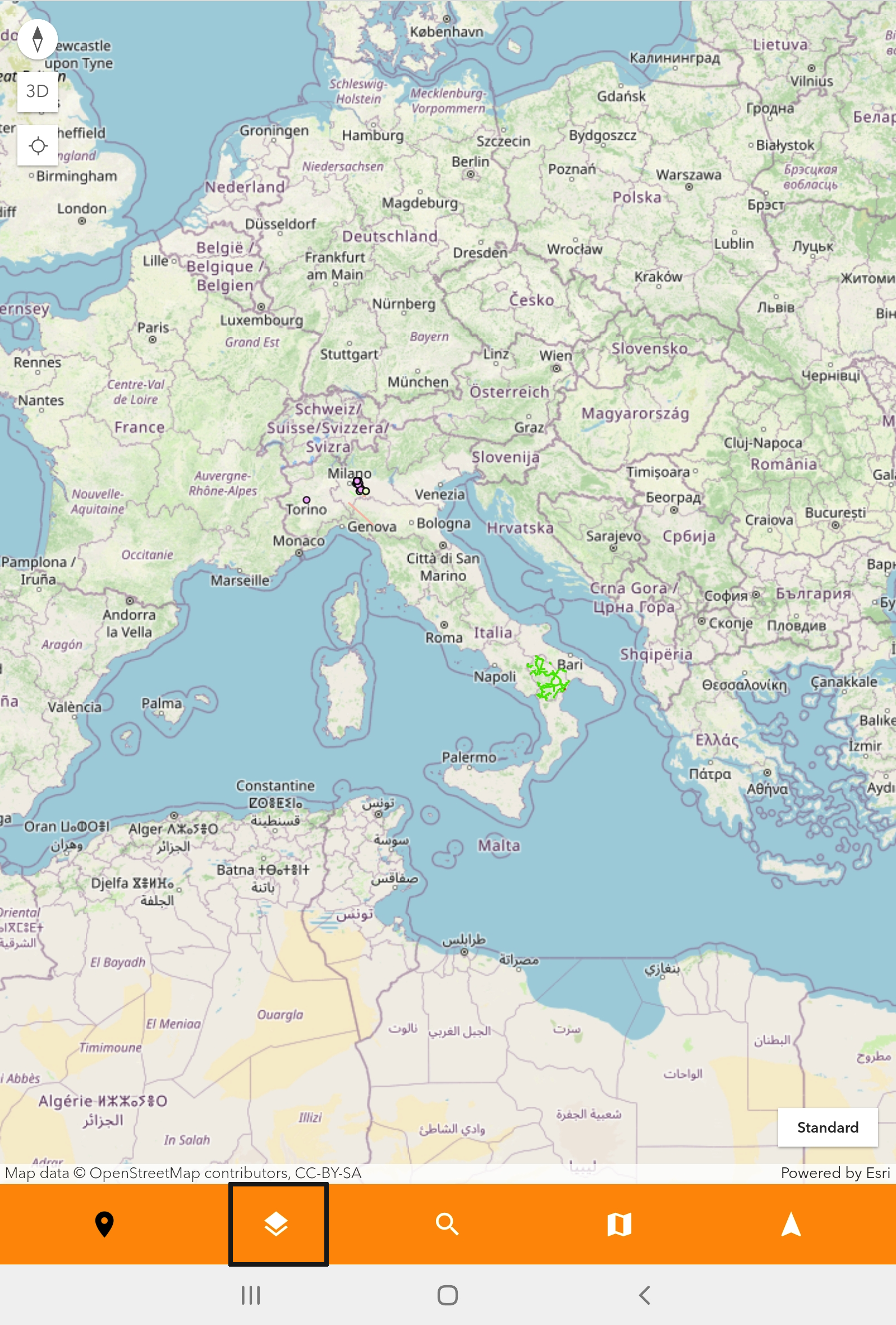
Clicking on the Table of Content icon in the image below, the system will show the Table of Content panel.
Using swipe actions on each service you can:
-
Zoom the map on the service’s assets
-
Delete the service on the TOC
-
View service’s layers
-
Move down/up each service