
This topic explains how to manually create a report using NextGen Geo through a REST service.
Before you start
Configure the first step of a report module: Reports type
Configure a report on a REST service
A REST service can displayed in a report format as a table, allowing users to view all the data in a tabular and filterable format.
In the configuration panel, you have to define:
-
Type: REST
-
URL: insert the service URL
-
Parameters: add URL parameter to correctly compose the URL
Examples
A company that provides gas pipelines services uses NextGen Geo to map and track the physical assets in the field. These assets data are tracked in a REST service, containing information such as code, installation date, life status and geographical location.
The operational manager needs an overview of the asset conditions and maintenance information, checking assets with older maintenance date, in order to make informed decisions about preventive maintenance.
-
Type: REST
-
URL: insert the service URL
The report will show all fields of the service in atable format
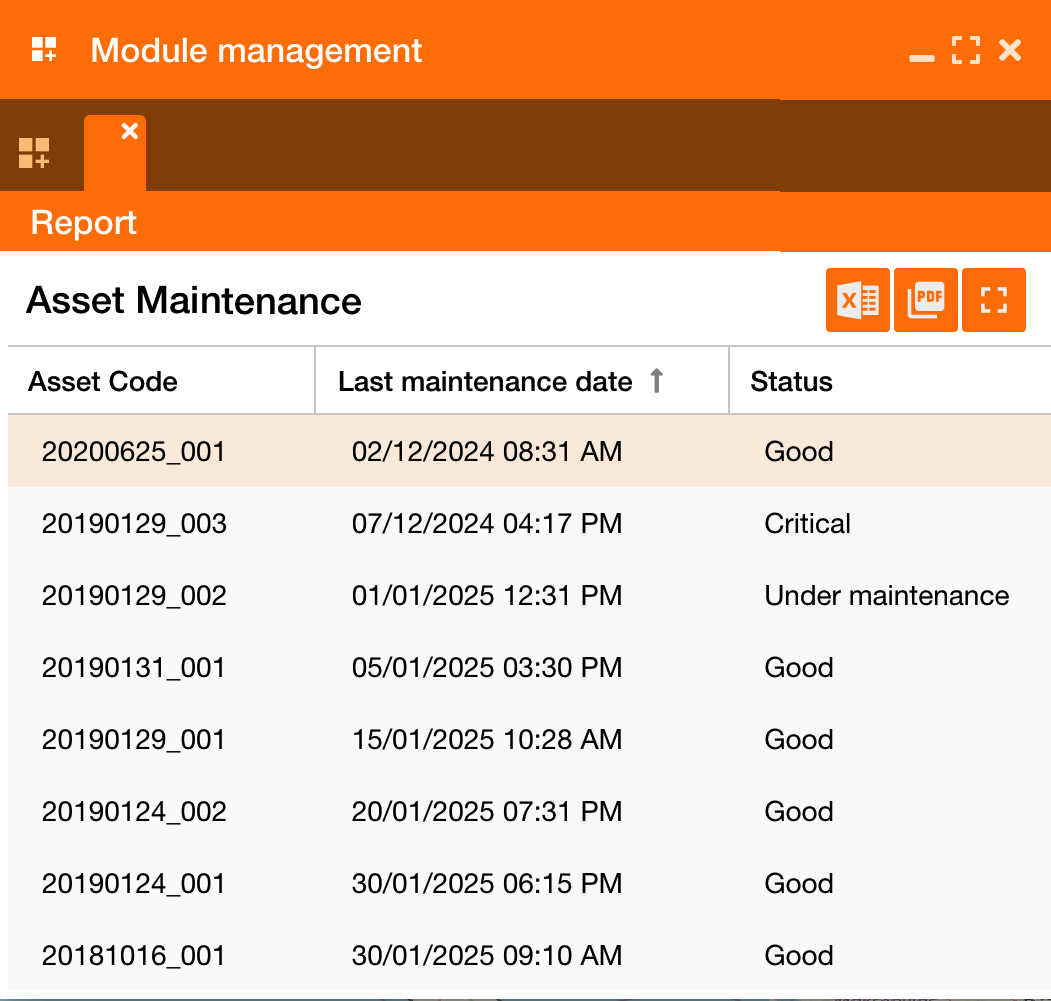
Reference:
-
Access to dashboard widget: Module widget
-
Configure user’s access to module widget: Functional Groups