
Info tools allow to view detailed information about a specific selected map feature or area. On mobile is available only the info on single point.
See reference on the server-side: https://overit-spa.atlassian.net/wiki/spaces/NEXTGENGEO/pages/103374586885/Info+widgets#Info-on-single-point
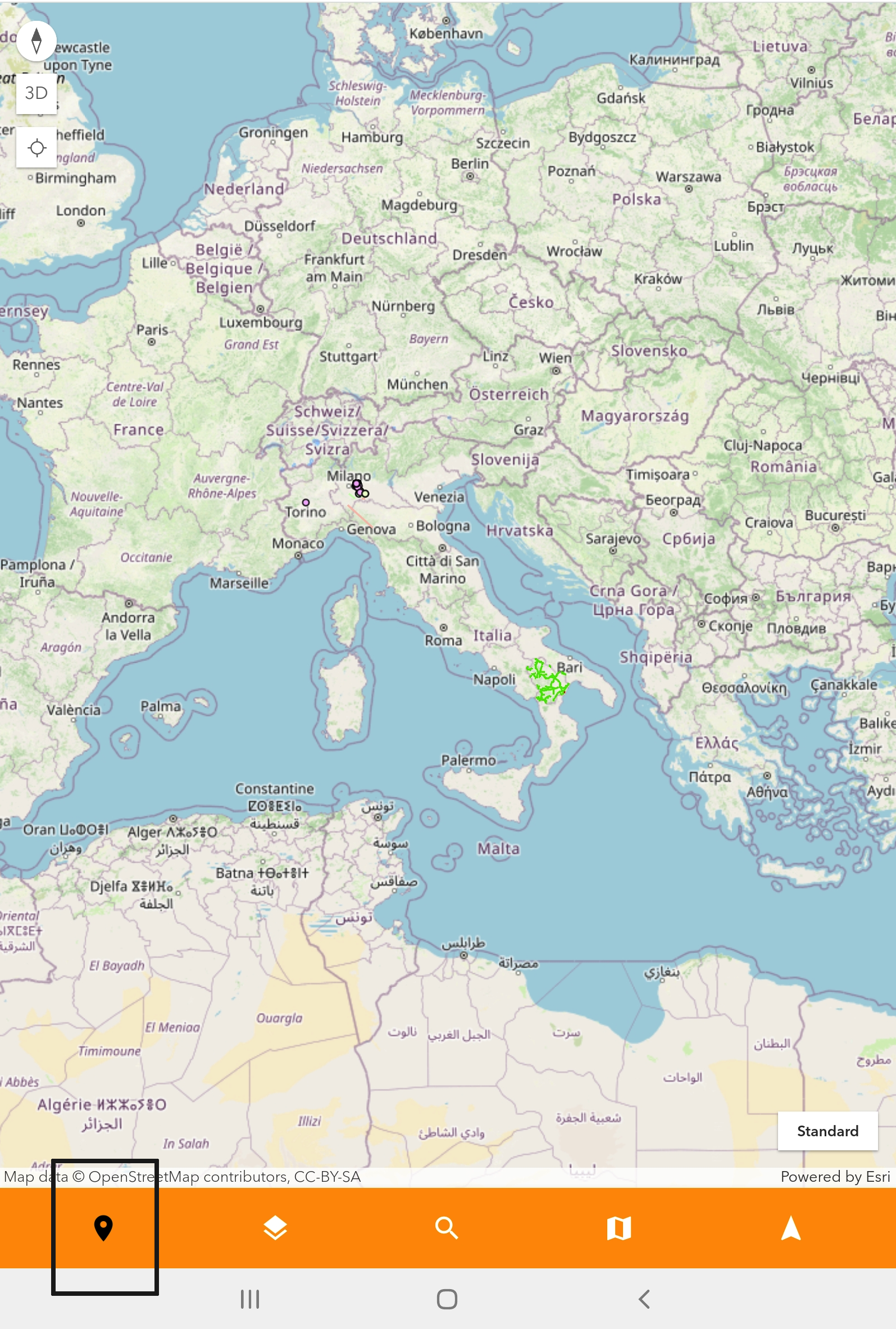
In the image below (Figure 1 - Info panel), clicking on the info icon on the map toolbar, the info function is activated and clicking a single point on the map, a new panel will show all assets included in that point and their fields.
|
|---|